- 4 -
This screen will show six transaction icons – or four if you have the clock function enabled.
You can request to have the following icons enabled for the Home screen: Sale, Settlement,
Report, Reprint, Logon and Logoff. Return, Void, Force Post, Pre-Auth, and PA Comp
can be added if they are enabled on your terminal.
Terminal communication modes
The TD Move 5000 terminal has up to three different communication modes and the
dierences are displayed on the Home screen header described below. The communication
methods are:
Version Hardware Communication Method
Bluetooth
(short range)
• Terminal and a
Bluetooth base
• Uses the Bluetooth base to connect to
the Payment Card Network via the
Merchant’s Internet connection
WiFi
(short range)
• Terminal, charging
base, and a wireless
router / modem
supplied by the
Merchant
• Uses a WiFi signal that connects to
the Payment Card Network via the
Merchant’s router
4G
(long range)
• Terminal and a
charging base
• Uses the 4G cellular towers to
connect to the Payment Card
Network
Bluetooth communication mode
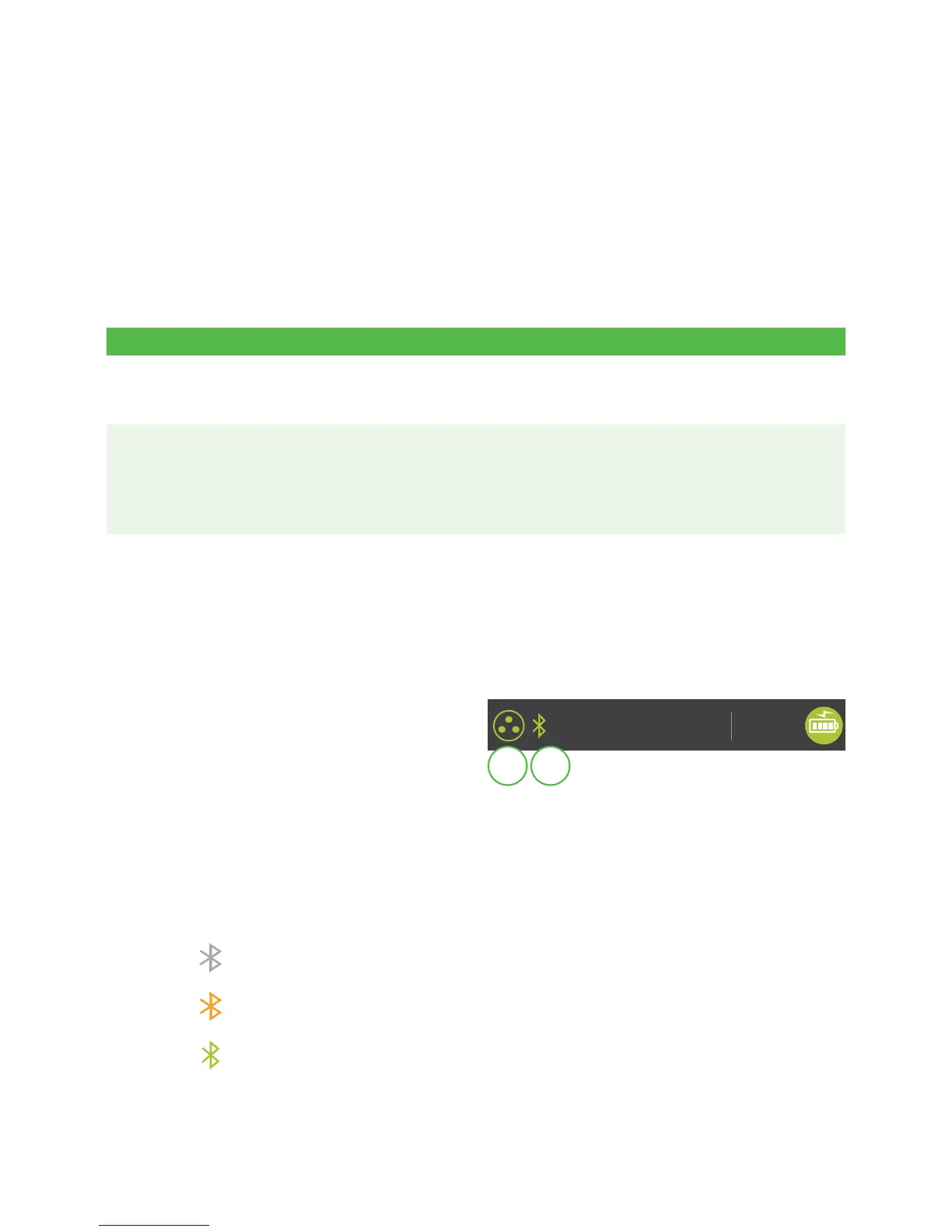
1. Ethernet connection icon
The Ethernet icon in the top-left
corner indicates that the
Bluetooth base’s connection to
the Internet. It will be one of two
colours: grey (disconnected), or
green (connected).
2. Bluetooth connection icon
The Bluetooth icon in the top-left corner indicates the terminal’s connection to
the Bluetooth base. It will be one of three colours: grey (disconnected), orange
(searching for connection) or green (connected).
The grey icon indicates that Bluetooth is active on the terminal but not
connected to a Bluetooth base.
The orange icon indicates that the terminal is connecting to a Bluetooth
base.
The green icon indicates that the terminal is connected to a Bluetooth
base.
14 : 25
08/09/2018
1 2



 To Next Page