- 25 -
4G
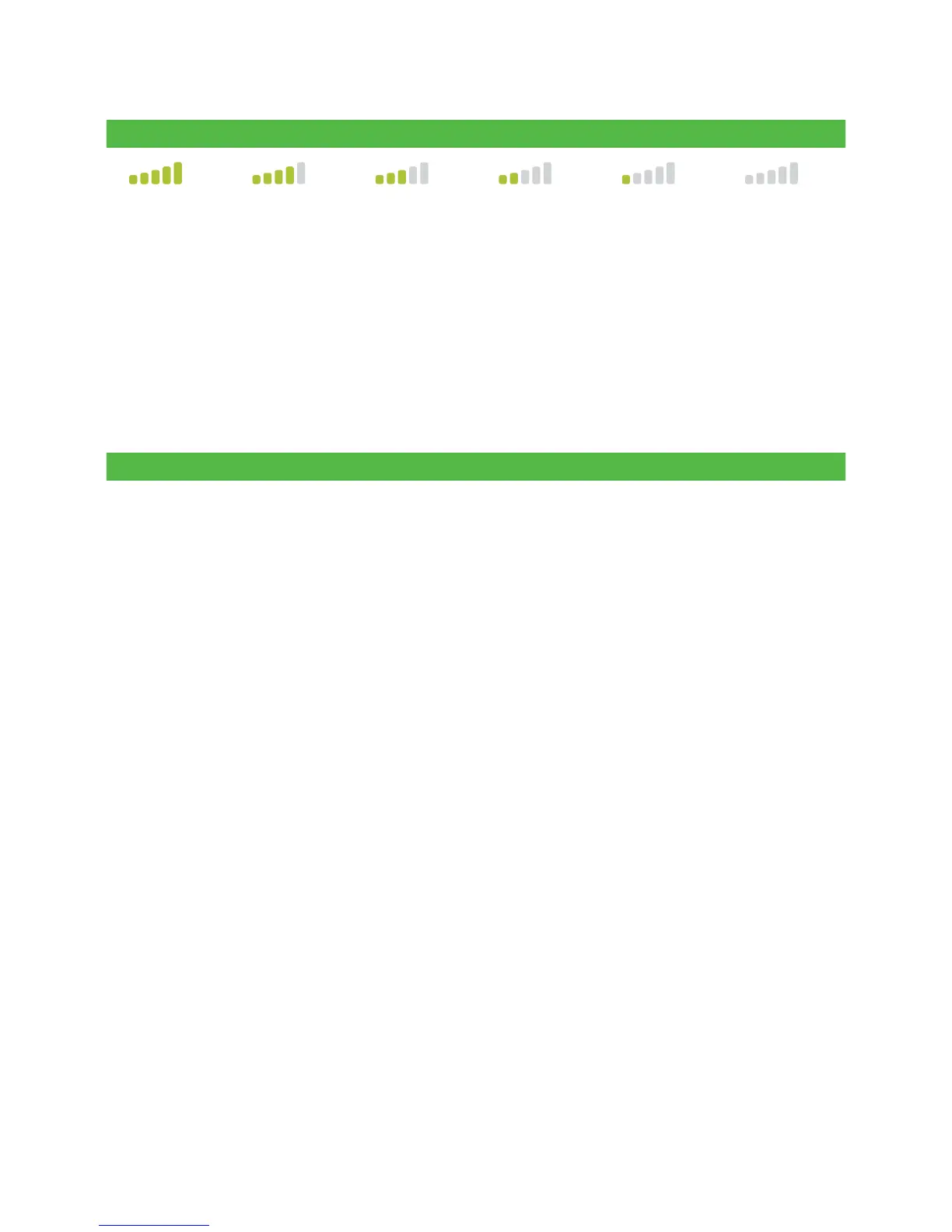
10 0% 80 % 60 % 40% 20% / Low Zero / None
4G4G 4G 4G 4G 4G 4G
4G Interference
The 4G (cell towers) signal is blocked by certain materials. Buildings (new or existing) have
a large amount of concrete or brick and may cause signal strength issues. As well, new
physical barriers added to your workplace (walls with metal frameworks and electrical
wires) may also cause interference for your terminal. Be aware when modifying your
workplace that you may be introducing signal interference.
Why isn’t my terminal charging?
Bluetooth base or charging base Charging cord
1. Ensure the terminal is seated
irmly in the base? Then, check
to see if the charging icon
appears in the top-right of the
screen. If it doesn’t, go to step 2.
2. Ensure that the base’s electrical
outlet has power. If it does, go to
step 3.
3. Ensure that the power pack is fully
inserted into the power outlet. Is the
terminal charging? If not, go to step 4.
4. Use charging cord included in
your welcome kit. Plug this into
an electrical outlet and plug the
other end into the charging port
on the left side of the terminal. It
is covered by a grey rubber lap
that can easily be lifted with your
thumbnail.
5. If this doesn’t address the
charging issue, it may be the
terminal’s battery. Please contact
the TD Merchant Solutions Help
Desk for the next steps.
1. Ensure that the electrical outlet has
power. If it doesn’t, go to step 2.
2. Plug the charging cord into a
dierent electrical outlet. Then,
check to see if the charging
icon appears in the top-right of
the screen. If it doesn’t, go to
step 3.
3. If this doesn’t address the
charging issue, it may be the
terminal’s battery. Please
contact the TD Merchant
Solutions Help Desk for the
next steps.



 To Next Page