- 14 -
13. The screen shows that authorization number, the transaction total and the
receipts print.
a) If cashback was requested and authorized, ensure that the correct
amount is provided to the customer.
b) If this is a UnionPay transaction, the customer may be required to sign
the receipt. Review the receipt to see if a signature is requested.
Return (credit)
You use this option to fully or partially return any sale transaction that is in a settled batch.
If this is a correction, you must perform a void for the full amount of the transaction (see
page 15).
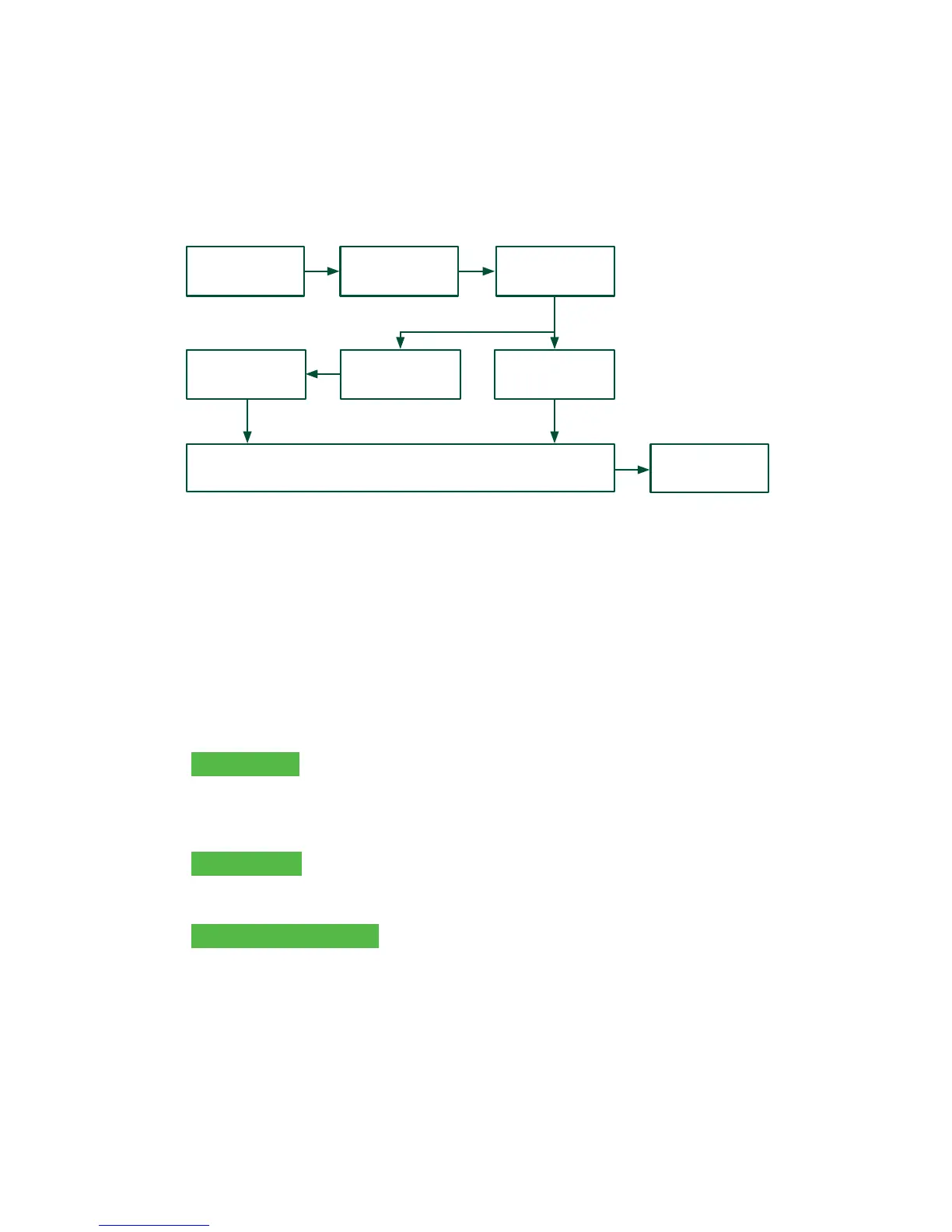
1. Tap the Return icon or press 2 on the keypad.
2. Enter the total return amount.
3. Customer selects to method to read the card that the initial sale was done on
(Tap, Insert, Swipe, or Key).
Insert card
a) Verify the card info with what is on the screen and press OK.
b) The customer may be required to enter their PIN. Go to step 5.
Swipe card
a) Verify the card info with what is on the screen and press OK. Go to step 5.
Manually enter card
a) Enter the account number and press OK.
b) Enter the expiry date and press OK. This is four digits in length.
4. The transaction is approved and the receipts are printed.
ENTER
AMOUNT
RECEIPTS
FINISHED
ENTER PIN
INSERT CARD or
SWIPE CARD
TAP CARD
CONFIRM
AMOUNT
PAYMENT
METHOD



 To Next Page