- 2 -
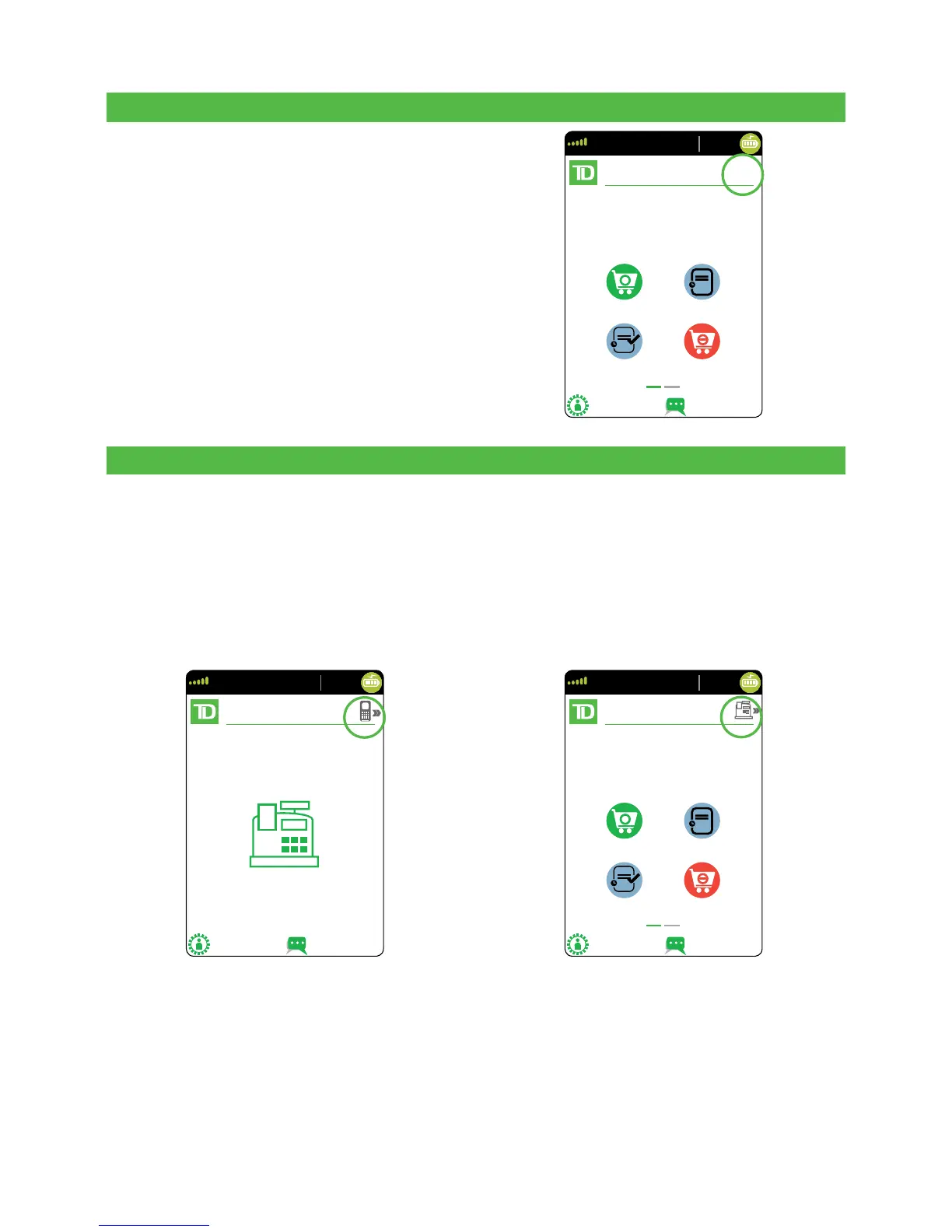
Standalone Terminal
The standalone terminal requires that you
enter the transaction information into the
terminal and then the customer enters
their payment information on the terminal.
It has only one mode so you will not see
an icon in the top-right corner.
For more information on the standalone
terminal, see page 3.
Semi-Integrated Terminal
The semi-integrated terminal has the transaction information fed to it (usually from an
electronic cash register) and the customer enters their payment information on the
terminal. It has two modes. You can tell which mode is active by the terminal’s Home
screen and the icon with the arrow in the top-right corner of the screen.
• For more information on the semi-integrated terminal see page 6.
• For more information on changing modes see page 21.
Semi-Integrated Mode Home Screen Standalone Mode Home Screen



 To Next Page