15
CHAPTER 6: WEB PAGES
6.1
Benefits of Web Pages
The web pages are useful for:
• Read Ethernet configuration, statistics and verify communication with the power supply.
• Configuring the LAN connection.
6.2
Opening the Overview Page
Once the rear Module Status LED turns Green and Network Status LED turns Green or Flashing Green (refer
to Section 3.3 for LEDs overview), the web page is accessible.
1. Read the IP address from the front panel (refer to Section 5.1).
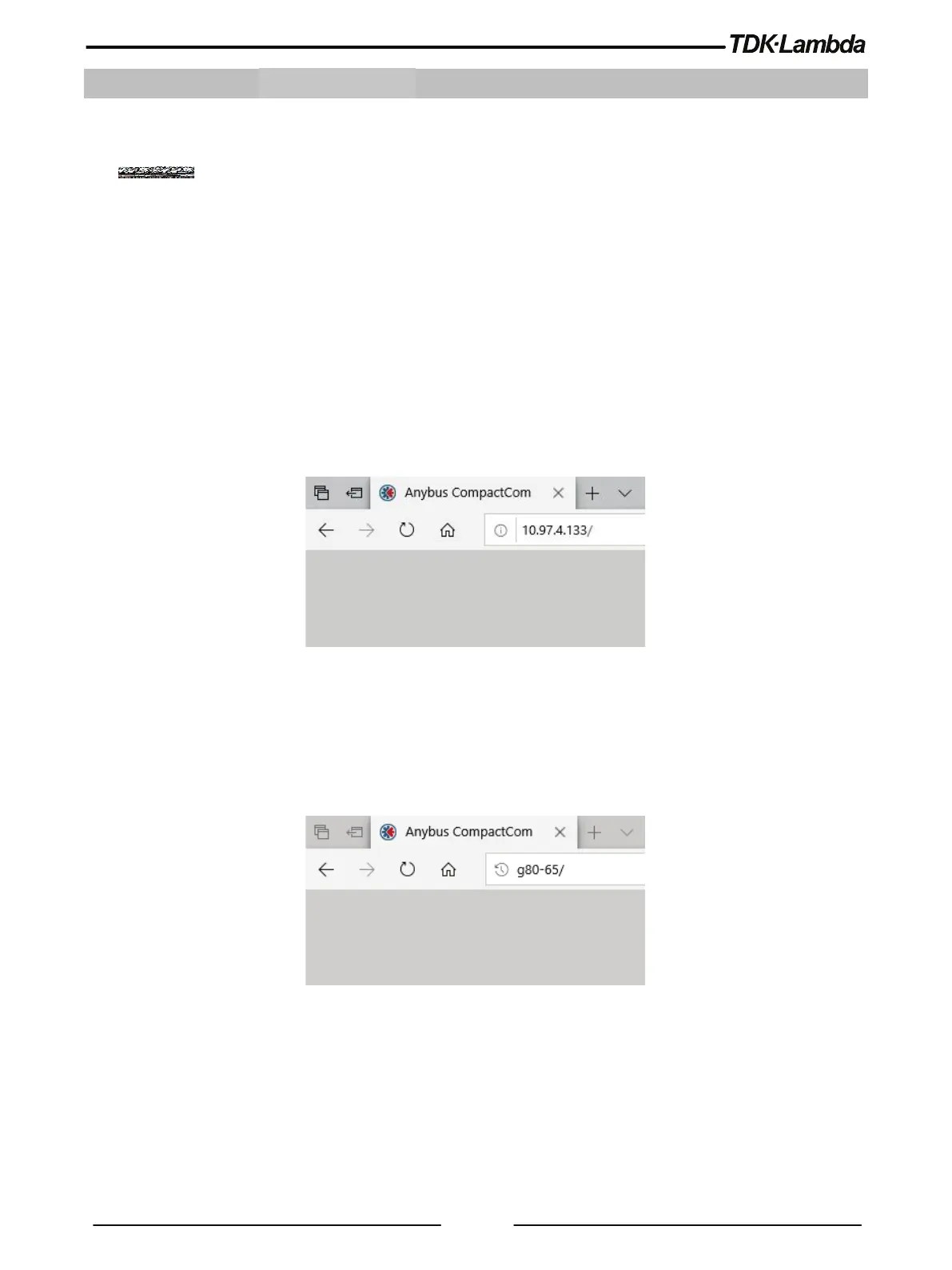
2. Open a web page browser program. Enter power supply’s IP address as shown below.
3. Press the Enter key.
Figure 6–1: IP Main Page
The power supply Overview page appears.
Alternately, the hostname may be used for addressing the web page as shown below (if the power supply is
set for DHCP, and if a DNS naming service is running on the computer). Refer to Section 4.5 for a description
of the hostname. Refer to the example below.
Figure 6–2: Hostname Main Page
The power supply Overview page appears.














 To Next Page