19
• Auto – Auto Negotiation enabled. Speed and duplex are configured automatically according to
the network the power supply is connected to.
• 10 HDX – 10Mbps, Half Duplex configuration.
• 10 FDX – 10Mbps, Full Duplex configuration.
• 100 HDX – 100Mbps, Half Duplex configuration.
• 100 FDX – 100Mbps, Full Duplex configuration.
NOTES
1. Default settings after reset are DHCP Enable, Hostname is set according to Section 4.5
and Port 1 and 2
set to Auto.
2. Any setting change has to be acknowledged by Save settings button.
3. Some field (DHCP setting, IP address setting, etc…) require AC power recycle if modified. It is mandatory
to follow the instructions displayed on-screen following Save settings button press. It is recommended to
recycle power supply AC power following any change.
4. If a parameter has been changed, it is recommended to wait 5~10 seconds following a press on Save
settings button to ensure parameters have been accepted by the power supply (on-screen instructions
might not appear).
5. Some IP addresses might be blocked by the web page. In such case, set IP address through power
supply front panel (there are no restrictions if an IP address is set through power supply front panel).
Refer to Section 5.2.
6.7
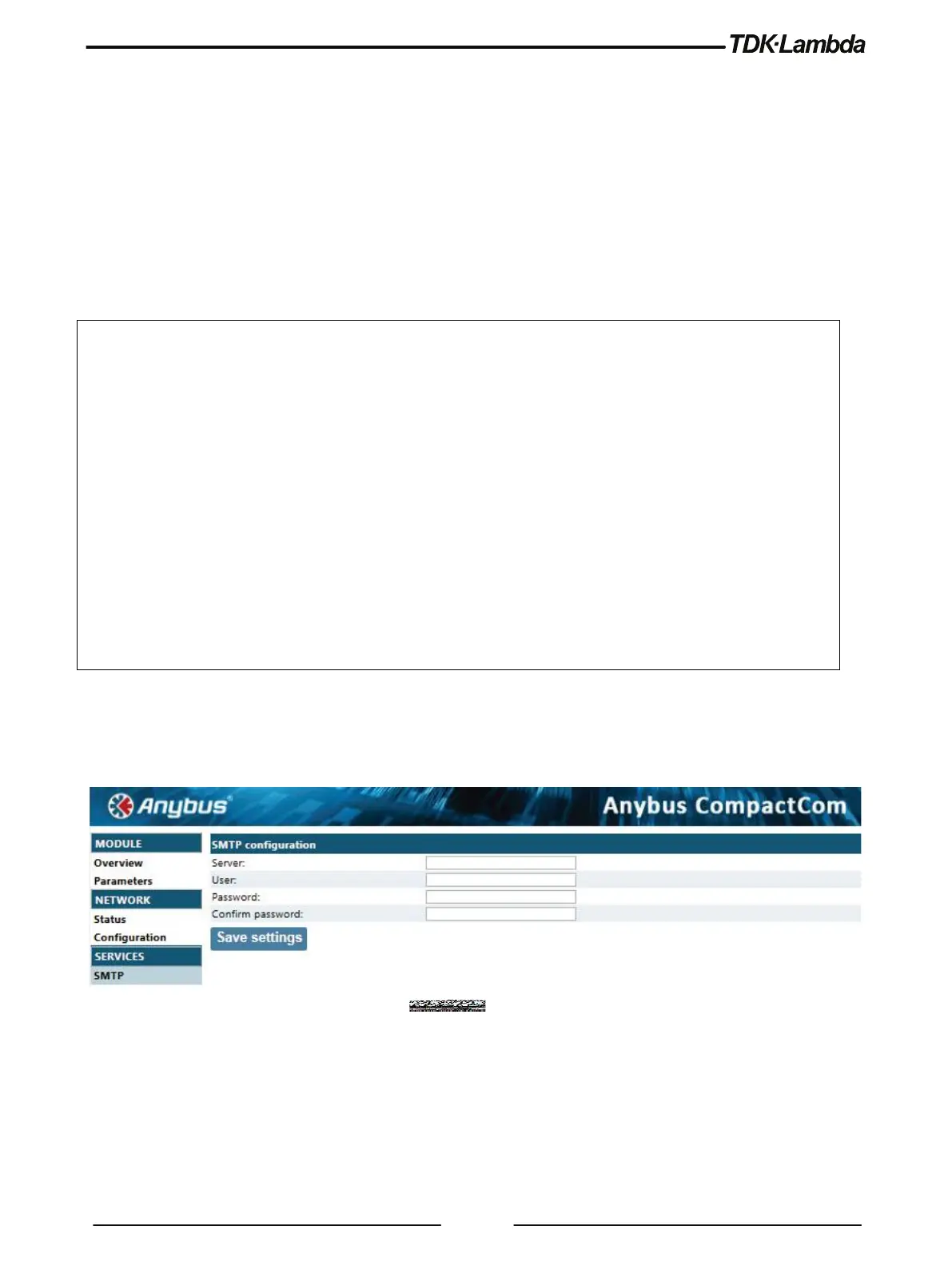
SERVICES SMTP Page
The SMTP page provides the ability to set Simple Mail Transfer Protocol, this service is not
implemented.
Figure 6–10: Services SMTP View














 To Next Page