16
6.3
MODULE Overview Page
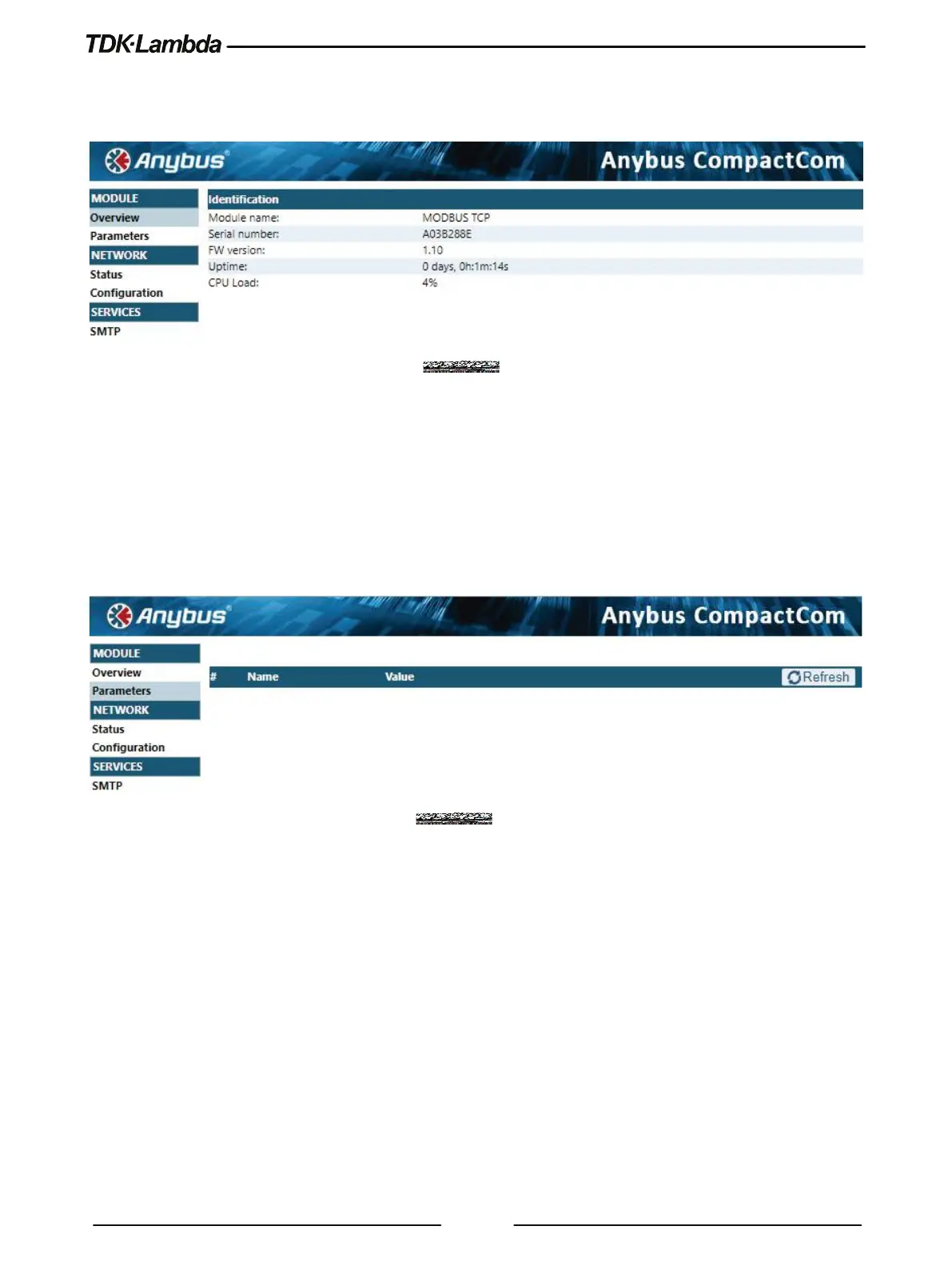
The following page appears when the web page is opened for the first time or when it is refreshed:
Figure 6–3: Overview Page
Overview page contains basic information related to the optional module name (communication
type), serial number, FW (firmware) revision, operation time since last communication enable
(uptime) and internal (optional card only) CPU load.
6.4
MODULE Parameters Page
When the Parameters page is selected, the following web page opens. This page is not in use, it
contains no data (page is kept as optional).
Figure 6–4: Parameters Page
6.5
NETWORK Status Page
The Status contains four categories. General Ethernet Settings and Status view, Interface
Counters, Media Counters and MODBUS TCP Statistics.
6.5.1
General Ethernet Settings and Status View
General Ethernet Settings and Status view provides Ethernet configuration info. The info includes DHCP
status, MAC address, IP address, hostname, subnet mask, gateway, DNS, domain name and Ports (Port 1
and port 2) link status.














 To Next Page