EasyManua.ls Logo

TDK-Lambda Z10-20 - User Manual

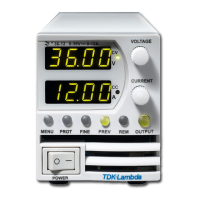
TDK-Lambda Z10-20
130 pages
Print Icon
To Next Page IconTo Next Page
Loading...
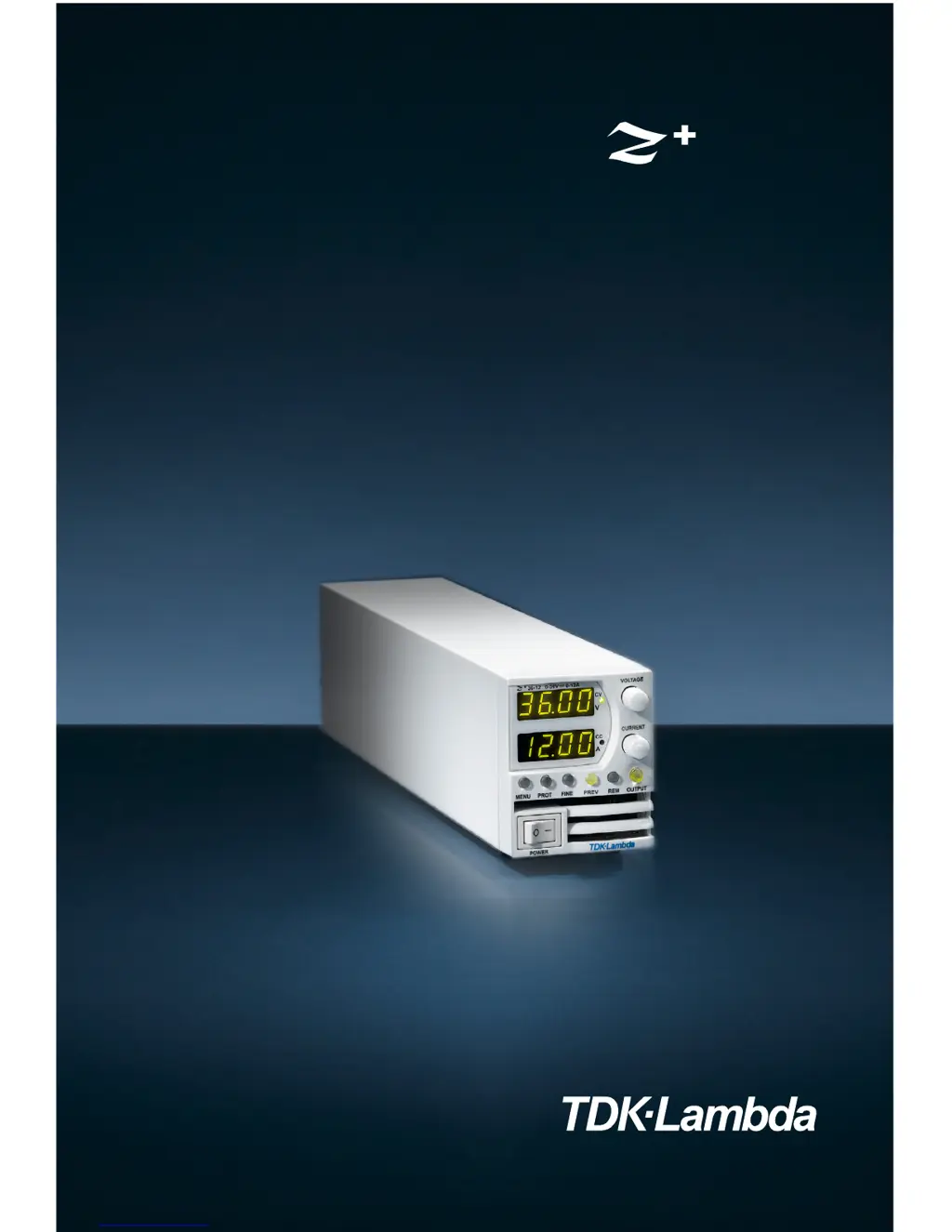
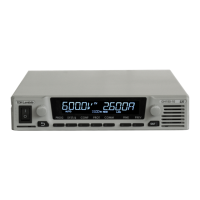
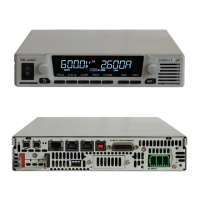
Programmable DC Power Supplies
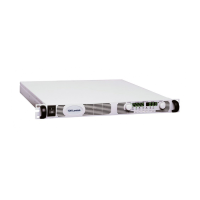
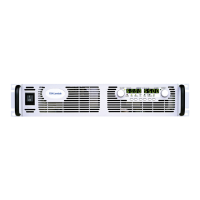
200W/400W/600W/800W in 2U
Built-in USB, RS-232 & RS-485 Interface
Optional Interface:
LXI Compliant LAN
IEEE488.2 SCPI (GPIB) Multi-Drop
Isolated Analog Programming
Series
User Manual

Table of Contents

Questions and Answers

  • K
    Kenneth HatfieldAug 17, 2025
    What to do if TDK-Lambda Power Supply has no output and all displays are blank?
    • K
      kelli41Aug 17, 2025
      If your TDK-Lambda Power Supply shows no output and all displays are blank, check if the AC power cord is defective and replace it if necessary. Also, verify that the AC input voltage is within the correct range and connect to an appropriate voltage source.
  • A
    Amanda KruegerAug 19, 2025
    What to do if TDK-Lambda Power Supply output is present momentarily but shuts off quickly and the display indicates "OUP"?
    • C
      Cheryl LeeAug 19, 2025
      If the output of your TDK-Lambda Power Supply is present momentarily but shuts off quickly, and the display indicates "OUP", check if the power supply is configured to Remote sense. Check if the positive or negative load wire is loose.
  • M
    Madison HansenAug 22, 2025
    What to do if TDK-Lambda Power Supply output is present momentarily but shuts off quickly and the display indicates "AC"?
    • E
      Erica HowellAug 22, 2025
      If the output of your TDK-Lambda Power Supply appears briefly but then shuts off, and the display shows "AC", check the AC source voltage when the load is applied. Connect to an appropriate voltage source if the voltage sags.
  • L
    Laurie MasonAug 25, 2025
    What to do if TDK-Lambda Power Supply has no output and display indicates "OUP"?
    • E
      Erin AguilarAug 26, 2025
      If your TDK-Lambda Power Supply has no output and the display indicates "OUP", the Over Voltage Protection circuit may be tripped. Turn off the AC power switch. Check load connections. If analog programming is used, check if the OVP is set lower than the output.
  • C
    cbryantAug 28, 2025
    Why won't the output voltage adjust on my TDK-Lambda Power Supply when the front panel CC LED is on?
    • B
      Barbara ReidAug 28, 2025
      If the output voltage on your TDK-Lambda Power Supply won't adjust and the front panel CC LED is illuminated, the unit might be in constant current mode. Check the current limit setting and the load current.
  • O
    owashingtonAug 30, 2025
    Why won't the output current adjust on my TDK-Lambda Power Supply when the front panel CV LED is on?
    • K
      kingmeganAug 30, 2025
      If the output current on your TDK-Lambda Power Supply won't adjust and the front panel CV LED is on, the unit is likely in constant voltage mode. You should check the current limit and voltage settings.
  • S
    samanthabenderSep 2, 2025
    Why won't the output voltage adjust on my TDK-Lambda Power Supply when the front panel CV LED is on?
    • D
      danielcoxSep 2, 2025
      If the output voltage of your TDK-Lambda Power Supply will not adjust while the front panel CV LED is on, check if the output voltage is adjusted above the OVP setting or below the UVL setting. Set the OVP or UVL so it does not limit the output.
  • M
    Megan MillerSep 5, 2025
    What causes large ripple present in output of TDK-Lambda Power Supply?
    • M
      Michelle PorterSep 5, 2025
      If you observe a large ripple in the output of your TDK-Lambda Power Supply, it may be related to the remote sense function or a high voltage drop on the load wire. Check the load and sense wire connections for noise and impedance effects. Minimize the voltage drop on the load wires.
  • J
    Joshua FarrellSep 8, 2025
    What to do if front panel controls are nonfunctional on TDK-Lambda Power Supply?
    • J
      justinklineSep 8, 2025
      If the front panel controls on your TDK-Lambda Power Supply are not working, the power supply may be in Local-Lockout mode. Turn off the AC power and wait until the display turns off. Then, turn the AC power back on and press the front panel REM/LOC button.
  • T
    Terry PhillipsSep 12, 2025
    What does it mean if TDK-Lambda Power Supply has no output and front panel ALARM LED is blinking?
    • A
      aaron55Sep 12, 2025
      If your TDK-Lambda Power Supply has no output and the front panel ALARM LED is blinking, here's what to check based on the display: * If the display indicates "ENA", check the rear panel J3 Interlock Function. * If the display indicates "SO", check the rear panel J3 Output Shut Off connection. * If the display indicates "07P", verify that the air intake or exhaust are not blocked and that the unit is not installed near heat-generating equipment. * If the display indicates "Fb", check the Foldback setting and load current.

TDK-Lambda Z10-20 Specifications

General IconGeneral
Power Rating200 W
Input Voltage Range85 to 265 VAC
Input Frequency Range47 to 63 Hz
Operating Temperature Range0 to +50°C
Safety StandardsUL, CSA, CE
Output Voltage Range0 to 20 V

Related product manuals