Timer/Macro Mode
24
Timer/Macro Mode transmits a Macro command
at a specific time delay within 23 hours and 50
minutes. The time delay can be set in 10-minute
increments.
Setting Timer/Macro Mode
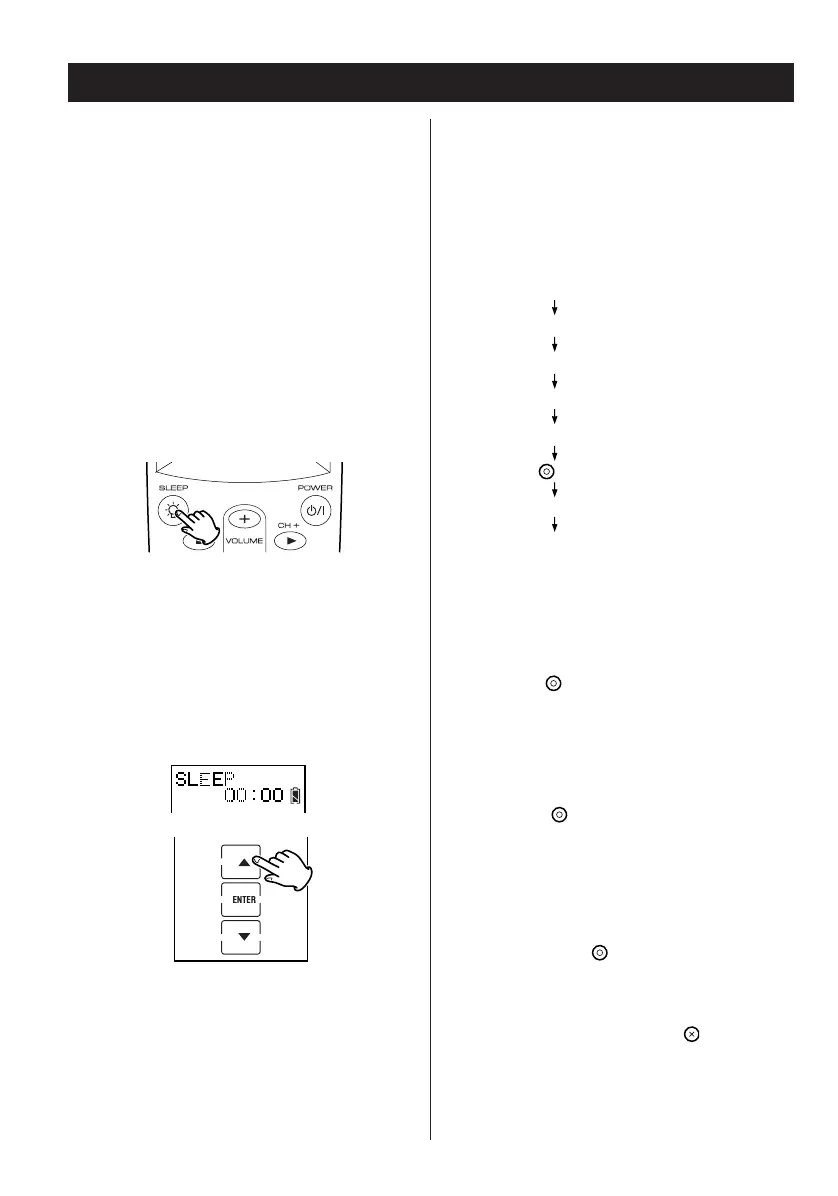
1. Press and hold the SLEEP button for 3
seconds to enter the setting mode.
2. Press
5 or b to select the time delay in 10-
minute increments.
3. Press ENTER.
Start to define the Macro:
Example:
TV-Power on w TV-TV/Video w DVD-Power on
(5-second interval)
w DVD-Play
4. Press the button to confirm.
5. Press the button to save and complete
the setting.
The screen returns to normal mode and indicates
the delay time and the device information.
Note:
< If you press the button without defining a
Macro, the timer mode is set but with no Macro
executed.
< If at any point during setup you wish to exit from
the setup screens, press the button to go
back through the displayed screens one by one.
Press the device button of TV.
Press the TV power button.
Press the TV TV/VIDEO key.
Press the device button of DVD.
Press the DVD power button.
Press the button to select the interval.
Press [5] for 5-second interval.
Press the DVD play button.


 To Next Page