31
Other Settings 4
ENGLISH FRANÇAIS ESPAÑOL
Beep on/off
When a key is pressed a beep sounds. The beep
sound can be turned on/off.
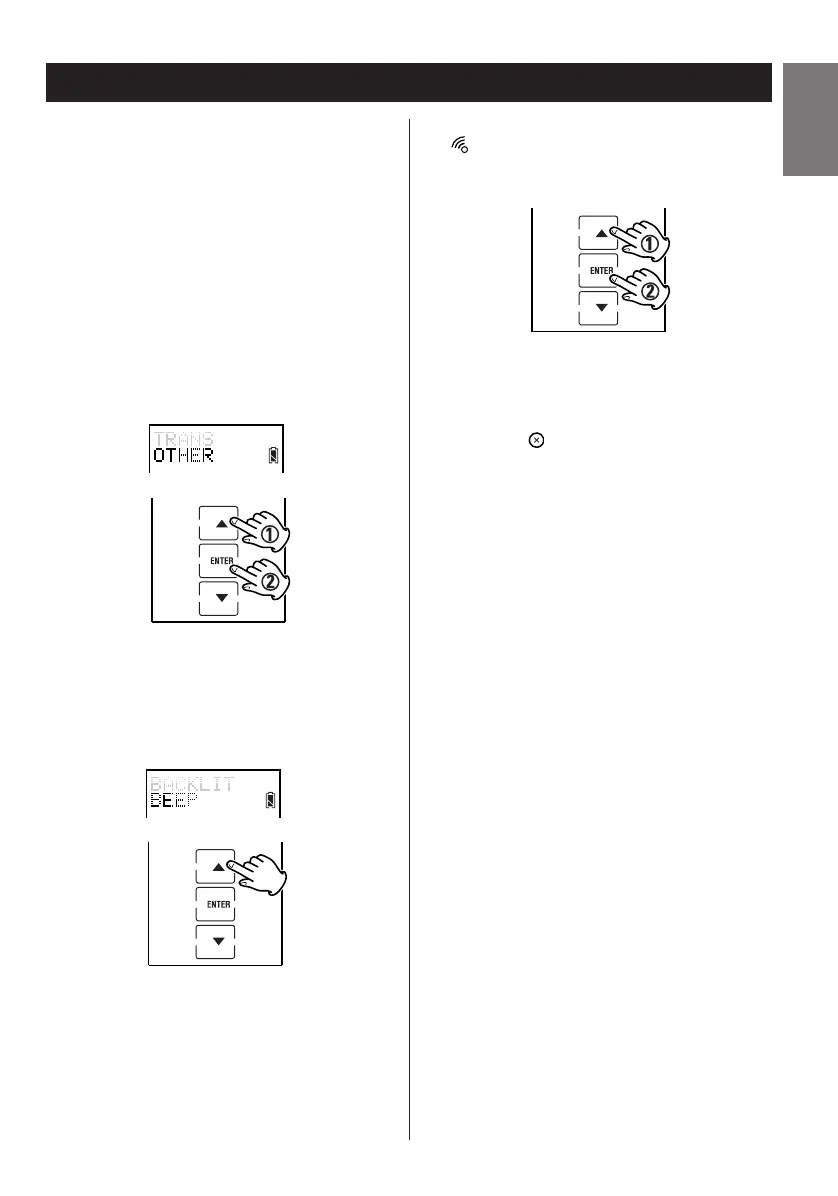
1. Enter the setup mode.
2. Press
5 or b to select OTHER and press
ENTER.
3. Press
5 or b to select BEEP.
4. Press ENTER to switch key beep on or off.
is indicated when activated.
5. Press the button repeatedly to exit and
return to the previously displayed screen
layout.
Note:
The beep sound is used to confirm that a key has
been pressed and that other functions have been
accomplished. If the beep sound is turned off this
confirmation is not available.



 To Next Page