30
Other Settings 3
Back-light
You can change amount of the time the screen
remains back-light after use and the sensitivity of
the light sensor determining when the back-
lighting should be turned on/off.
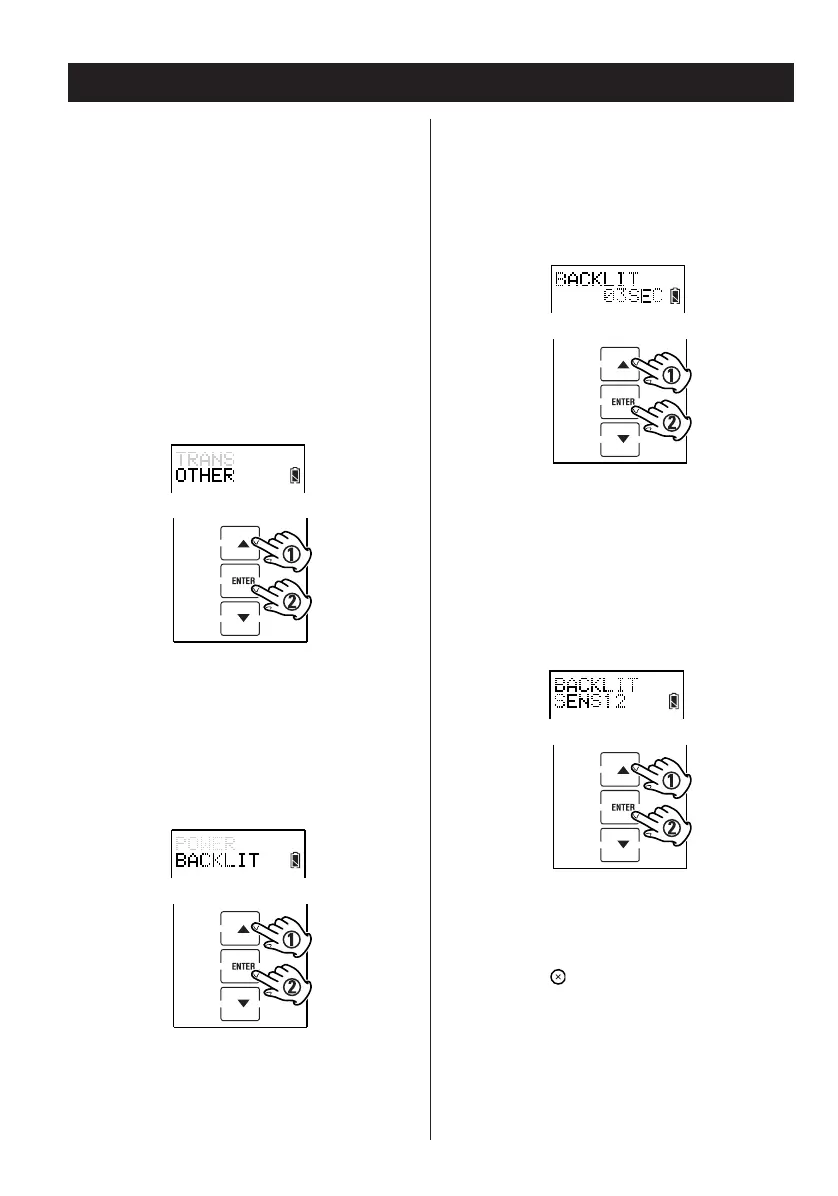
1. Enter the setup mode.
2. Press
5 or b to select OTHER and press
ENTER.
3. Press
5 or b to select BACKLIT and press
ENTER.
4. Select the amount of time the screen
remains back-lit after use by pressing
5 or
b. The amount of time ranges from 1–60
seconds in 1-second increments, then press
ENTER.
5. Select the sensitivity of the light sensor by
pressing
5 or b, Sensitivity ranges from
1–16. Press ENTER.
6. Press the button repeatedly to exit and
return to the previously displayed screen
layout.


 To Next Page