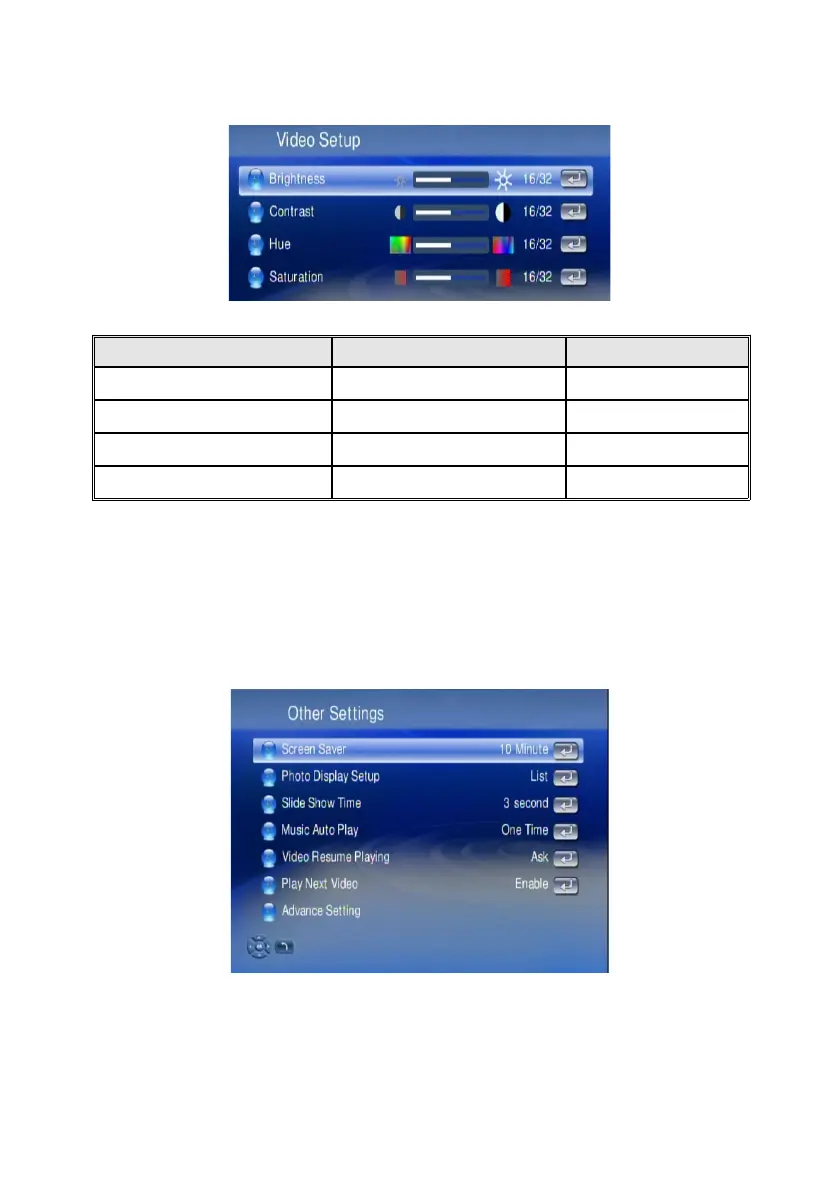
Video Setup
The Video Setup provides you settings to enhance the video quality to best match
with other sources on your screen.
Video Setup Table
Item Name Settings Action
Brightness 0 ~ 32 Adjust
Contrast 0 ~ 32 Adjust
HUE 0 ~ 32 Adjust
Saturation 0 ~ 32 Adjust
Other Settings
The “Photo Display Setup” , “Video Resume Playing” and “Play Next Video”
Are explained in the related chapters for media playback. In “Other Settings“ you
also can configure the “Screen Saver Time”, “Slide Show Time” and “Music Auto
Play” functions.
The Advanced Setting can setup the Network Activity LED and the LCD screen.
74



 To Next Page