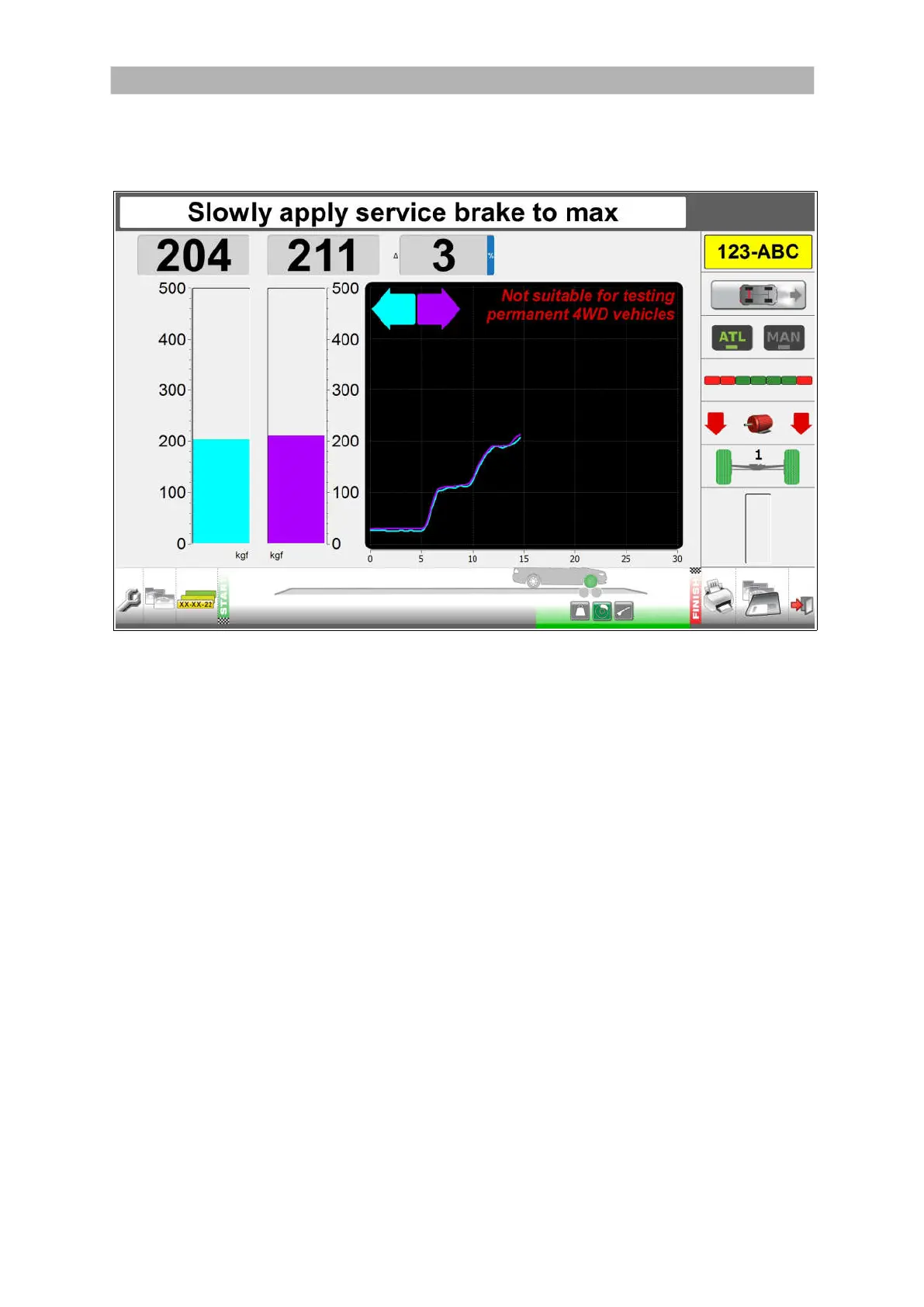
General layout of the test lane screens
You can control the test lane program with:
Computer keyboard and mouse.
Remote control.
❶ ❷ ❸ ❹ ❺ ❻ ❼ ❽ ❾
The icons along the bottom show which screen is active.
AREA SCREEN
❶
General Settings
❷
Customer/Vehicle
❸
Select Test Vehicle
❹
Drive to start position (start of the tests)
❺
Stage of the test.
Indicates (in green) what axle is tested; the front or rear in combination with one
of the following tests: the service brake, parking brake or weighing.
❻
Results Overview
❼
Print Results
❽
Save Results
❾
Exit
You can click on these icons to go directly to a screen.
Use the and buttons on the remote control or keyboard to move between screens.
16


 To Next Page