Chapter 12 Troubleshooting
This chapter helps to find solutions for problems that can occur when you use the test lane.
In This Chapter
Troubleshooting tables 46
Troubleshooting tables
SYMPTOM POSSIBLE CAUSE ACTION
Roller brake tester does not
start.
The emergency stop button or main
switch was pressed.
Release the emergency stop
button or main switch button
and restart.
Roller brake tester does not
connect (“Connecting...”)
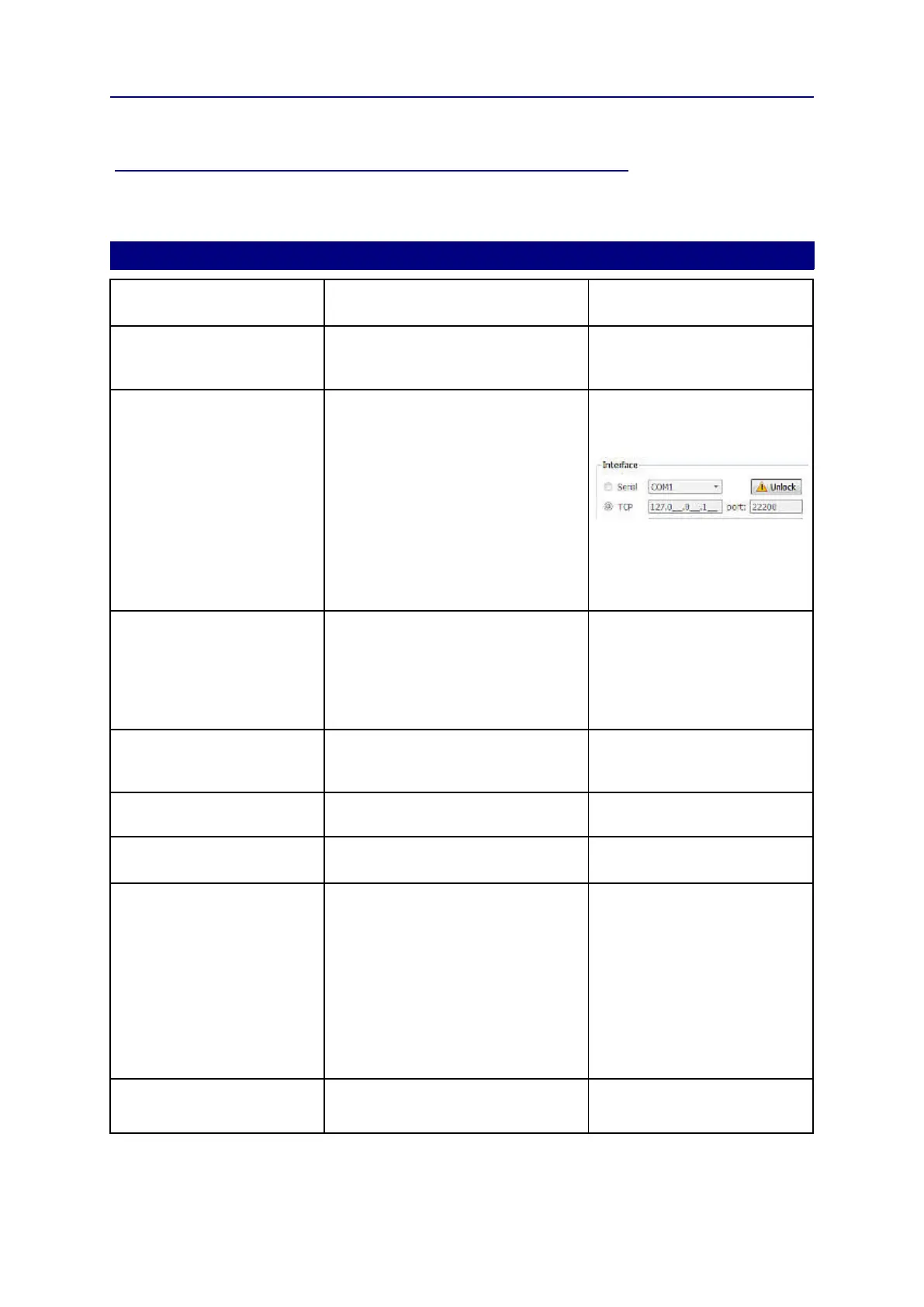
Incorrect interface settings. Check that interface settings In
the General settings/tab
screen are set as follows:
Roller brake tester does not
connect (“Connecting...”)
Incorrect network card settings. Contact a service engineer.
PC monitor does not show
anything
Main power failure. Verify that all three phases are
present.
Disturbance from cables. Verify that there are no loose
cables near the display.
Defect in console. Contact a service engineer.
The roller brake tester shows
no results.
The warm-up was not finished yet. Remove the car from the tester
and wait until the warm-up is
finished.
Noisy motor and brake forces
too low.
Main power problems. Verify that all three phases are
present.
Brake force/weighing always
too low or too high
Incorrect calibration. Contact a service engineer to
perform a calibration.
Test results are not accurate. Incorrect tyre pressure. Verify if the tyre pressure
equals the value for 'lightly
loaded vehicles'.
Car is not in neutral. Redo the test and set the gear
to neutral before the test starts.
Load was not steady during test. Do not move during the test.
Vehicle not centralised Centralise vehicle before the
test starts.
Test procedure not correctly
followed.
See the test procedure.
Can not add a vehicle to the test
queue.
Incomplete or invalid entry of vehicle
details.
Follow correct procedure. See
page 20 how to add a vehicle
to the test queue.
46



 To Next Page