Chapter 10 Analyse, print, save and review results
In This Chapter
Analyse the test results 41
Print test results 42
Save test results 42
eview test results from earlier tests (Report) 43
Analyse the test results
To analyse the detailed results for each test, including graphics, use the and keys to
navigate through the test screens. For both MANUAL and ATL mode.
In the Test Screens and Results Overview screen, colors are used to indicate whether the
test results are within the limits:
White background: normal, the test result is within the limit.
Yellow background: warning, the test result is near the limit.
Red background: the test result has exceeded the limit.
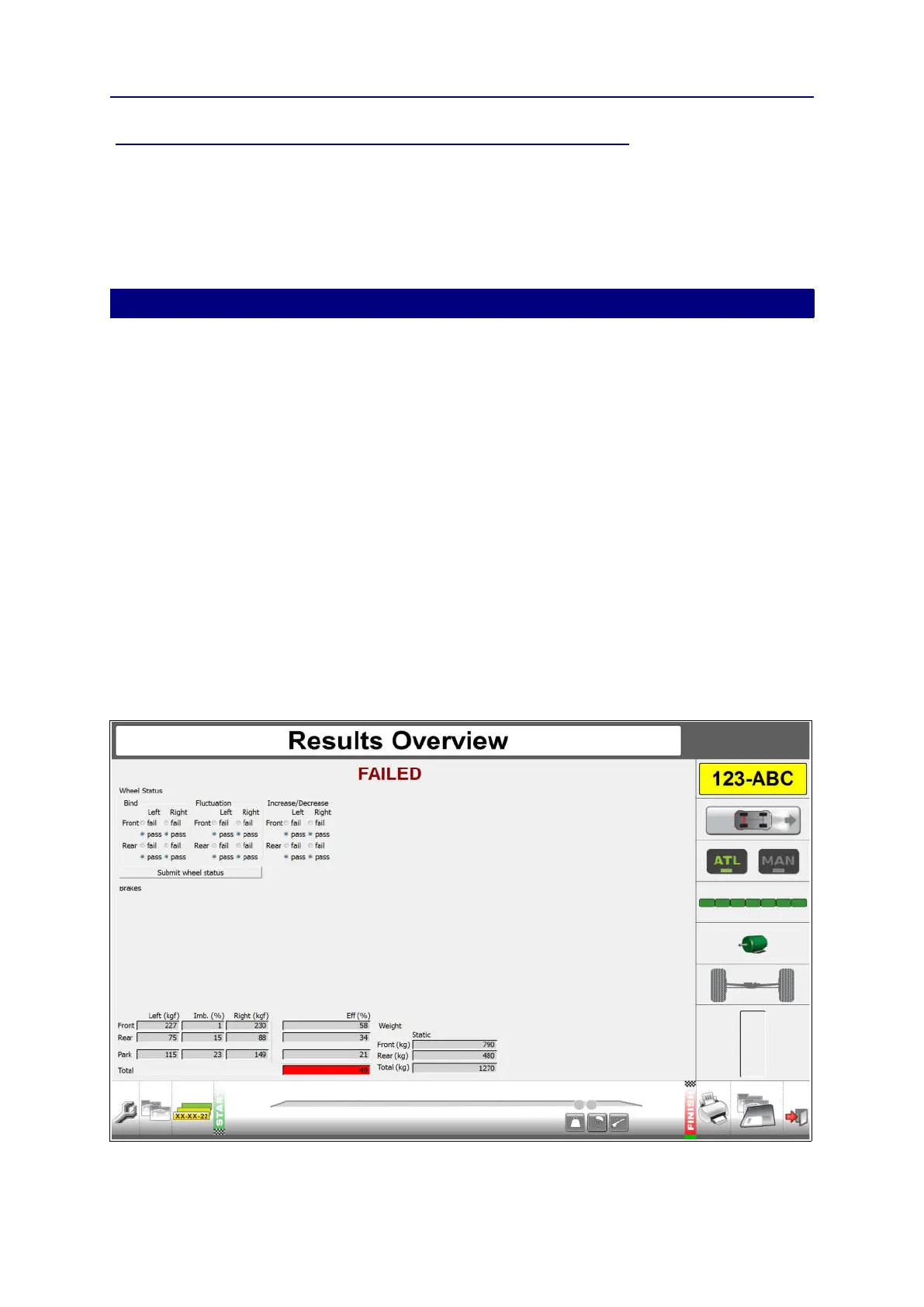
Overall end result indication after ATL test:
Pass: all test results are within legal limits (green text)
Failed: one or more test results have exceeded the legal limit (red text)
Overall end result indication after MANUAL test:
Pass: all test results are within legal limits (grey text)
Failed: one or more test results have exceeded the legal limit (grey text)
Example result overview for a Class 4 ATL test.
41



 To Next Page