SPECIFIC TEST
(PARKING BRAKE ON REAR AXLE)
CLASS M1, 4 TEST
SEQUENCE #
CLASS 5L, 7
TESTSEQUENCE #
Weighing front axle
Service brake/imbalance test front axle
Weighing rear axle
Parking brake/imbalance test rear axle
Service brake/imbalance test rear axle
1
2
3
4
5
-
1
-
2
3
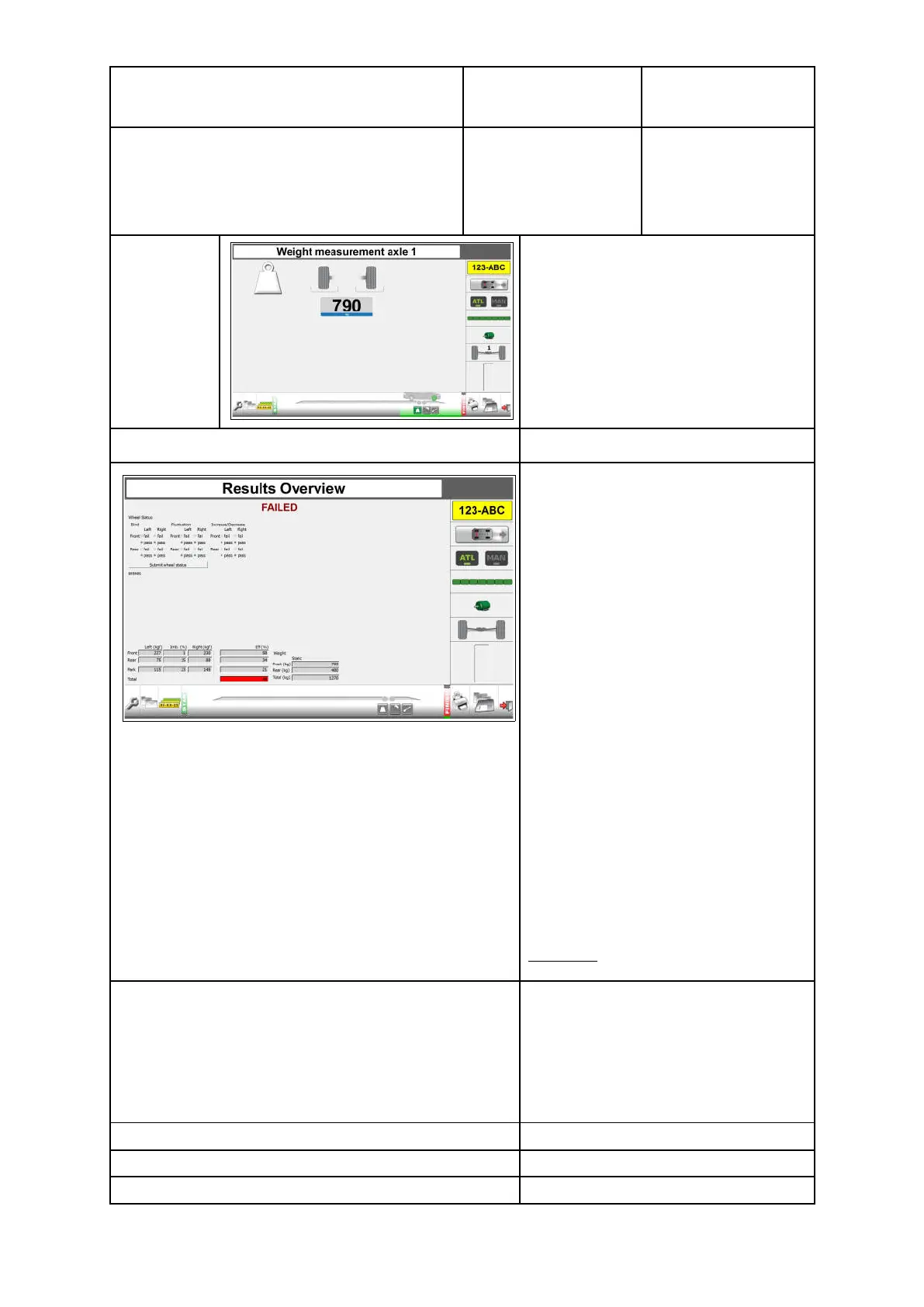
Example
screen for
Weighing
Front axle
(axle 1)
After the last test service brake rear
axle, the 'Results overview" screen
appears.
Next step: Results overview.
Enter wheel status for all wheels for the
service brake:
Bind, Fluctuation, Increase/Decrease.
Enter wheel status for all wheels for the
parking brake (only relevant when a
single line braking system is fitted):
Grab.
Select: Submit wheel status.
The overall conclusion PASS/FAILED is
presented.
PASS in Green
FAILED in Red
A conclusion can not be generated if the
wheel status has not been submitted.
If a vehicle passes on wheel lock (for
service brake or parking brake
efficiency), this will be included in the
conclusion.
See the latest MOT inspection manual
for pass on wheel lock regulations for
efficiency and imbalance.
Example:
PASS (service brake lock)
The overall analysis is based on the following criteria:
1. Brake efficiency service brake
2. Imbalance service brake front axle
3. Imbalance service brake rear axle
4. Brake efficiency parking brake
5. Imbalance parking brake
6. Wheel analysis
7. Wheel lock analysis
Next step: Print results screen.
Press
for “Print Results”
Next step: Save results screen.
Press
for "Save Results”
Next step: Perform new test.
40



 To Next Page