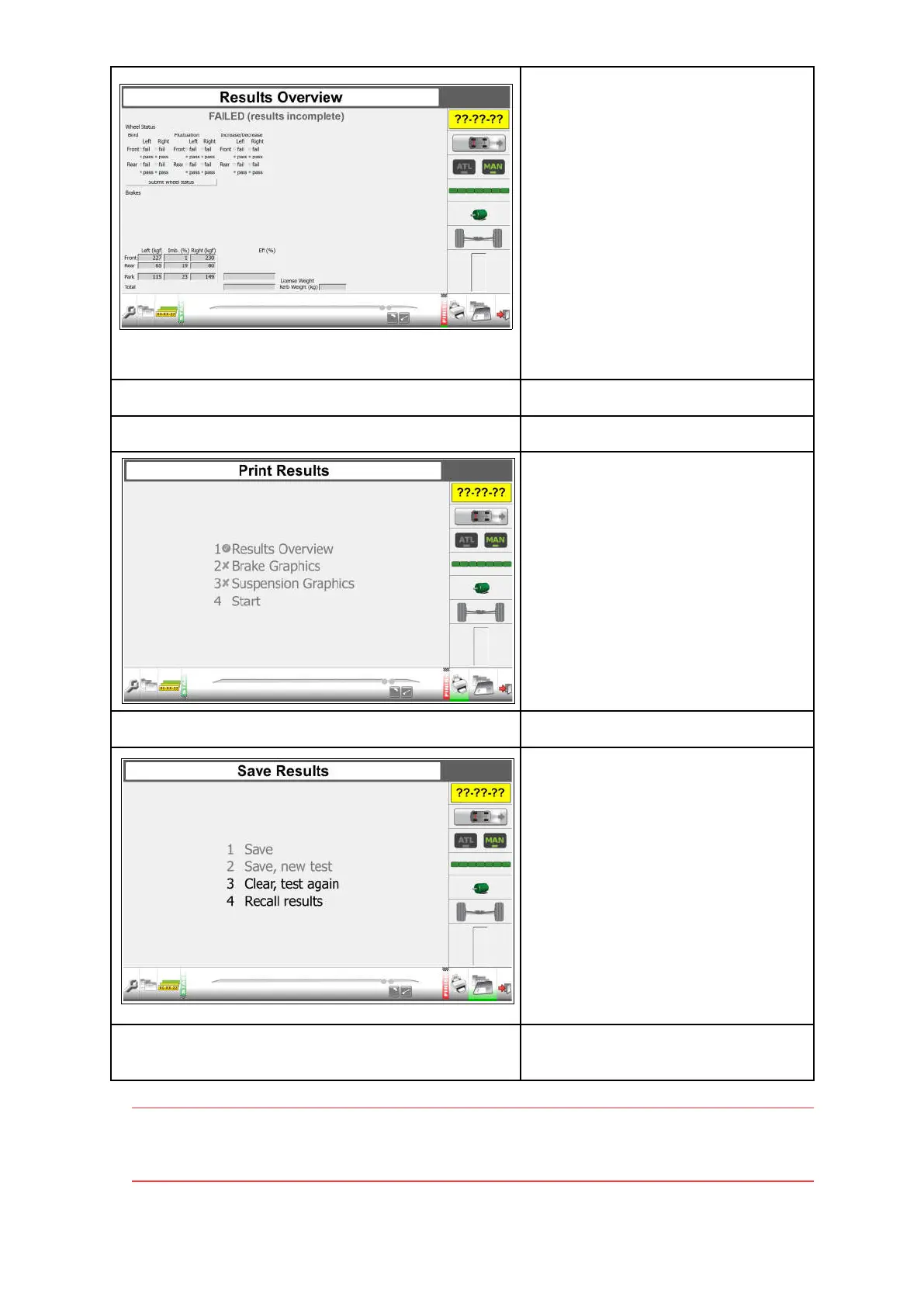
Enter wheel status for all wheels for the
parking brake (only relevant when a
single line braking system is fitted):
Grab.
Select: Submit wheel status.
Conclusion is presented:
FAILED (results incomplete)
In manual Quick test, no vehicle weight
is measured or entered.
The operator has to judge pass or fail,
or perform a test with vehicle data.
See “Manual test mode Class M1, 4,
5L, 7” on page 31.
Next step: Quick print.
Make Quick print out (press 4).
Next step: Print results screen.
Press for “Print Results”
Options:
1. Results overview
2. Brake graphics
3. Suspension graphics
4. Start
All are disabled. Printing is only
possible when a vehicle is selected.
See “Manual test mode Class M1, 4,
5L, 7” on page 31.
Or press 4 on the Results Overview
screen for a quick print.
Next step: Save results screen.
Press for "Save Results”
Options:
1. Save
2. Save, new test
3. Clear, test again
4. Recall results
1 and 2 are disabled. Saving is only
possible when a vehicle is selected.
See “Manual test mode Class M1, 4,
5L, 7” on page 31.
Next step: Enter Customer/vehicle data or
Next step: Perform new test.
Note
It is only possible to make a quick print in a quick manual test mode. The print will not
judge PASS or FAIL and will not present the limits.
30


 To Next Page