4. Operating Instructions
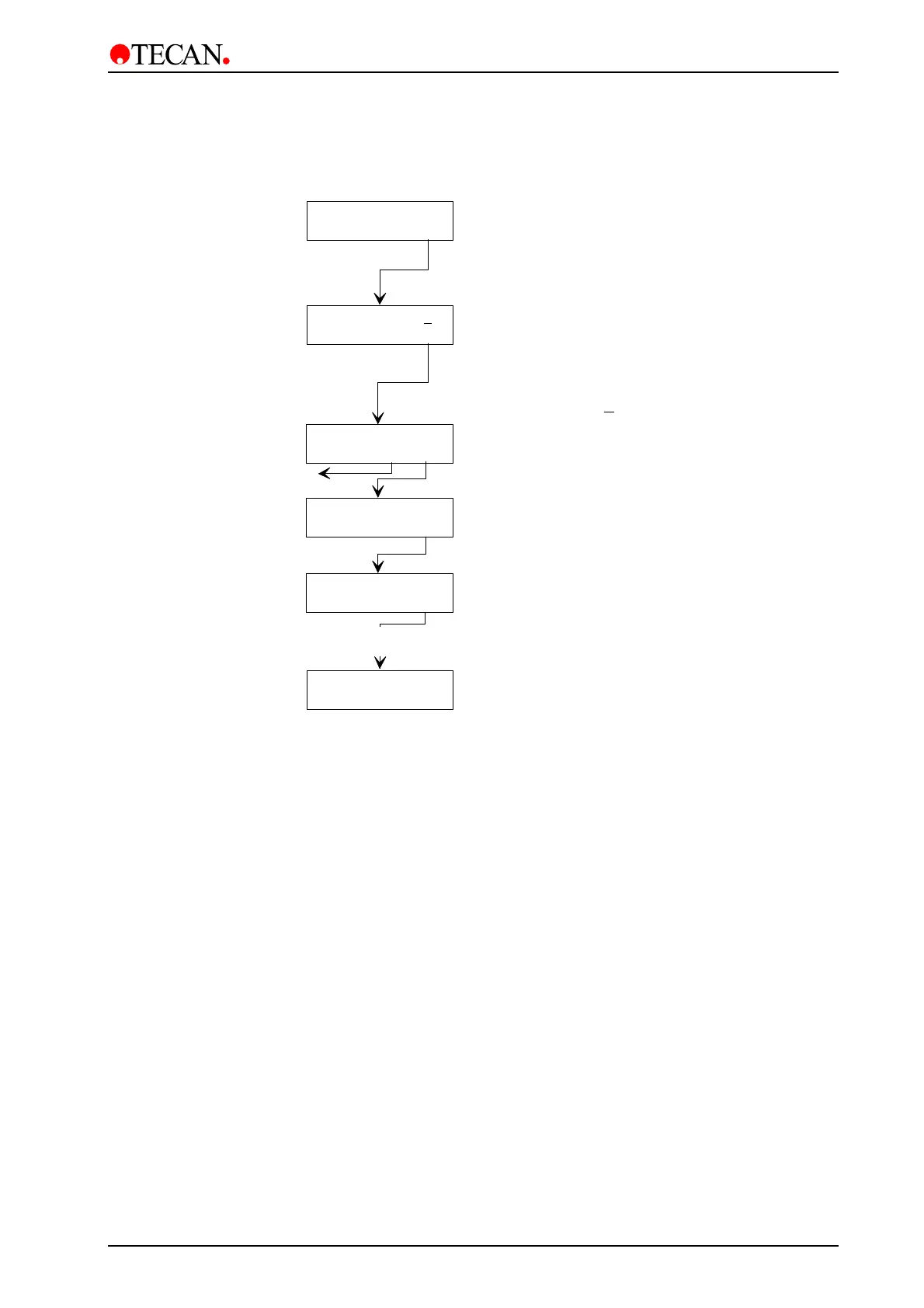
Procedure to Wash Individually Selected Strips
Run XX
- + other yes
Waste Bottle OK?
exit yes
Run XX yyyyyyyy
- + other yes
Procedure
performed
Channel X primed?
no yes
Plate inserted ?
exit yes
1: NYYNNNNNYNN N
< > chg yes
Select required program
The strips are represented by Y (yes) or N (no).
The number of Ys depends on the manifold size.
n 8 manifold has 12 Y/Ns, a 12 manifold has 8 Y/Ns.
16 manifold has 12 Y/Ns, each representing 2 strips.
The 384 Well Manifold also has 12 Y/Ns, each
representing 2 strips.
Select required strips using the cursor keys to
(selected strip is underlined) and press 'chg' key
to change the strip's setting.
E.g. NYYNNNNNYNN means that the
2nd, 3rd and 9
th
strips will be washed.
Required channel primed
Plate inserted
Waste bottle empty
Priming
procedure
Remove the microplate from plate support,
instrument ready to wash next microplate
May 2003 Instructions for Use for Columbus Washer No. I 109 006 Rev No. 2.2 4-5



 To Next Page