5. Programming Procedure
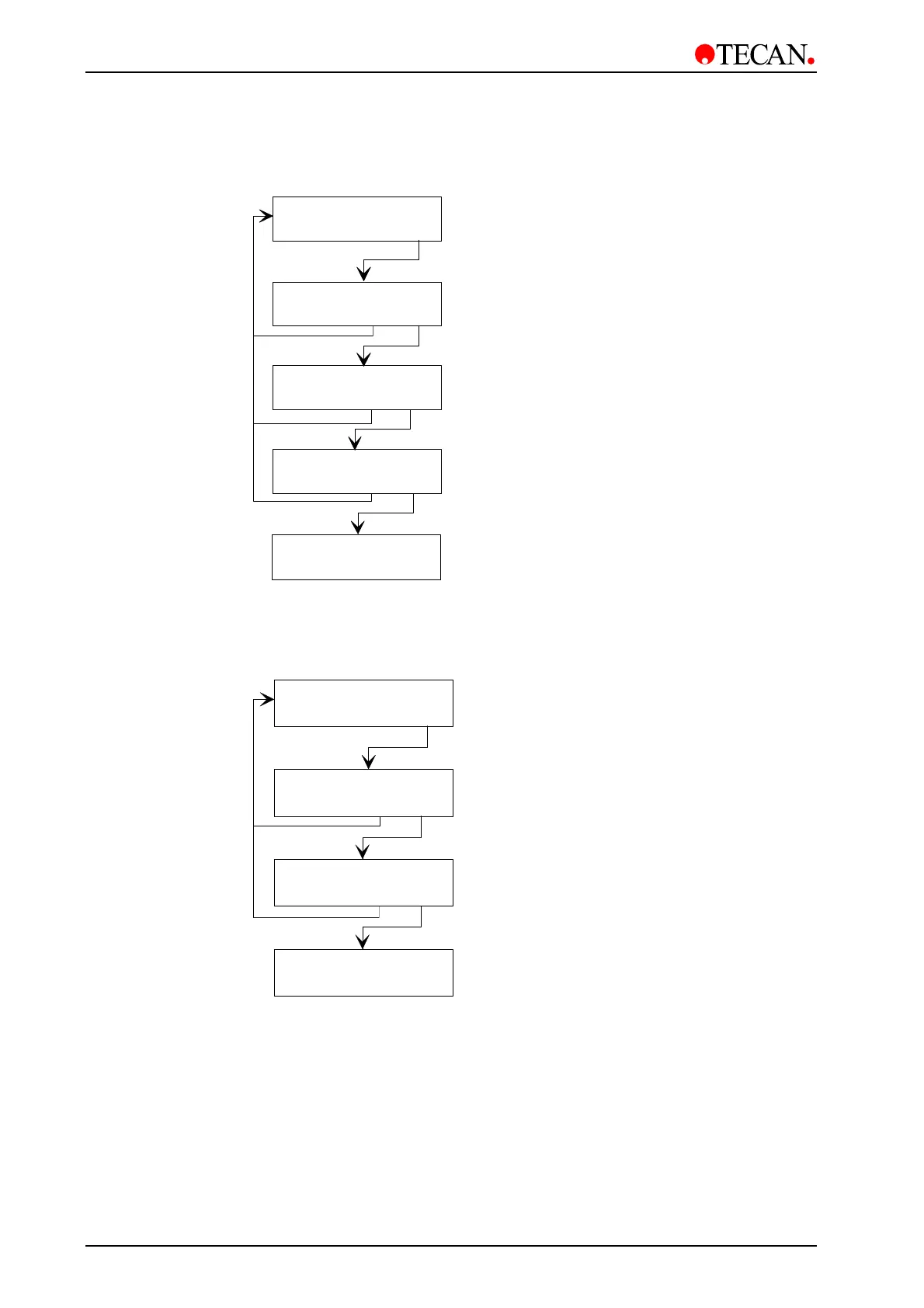
5.2.3 Process Step: Dispense
Select required dispensing position
(overflow or bottom)
C:X P:Y Disp
- + other yes
Dispense Overfl
- + exit yes
Channel: 1
- + exit yes
C:X P:Y END
- + other yes
Volume: 400ul
- + exit yes
Select the channel to be used
(1 - 4)
Select the volume of solution to be used
(50 - 400 µl in increments of 50 µl)
For 384 Well Manifold:
10-120
µ
l in increments of 10
µ
l.
Select next type of step
Select and confirm Dispensing step
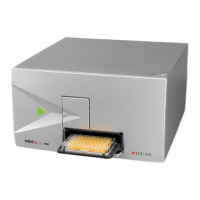
5.2.4 Process Step: Soak
Select required soaking time
(1 - 999 seconds)
Select required shaking speed
(No, Linear)
C:X P:Y Soak
- + other yes
Select next type of step
Soaktime: 10sec
- + exit yes
Shake-Speed: NO
- + exit yes
C:X P:Y END
- + other yes
Select and confirm Soak step
• Linear Shaking
Select the shake speed: 1, 2 or 3. Confirm with
yes.
Select the shake mode: low, normal or high. Confirm with
yes.
5-4 Instructions for Use for Columbus Washer No. I 109 006 Rev No. 2.2 May 2003


 To Next Page