Service Menu
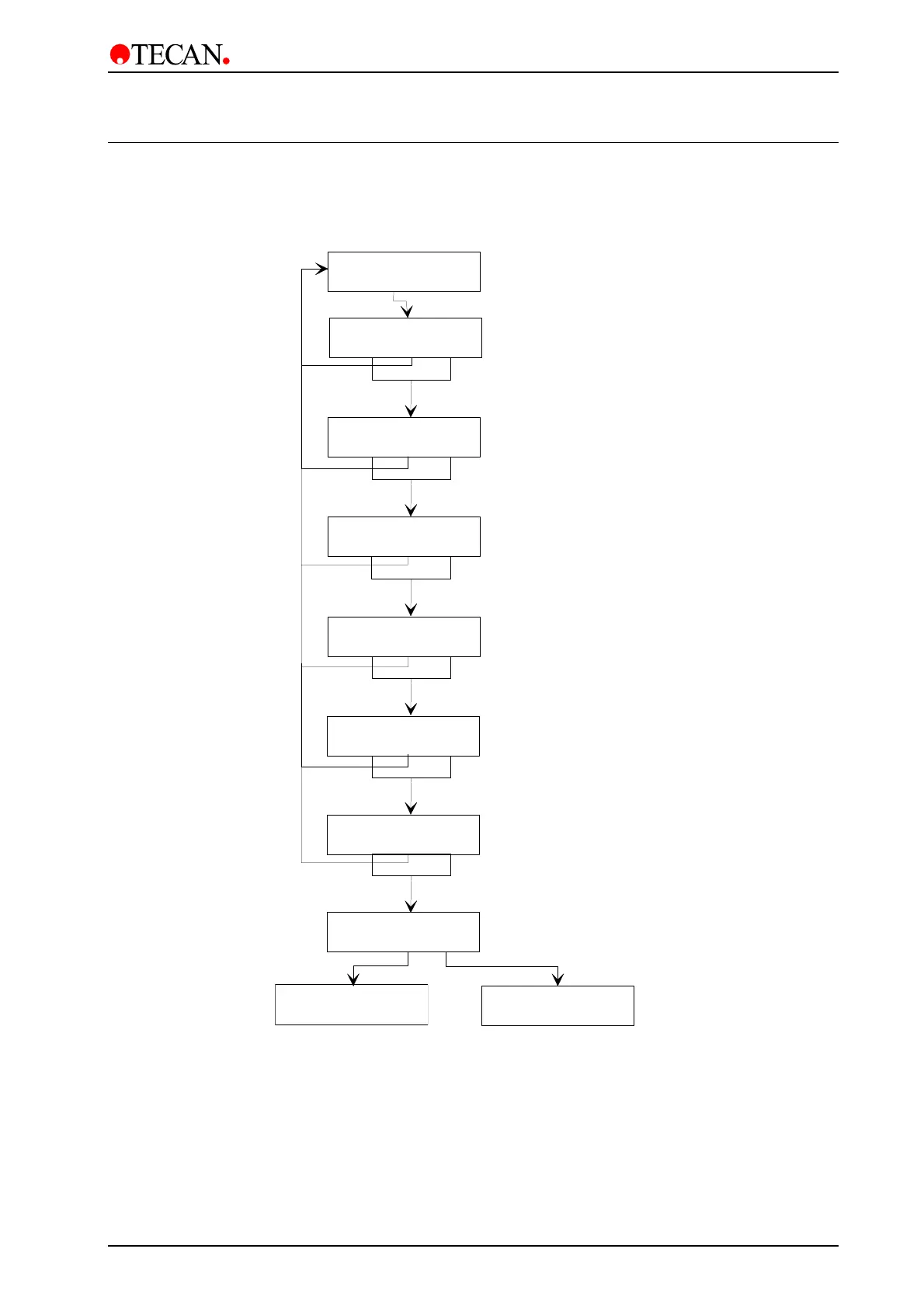
9.2 Skip Messages
This option is used to select if the warning messages that are displayed when
performing a procedure, are to be displayed.
Skip Messages:
yes exit no
Select if this message is to be displayed
Press
show
to display message
Press
skip
to omit message
Channel primed?
show exit skip
Plate inserted ?
show exit skip
Select if this message is to be displayed
Press
show
to display message
Press
skip
to omit message
Select if this message is to be displayed
Press
show
to display message
Press
skip
to omit message
Waste Bottle OK?
show exit skip
Select if this message is to be displayed
Press
show
to display message
Press
skip
to omit message
Rinse Solution ?
show exit skip
Prime Solution ?
show exit skip
Select if this message is to be displayed
Press
show
to display message
Press
skip
to omit message
You should Rinse
show exit skip
Select if this message is to be displayed
Press
show
to display message
Press
skip
to omit message
Skip Messages:
yes no
Service
other yes
Duration Test
yes exit no
May 2003 Instructions for Use for Columbus Washer No. I 109 006 Rev No. 2.2 9-3



 To Next Page