25
Call: 1-631-648-7481 or Visit: support.technocnc.com
Titan Series WinCNC Manual
WinCNC
WinCNC Controller
WinCNC Users Guide Page 16
Add a Rapid Move - Adds a rapid move to the manual digitized le.
Add a Feed Move - Adds a feed move to the manual digitized le.
Add an Arc Point - Used to add arcs into a manual digitized le.
Close Shape - Used to close the last move in a shape without mov-
ing the machine.
Undo - Used to undo previous moves.
Save - Allows you to save the manual digitized le in either G-Code
or DXF le format.
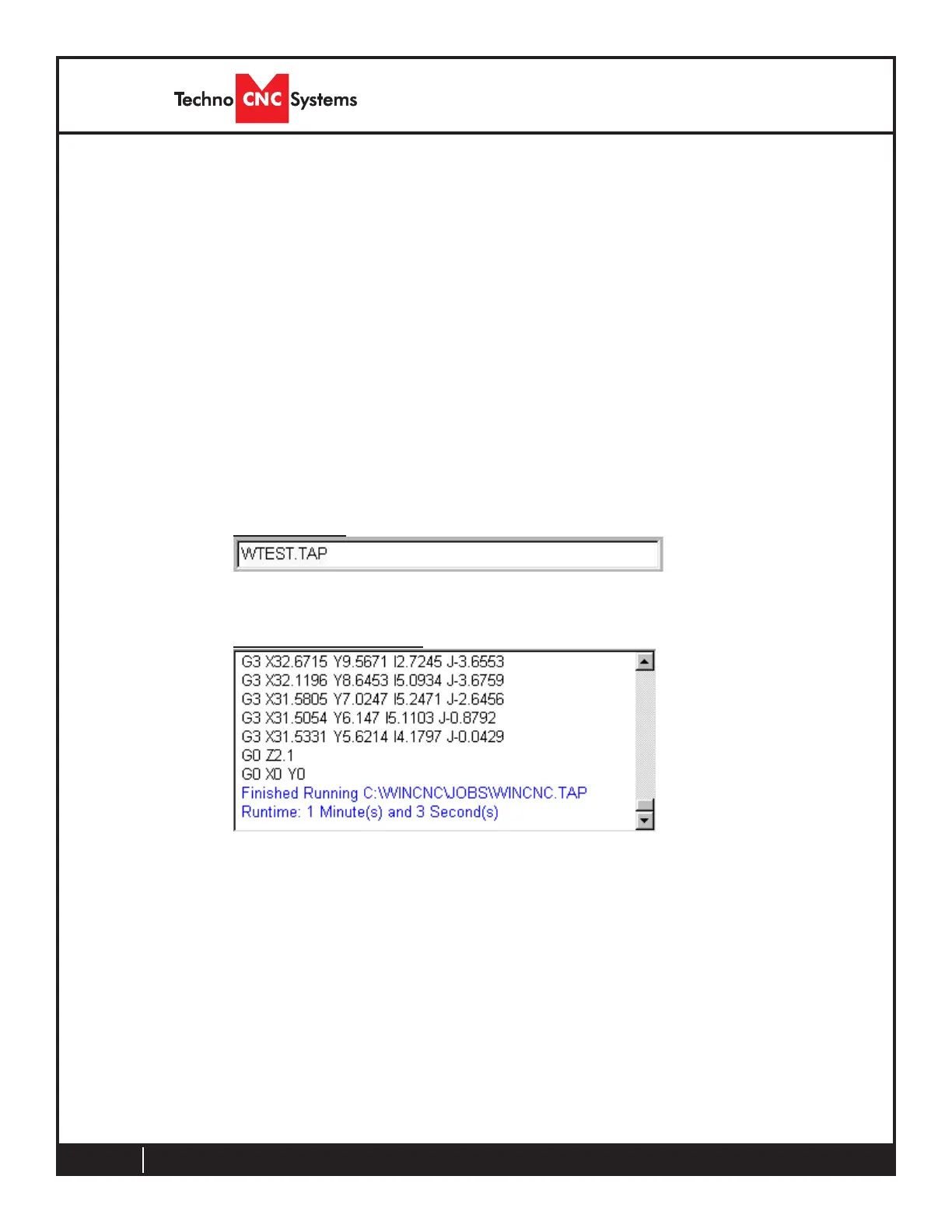
Command Line
The command line is the input line for users to enter commands or
job les to be executed.
Message Display Window
The message display window is the main output window displaying
the commands that have been executed, messages to the user, or
errors that have occurred during an operation.



 To Next Page