8
Call: 1-631-648-7481 or Visit: support.technocnc.com
Titan Series WinCNC Manual
WinCNC
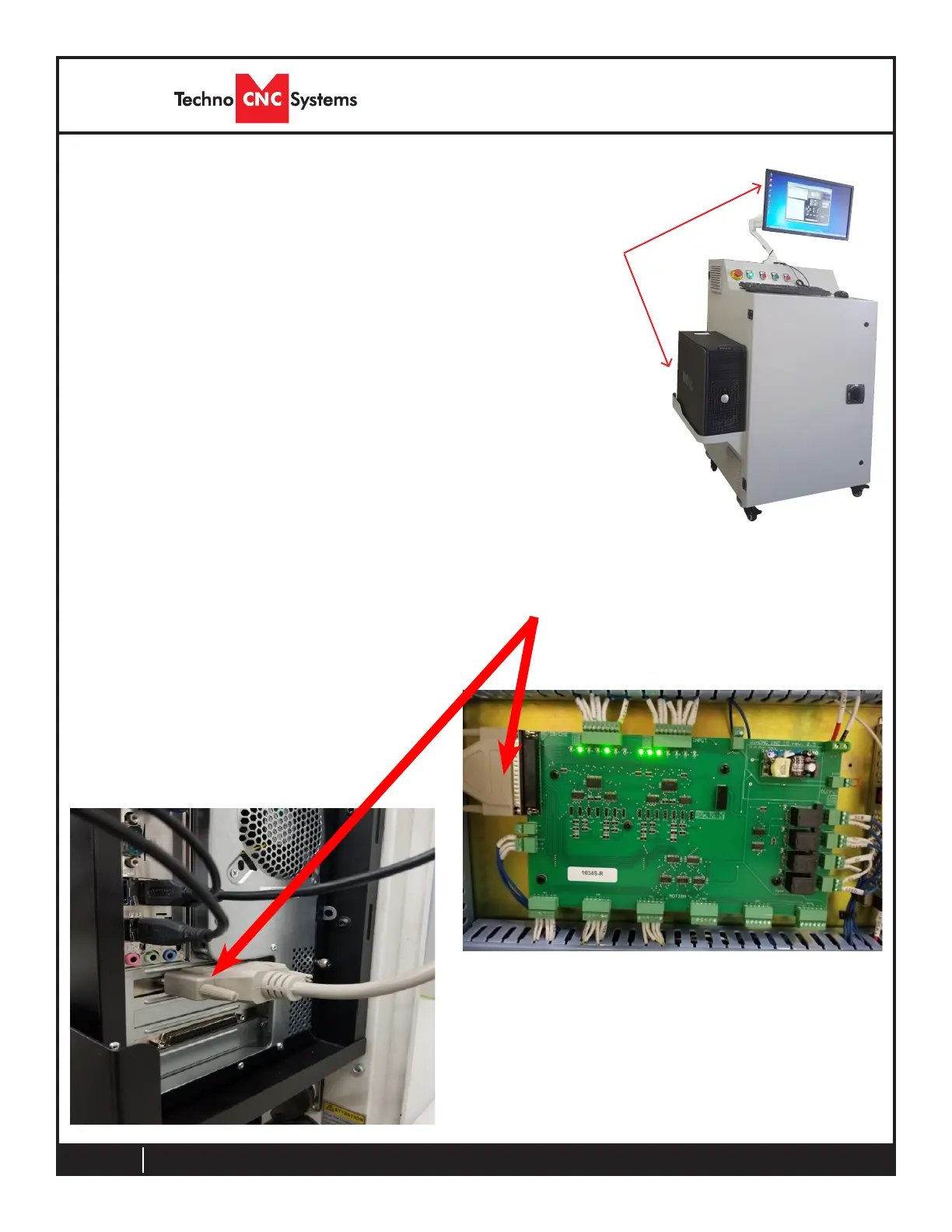
Install the 37 pin cable from the control box into the rear of the PC.
The cable from the WinCNC board must go to the BLUE
connector.
Unpack the PC, monitor, keyboard and mouse and began
mountingtheequipment.Attachthemonitortotheprovided
mount, place the PC in the side tray and connect both to a
110VAC power source.
Rout keyboard and mouse to PC and make sure the monitor
is also connected.



 To Next Page