Operation description: Action:
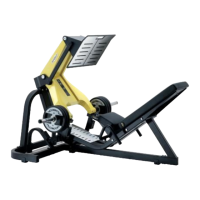
Opening LEG PRESS
conguration guards
1. Gain access from the top panel and unscrew the screws (using
a 4 mm Allen wrench.)
2. Remove the top guards of the panel and the columns.
3. Loosen the top screw of the columns (using a 8 mm Allen
wrench) and slightly extend them.
4. Unscrew the screws of the rear panel (using a 4 mm Allen
wrench.)
5. Remove the rear panel upwards and towards you.
5.2
Operation description: Action:
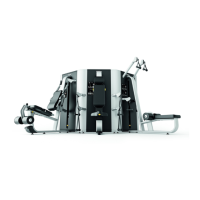
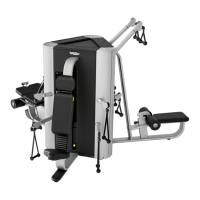
Opening TOWER
conguration guards
Operate on the machine having the column divided into 2 parts on its right
side.
1. Unscrew the top screws and the boom screws (using a 4 mm
Allen wrench), remove the columns guards, both on the right
and on the left, as well as the central guard on the weight stack.
2. Unscrew the screws that anchor the central guards of the other
two weight stacks (using a 4 mm Allen wrench.)
3. Unscrew the screws of the upper guard (using a 4 mm Allen
wrench.)
4. Remove the top brackets that anchor the machines to each other.
5. Unscrew the screws that anchor the column on the right side
of the High Pull (using a 8 mm Allen wrench) and remove the
column.
6. Unscrew the screws that anchor the half-column on the left side
of the High Pull (using a 8 mm Allen wrench) and remove the
column.
7. Remove the hinge pins of the High Pull with the Overhad Press
(using a hammer). It is now possible to rotate the machine to
access it.
Whenrettinggreasethepins.
PLURIMA - the smart multistation:
Technical Service Guide - Vers. 2.1
Page 25





 To Next Page