Operation description: Action:
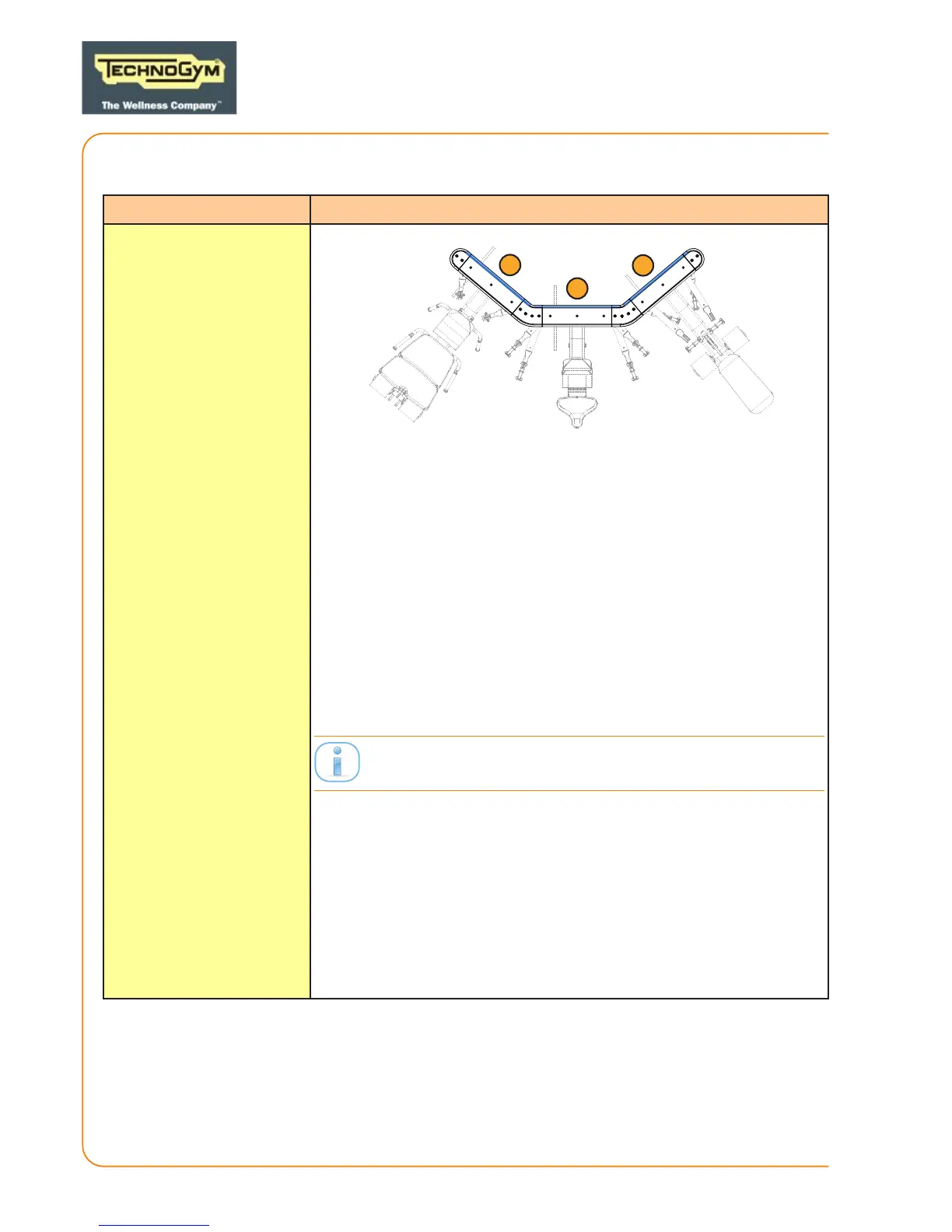
Opening WALL
conguration guards
1
3
2
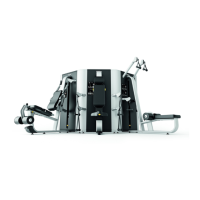
DISMANTLING PANELS (1) AND (3):
1. Remove the top and the boom guards of the side
column.
2. Gain access from the top panel and unscrew the screws (using
a 4 mm Allen wrench.)
3. Remove the top screws of the column (using a 8 mm Allen
wrench) and remove it.
4. Unscrew the screws of the rear panel (using a 4 mm Allen
wrench) and remove the rear panel upwards and towards you.
DISMANTLING PANEL (2):
Remove panel (1) or (3).
1. Remove the top guards and the boom guards of the central
column (using a 4 mm Allen wrench.)
2. Unscrew the 2 top screws of the column (using a 8 mm Allen
wrench).
3. Remove the column.
4. Unscrew the screws of the rear panel (2) (using a 4 mm Allen
wrench) and remove the panel upwards and towards you.
PLURIMA - the smart multistation:
Technical Service Guide - Vers. 2.1
Page 26





 To Next Page