6.6 TROUBLESHOOTING
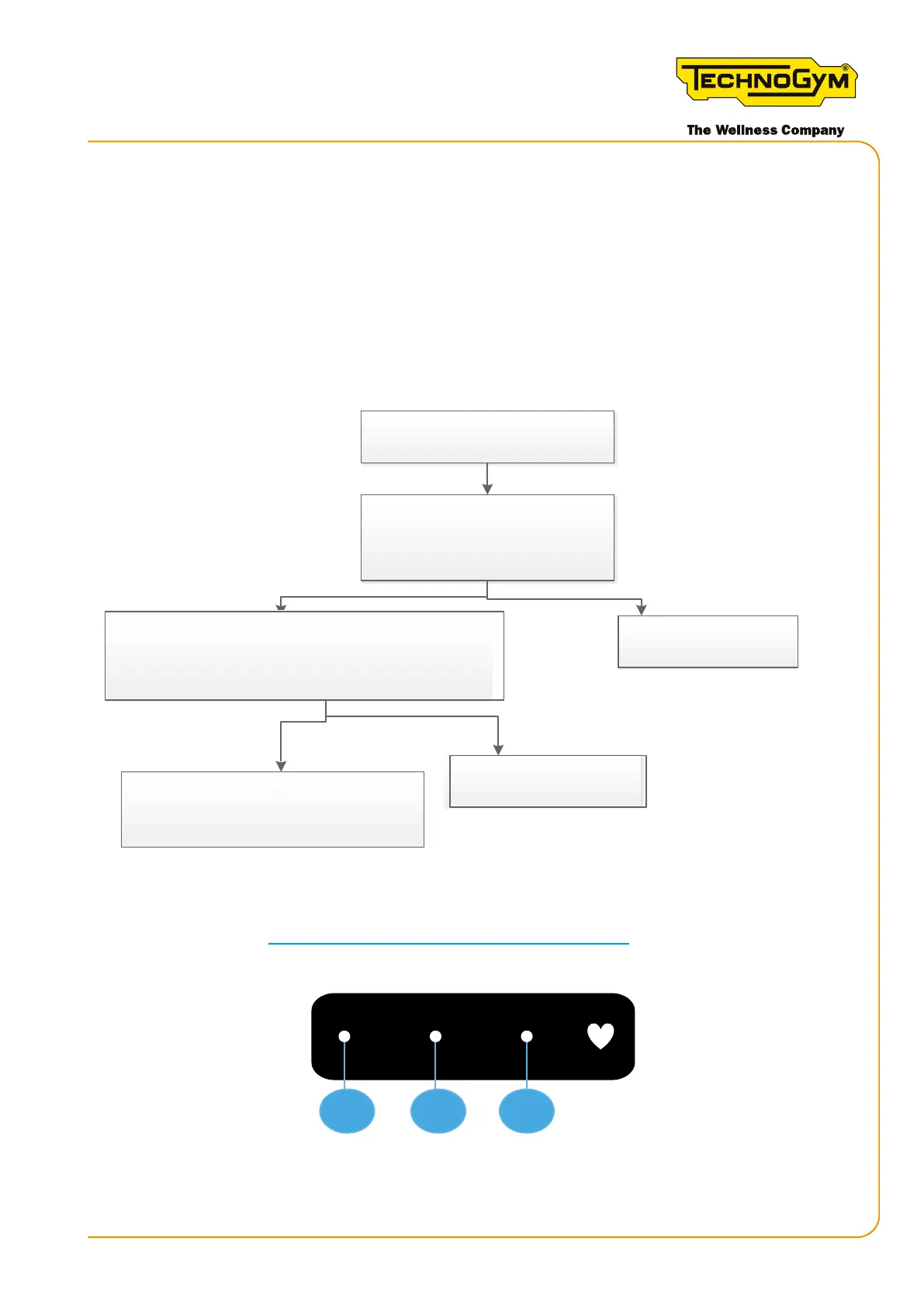
6.6.1 THE DISPLAY DOES NOT TURN ON (CONNECT VERSION)
First, always upgrade the SW to the latest released version.
The following troubleshooting procedure refers to the Skillmill Connect version with the High
Kit version BA_1.43 and later. The default display is always on, even when no-one is using the
equipment, which means display activation is no longer dependent on the speed signal.
Yes
Reconnect /replace it
No
Replace the display (*)
Yes
No
The Skillmill connect display
does not turn on
Is the external power supply
connected and working [1]?
Disconnect the external power supply.
Power the display from the MINI USB port, with a PC or a
power bank. Do the heart key and the three 1-2-3 keys light
up [2]? Rotate the running belt. Does the display turn on?
Replace the Low Kit (*) / Low Kit - display
connec�on cable / Low Kit - power supply
connec�on cable
Figure 33
[1]: For the details, see “3.1.1 Voltage converter (power supply unit)”.
[2]: Backlighting of keys 1-2-3 and heart key.
1
2
3
(*): For the details, see”6.1 Procedure for replacing components”.
Skillmill:
Technical Service Guide - Rev. 3.5
Page 65email: support@technogym.com












 To Next Page