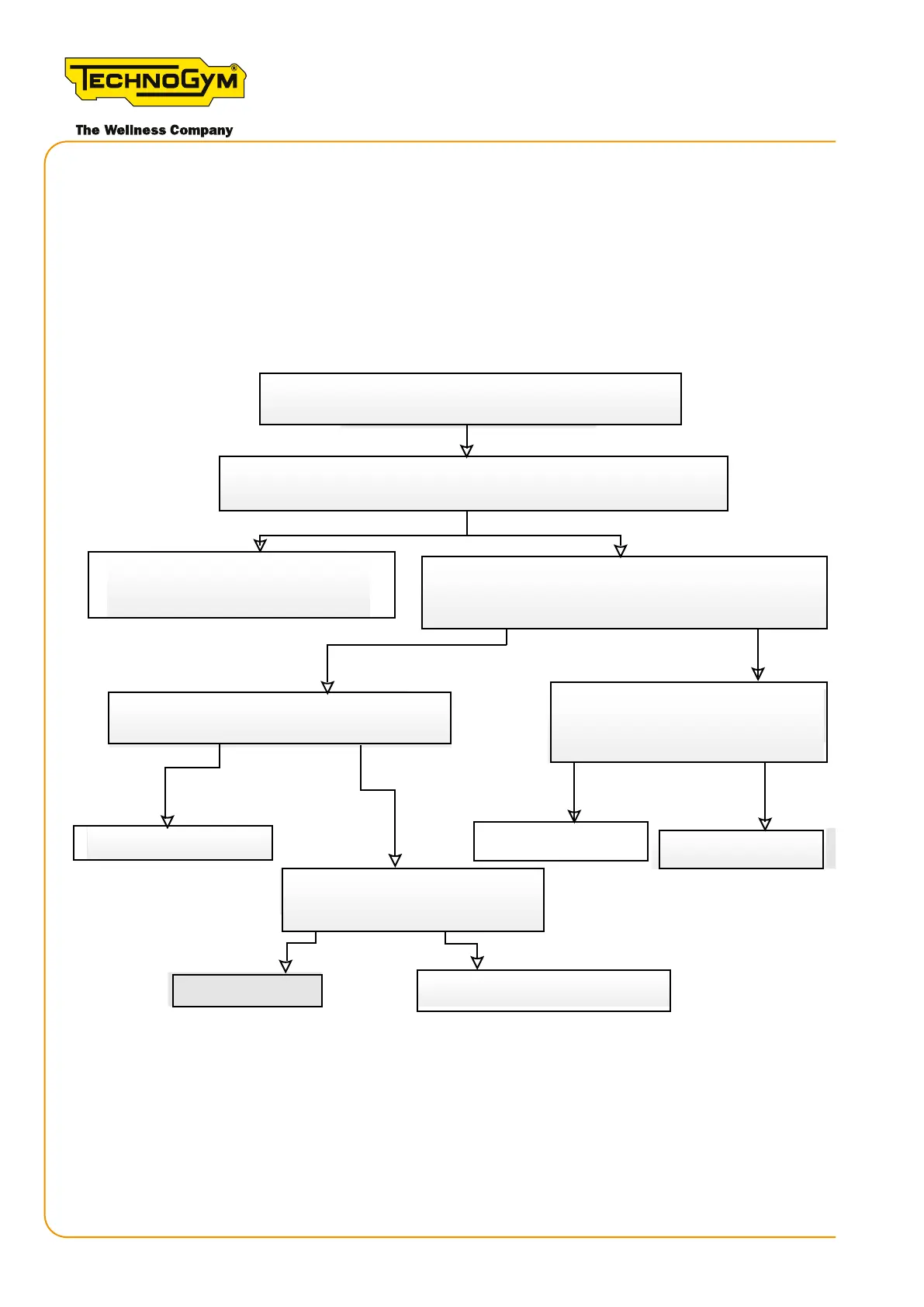
6.6.2 THE DISPLAY DOES NOT TURN ON AT ANY SPEED, WHETHER HIGH OR LOW
(CONSOLE VERSION)
Thisproblemmaybecausedbyabuginthesoftwareversion(if≤56.1)oftheLowKit.Inthis
case,disconnectandreconnecttheLowKit-baerycableorpressthebaerybuontwice.Ifthe
display comes on after doing this, the Low Kit SW must then be updated with the latest release
versionasexplainedinchapter“9.SWupdate”.Iftheproblempersists,followtheprocedurelaid
outing.35below.Firstandforemosthowever,alwaysupdatetheSWtothelatestreleaseversion.
The display does not turn on at any speed.
Skillmill Console
Yes
Connect the display to a power bank or a PC, via the USB - MINI USB cable.
No
No
Yes
Yes
No
OK. Problem resolved.
Does the display switch on?
Rotate the tread belt. Does the display turn on?
Yes
Replace the power supply.
No
Yes
No
Check the RPM sensor and the RPM sensor -
Connect the power supply (provided with the product) to the
Are there 5 Volts at the outlet?
Connect the power supply to the machine. Walk with
Figure 34
[1]: For the details, see “6.1 Procedure for replacing components”- REPLACING THE CONSOLE.
Skillmill
Technical Service Guide - Rev. 3.5
Page 66
email: support@technogym.com












 To Next Page