IPCAM User Manual
23
The input device user name and password to login to equipment
·
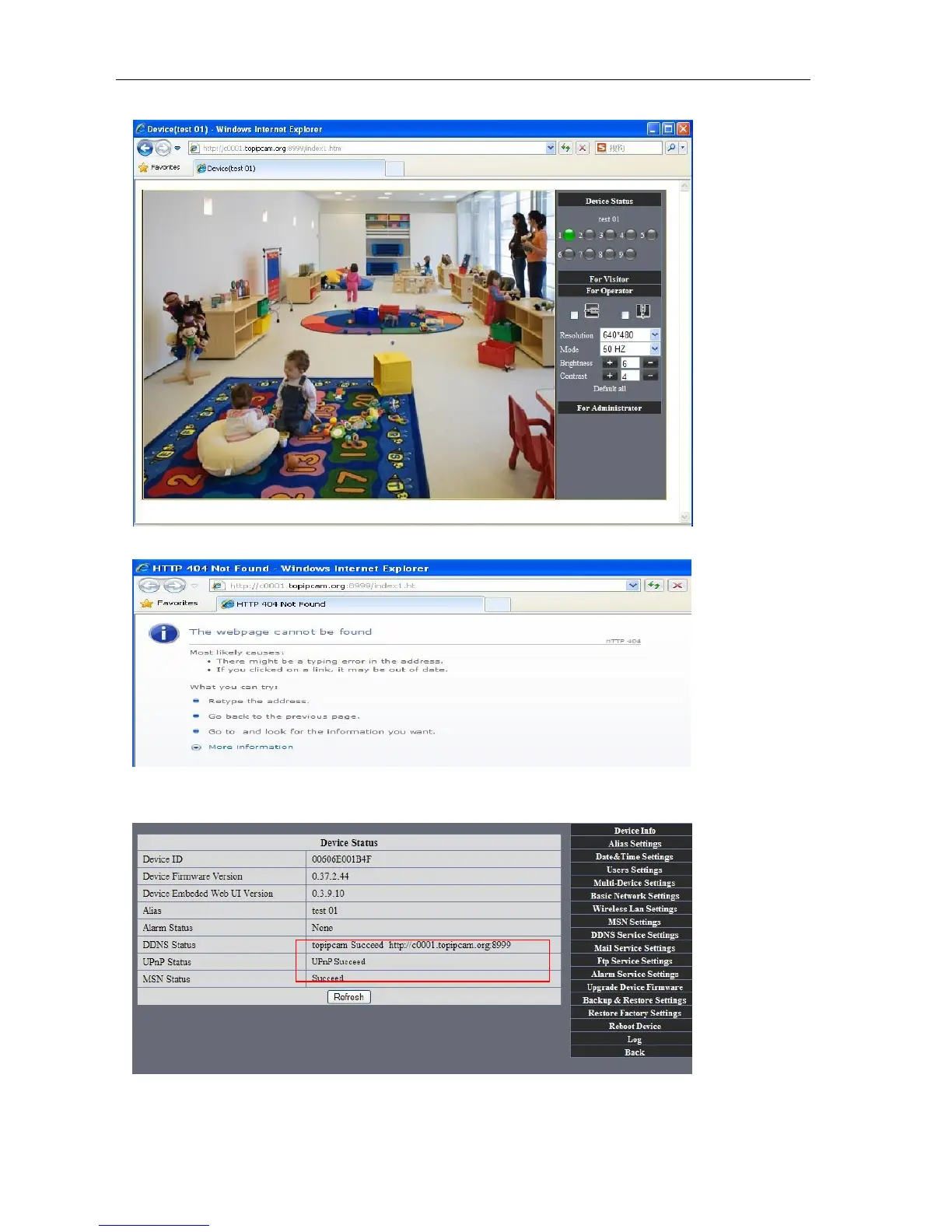
If input domain name, but can't open IP camera in the browser, such as the situation is as blows
·
Please open the device and check status of IP camera in the local area network, confirm whether UPNP
function and DDNS is successful or not.
Picture 34



 To Next Page