IPCAM User Manual
48
Picture 90
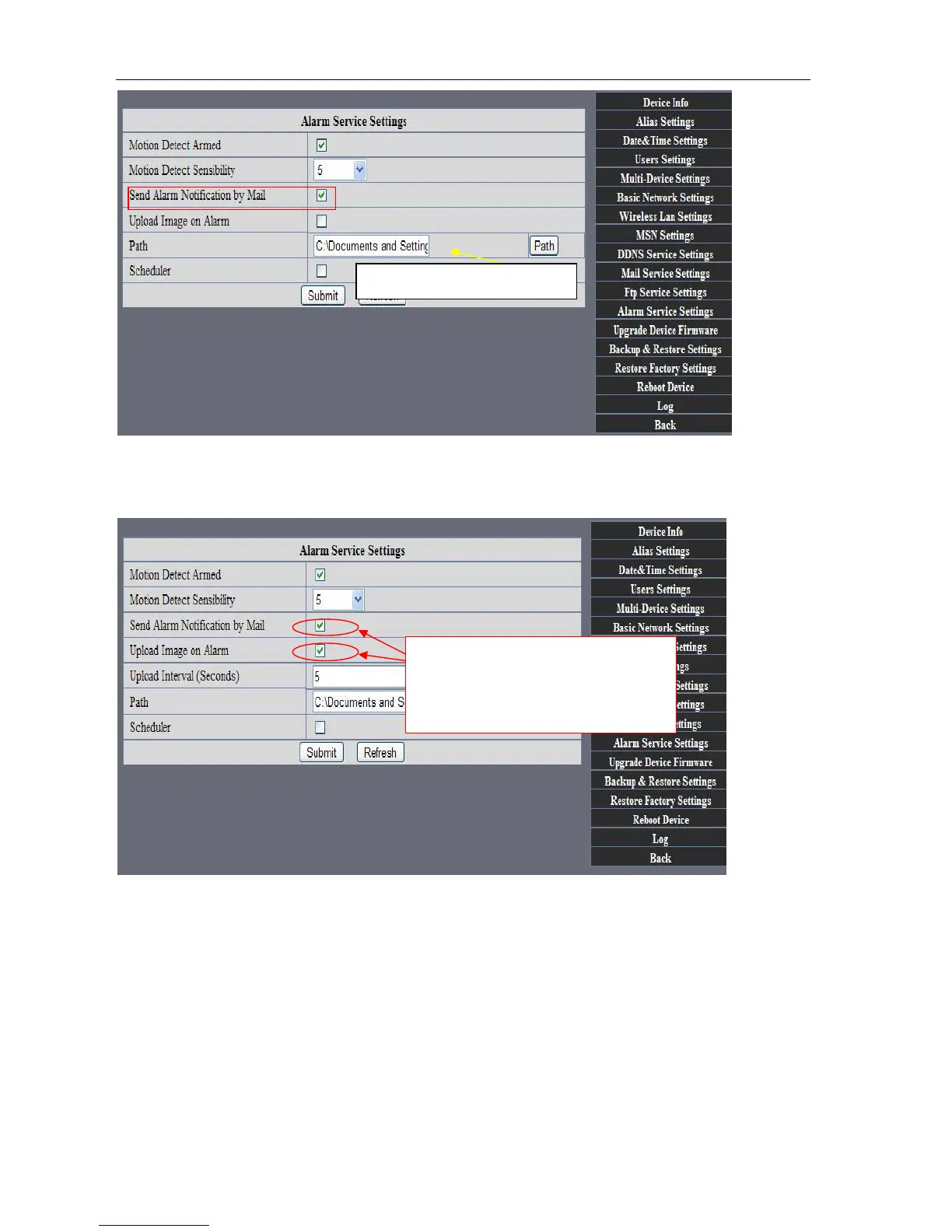
Upload Image on Alarm
Enable upload image on alarm and set upload interval(Seconds).
Picture 91
REC automatically and save to PC
When you enable motion detect and open the camera monitoring page on the PC. If
there is an alarm triggered, REC will start automatically for several seconds and save to
the PC.
Tick: send to your setted mails
After Setting up later ,when have the
alarm ,the image will send to
designated email and FTP server



 To Next Page