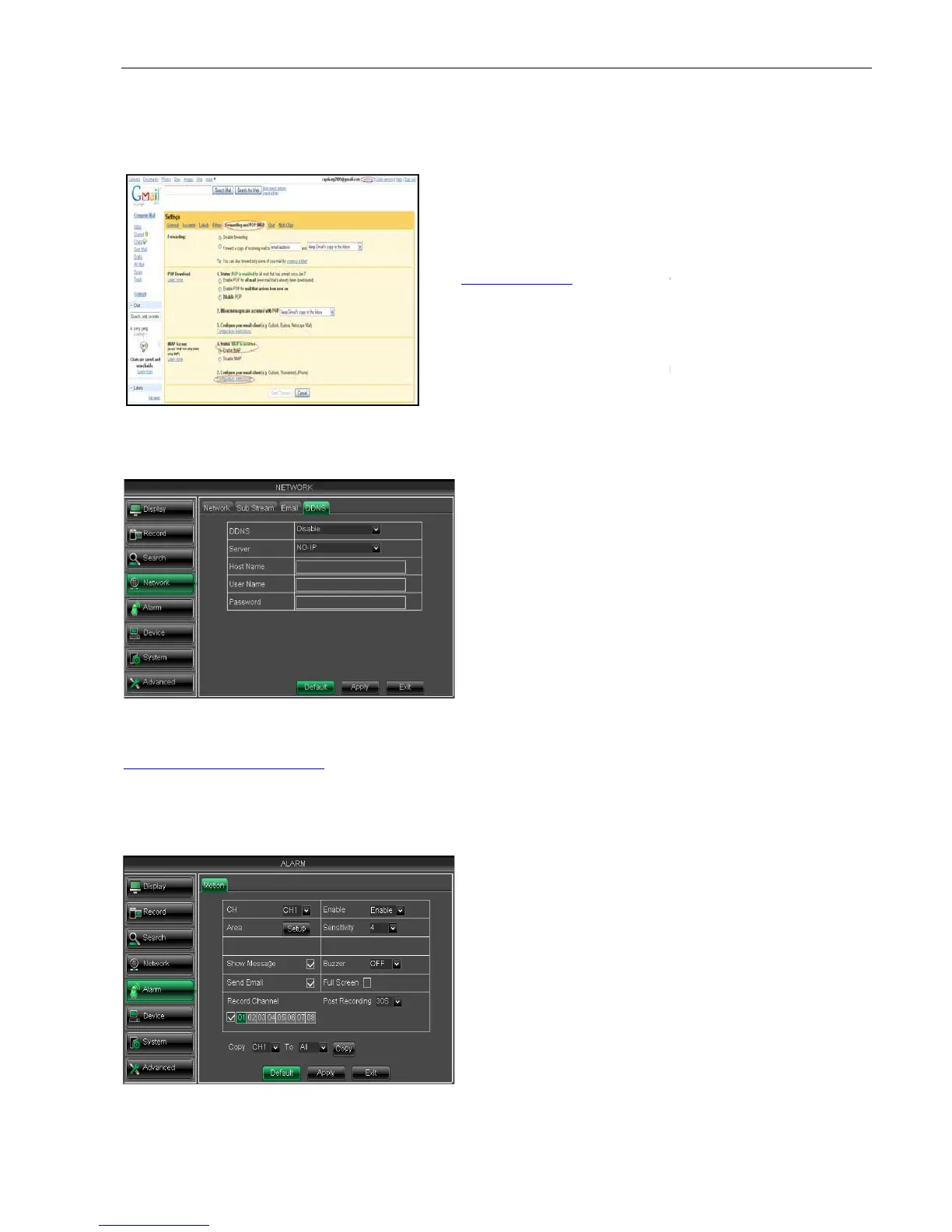
SMTP Port: indicate one kind of mail transmittal port opened by Simple Message
(SMTP). The port number for most mails is 25 except such as Gmail server (Port No.: 465).
SMTP server: indicates server address you used.
Click [Apply] button and restart the DVR; and then enter the domain name (such as:
http://superdvr.3322.org:8080
) to visit your remote DVR.
5.2.5 Alarm
5.2.5.1 Motion
Click [Main menuAlarm
Motion] to enter into the interface shown as Picture 5
Picture 5-42
Picture 5-38
Picture5-41
17
SMTP Port: indicate one kind of mail transmittal port opened by Simple Message
(SMTP). The port number for most mails is 25 except such as Gmail server (Port No.: 465).
SMTP server: indicates server address you used.
indicates sender’s email address. The
email address should be consistent with the
That is to say, when you use email address
, the according server should be
smtp.gmail.com.
Receiver address:
indicates receiver’s email address. The
email address is used to receive image transmitted from
DVR alarm. Please clear the images you have received as
soon as possible to avoid overloading your email account.
Click [Apply] button and restart the DVR; and then enter the domain name (such as:
) to visit your remote DVR.
Motion] to enter into the interface shown as Picture 5
input the host domain name you
have registered at dynamic domain name
system, such as: DVR2009.3322.org;
Input a user name registered
before applying for a domain name;
Input a password you set when
allow you enable/disable the
motion function for any channel.
Click the [Setup] button to enter
into area setup interface shown as
Picture 5-43.
Sensitivity:
allow you to set sensitivity
level of motion detection from
being the most sensitive.
allow you connect external
alarm sensor.
User Manual
SMTP Port: indicate one kind of mail transmittal port opened by Simple Message
(SMTP). The port number for most mails is 25 except such as Gmail server (Port No.: 465).
indicates sender’s email address. The
email address should be consistent with the
That is to say, when you use email address
, the according server should be
indicates receiver’s email address. The
email address is used to receive image transmitted from
DVR alarm. Please clear the images you have received as
soon as possible to avoid overloading your email account.
Click [Apply] button and restart the DVR; and then enter the domain name (such as:
Motion] to enter into the interface shown as Picture 5
input the host domain name you
have registered at dynamic domain name
system, such as: DVR2009.3322.org;
Input a user name registered
before applying for a domain name;
Input a password you set when
allow you enable/disable the
motion function for any channel.
Click the [Setup] button to enter
into area setup interface shown as
allow you to set sensitivity
level of motion detection from
being the most sensitive.
allow you connect external



 To Next Page