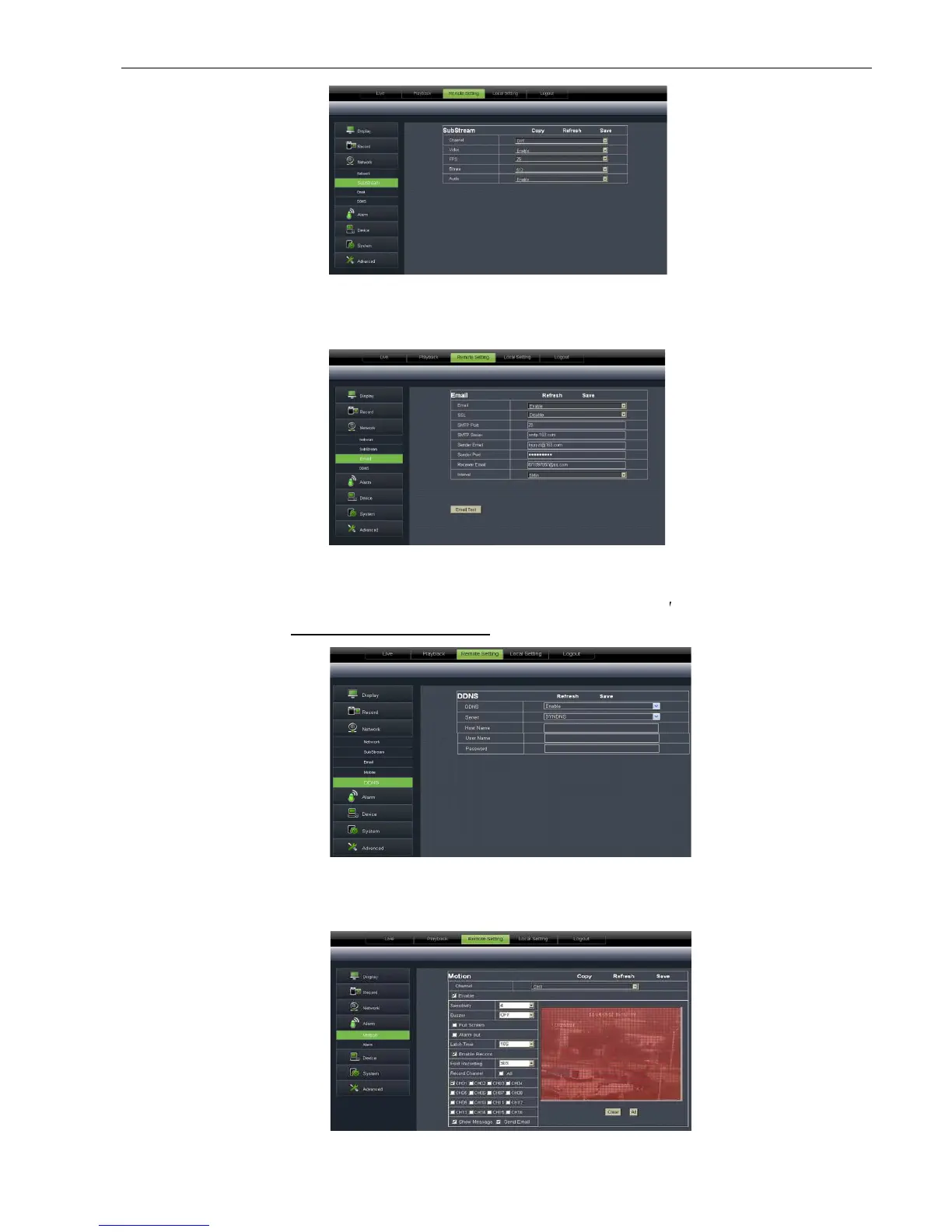
Click [Email setting] option to allow you set alarm email configuration parameters shown as
22. Detailed parameters should be consistent with DVR local setting
function under any one network type mode (Static, DHCP and PPPoE). Now you remotely visit the DVR
setting.
6.3.3.4Alarn
Motion Detection:
allow you configure its <Sensitivity>, <Alarm out>, <Alarm record> and <Alarm Capture>
etc. Details setting should be consistent with DVR loca
Click [Email setting] option to allow you set alarm email configuration parameters shown as
22. Detailed parameters should be consistent with DVR local setting
DDNS service shown as Picture 6-
24, you could enable <DDNS>
function under any one network type mode (Static, DHCP and PPPoE). Now you remotely visit the DVR
name: port No). Details setting
should be consistent with DVR local
allow you configure its <Sensitivity>, <Alarm out>, <Alarm record> and <Alarm Capture>
etc. Details setting should be consistent with DVR loca
Picture 6-21
Picture 6-22
Click [Email setting] option to allow you set alarm email configuration parameters shown as
24, you could enable <DDNS>
function under any one network type mode (Static, DHCP and PPPoE). Now you remotely visit the DVR
should be consistent with DVR local
allow you configure its <Sensitivity>, <Alarm out>, <Alarm record> and <Alarm Capture>



 To Next Page