13 / 52
The "Configuration" menu contains those parameters that are used for enabling or disabling a function
of the control unit.
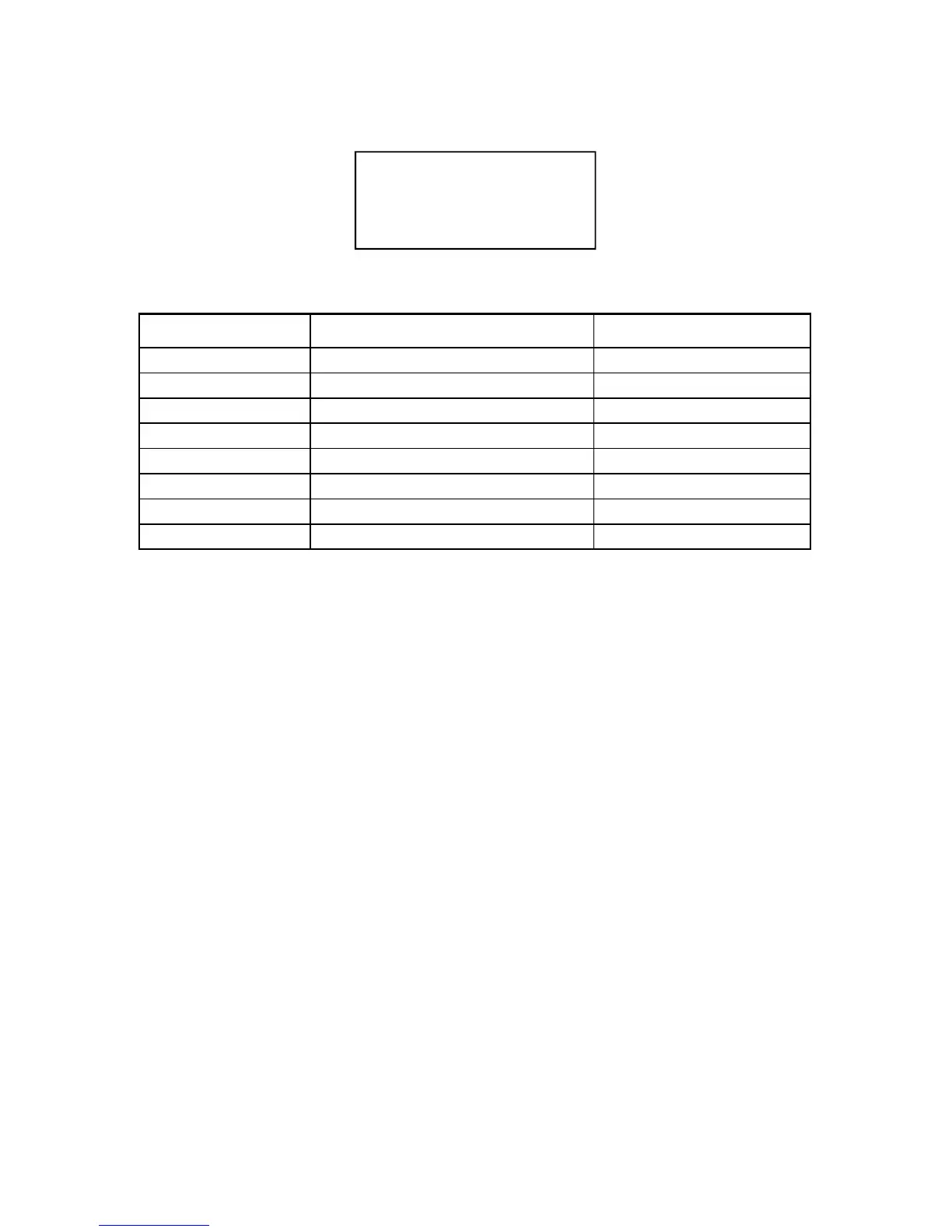
PARAMETER DESCRIPTION VALUE RANGE
START1 PRG Start cycle 1 program 00 - 63
START2 PRG Start cycle 2 program 01 - 63
PRINTER SPOT Welding spots print ALL - GOOD - BAD
STOP BAD SPOT Number of spots for out-of-limit stop 0 - 9
PROG SEQUENCE Program sequence activation ON - OFF
AMMETER CAP. Ammeter capacity 40 - 90 kA
CALIBRATION Self-calibration procedure ON - OFF
LANGUAGE Language for describing parameters ITA-ENG-SPA-DEU-FRE
CONFIGURATION MENU
START CYCLE 1
This parameter indicates the program number to be run when the cycle is activated from the start cycle
1 command. The value of the program also includes 0 which, if set, allows the control unit to work with
the program that is active in the setting.
START CYCLE 2
This parameter indicates the program number to be run when the cycle is activated from the start cycle
2 command.
SPOTS PRINT
With this parameter, if the serial port is setup for print (see "Installation" paragraph), the user can
choose which welding spots to be printed. It is possible to print all spots or only the spots whose
current value remains within the set limits or those with out-of-limits values.
OUT-OF-LIMITS SPOTS STOPPING FUNCTION
Parameter STOP SPOTS permits to program the control unit so that it stops when out-of-limits welding
spots are performed. The set value indicates the number of consecutive "out-of-limits" welding spots
after which the machine stops. The limit error occurs when a welding spot is carried out with values
either higher or lower than the limits set in parameters CURR MIN and CURR MAX. To set the value
use keys a and s ; the value can be set from 0 to 9.
If the value is set to zero, this function is deactivated; in this case, the welder does not stop even in
case of "out-of-limits" welding spots.
PROGRAM SEQUENCE
The sequence type operation is activated with this parameter. If this parameter is set to ON, the menu
for setting the program sequences will appear in the list of the main menus.
CONFIGURATION MENU PARAMETERS TABLE
---CONFIGURATION---
> START CYCLE1 10
START CYCLE2 06
SPOTS PRINT OFF


 To Next Page