6 / 52
CONTROL UNIT SWITCH-ON
It must be pressed every time the control unit is powered. When the key is pressed all the devices
connected to the VAUX are powered, such as for example, any double stroke valves.
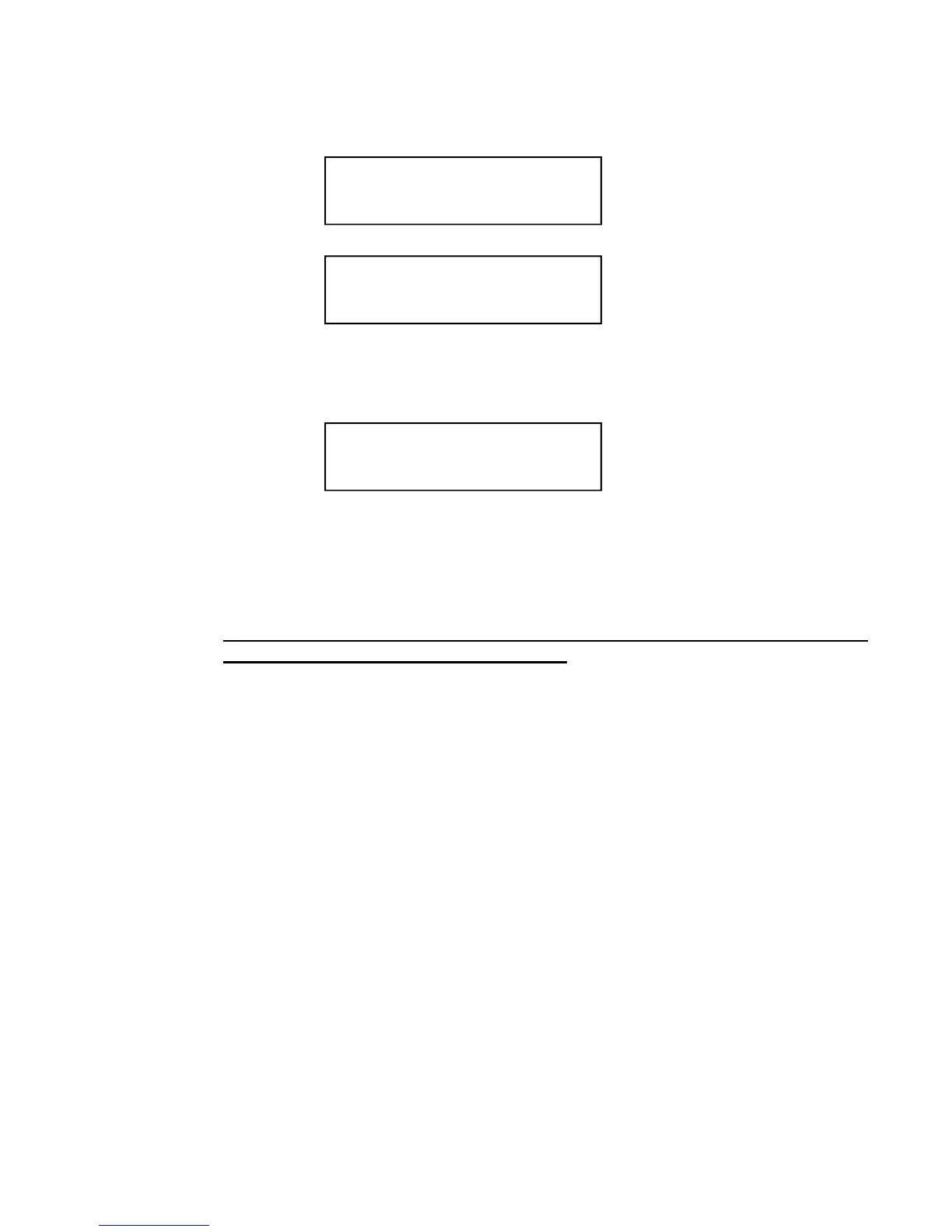
As soon as the welding control unit is turned on, the display shows the primary mains frequency and the
software version of the program.
After a few seconds, the TE500 is set to a waiting condition until the Restart key is pressed.
This key enables the control unit’s commands and outputs.
Before starting any welding operations, first program the welding data and set some general operating
parameters of the welder.
Before pressing the key it is important to check that it will not cause
injury/damage to people or equipment.
SUPPLY FREQUENCY
50 Hz.
TECNA TE500 2.31
WELD CONTROL UNIT
PUSH KEY[//]
RESTART TO CONTINUE
009
k


 To Next Page