15 / 52
The "Stepper" menu contains parameters associated with the current stepper operations.
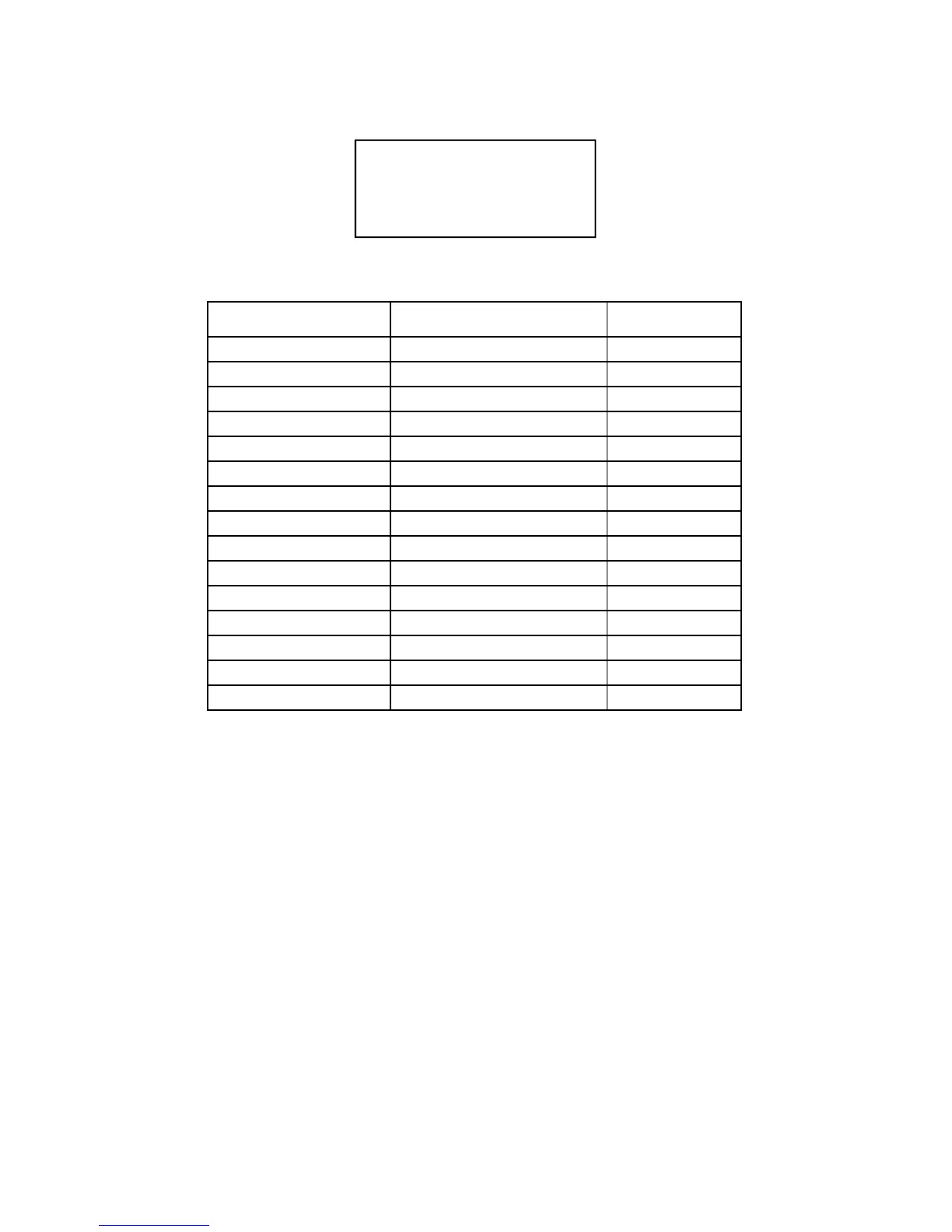
PARAMETER DESCRIPTION VALUE RANGE
TOTAL STEPS Number of incremental steps 01 - 07
SPOTS 1 Spots step 1 0 - 10000
INCREMENT-1 % Percent increment step 1 0 - 50
SPOTS 2 Spots step 2 0 - 5000
INCREMENT 2 % Percent increment step 2 0 - 50
SPOTS 3 Spots step 3 0 - 5000
INCREMENT 3 % Percent increment step 3 0 - 50
SPOTS 4 Spots step 4 0 - 5000
INCREMENT 4 % Percent increment step 4 0 - 50
SPOTS 5 Spots step 5 0 - 5000
INCREMENT 5 % Percent increment step 5 0 - 50
SPOTS 6 Spots step 6 0 - 5000
INCREMENT 6 % Percent increment step 6 0 - 50
SPOTS 7 Spots step 7 0 - 5000
INCREMENT 7 % Percent increment step 7 0 - 50
STEPPER MENU PARAMETERS TABLE
NUM. OF INCREMENTS
This parameter indicates how many segments are to be created for implementing the stepper curve.
Only the parameters that describe the desired function will be displayed in relation to the set value.
SPOTS 1,2,3,...
Each of these parameters indicates the number of spots of which the associated segment is composed.
INCREMENT 1,2,3,...
These parameters indicate the current stepper percent to be attained upon the completing of the spots
set in the associated segment.
STEPPER MENU
--- STEPPER ---
> NUM. INCREMENTS 01
SPOTS 1 4000
INCREMENT 1 12%


 To Next Page