39 / 52
PARAMETER DESCRIPTION VALUE
STEPS INCREM Number of segments for stepper function 1
SPOTS 1 Fist segment spots number 2840
INCREMENT 1 First segment increment percent 0%
The secondary current compensation function is used for facilitating the welding process of oxidized
sheets and rods. The oxidation of the workpieces blocks the current flow during the first welding phase,
thus limiting, in a different way depending on the type of welding process, the real current flow time.
The compensation function controls the welding current, until the current exceeds a pre-set threshold
equal to 2000 A. The welding time is automatically extended up to a limit of 99 periods. In this way it is
possible to carry out welding processes with a constant real current flow time. Keep in mind that this
function should be used only in the event of welding conditions that cannot be overcome otherwise,
since it is not a system that assures welding quality.
This function is activated by setting the OFF TIME parameter value to 99; when this function is active,
the control unit works in single cycle. In constant current operating mode, this function is deactivated.
COMPENSATION OF THE SECONDARY CURRENT
The control unit contains a weld counter with the possibility of programming the maximum number of
welding spots. During the welding process, the control unit displays the value currently attained by the
counter. The counter is updated after each welding spot, with the only exception of welding tests
carried out in NO WELD.
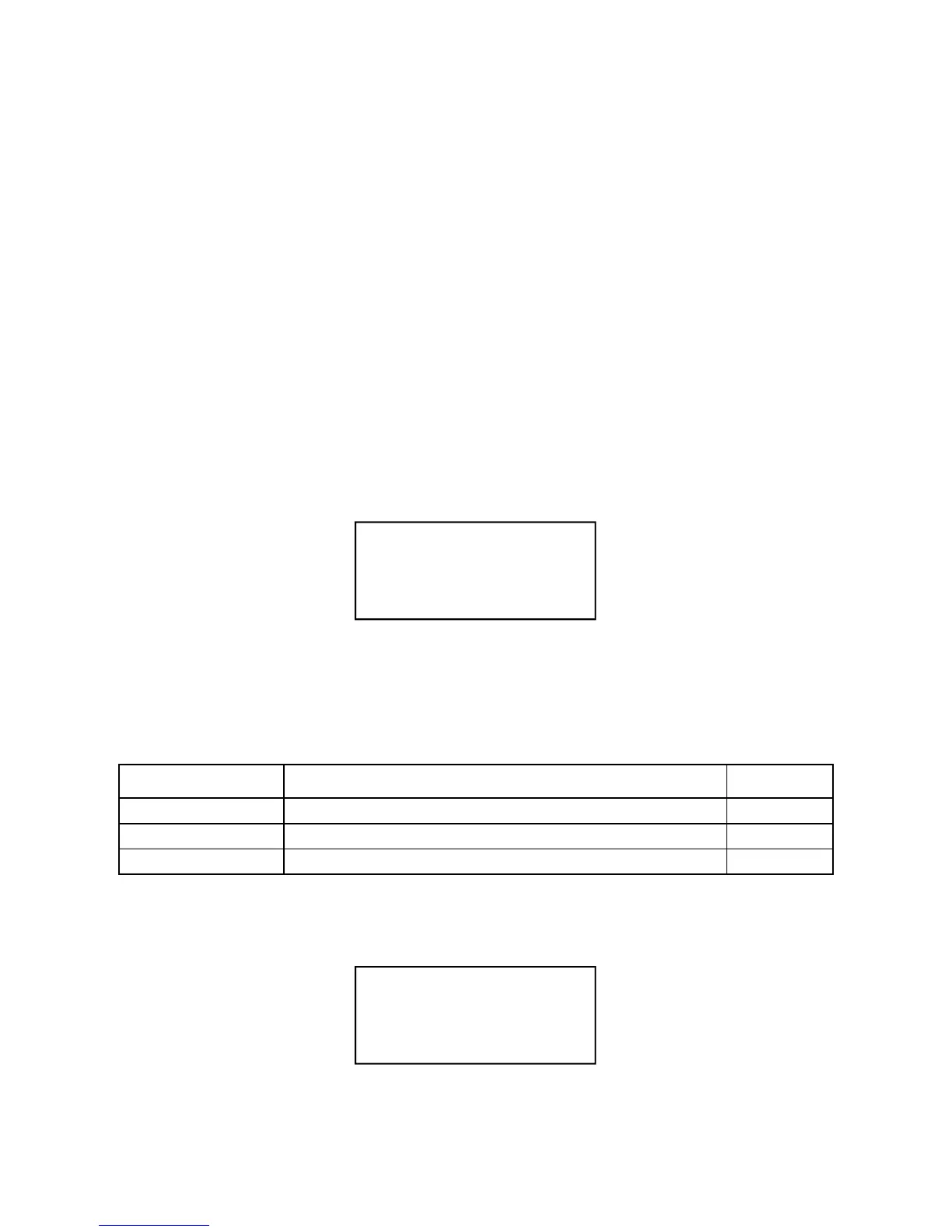
To clear the counter press, in RUN mode, the CLEAR key. The display will show the following
message:
WELDING SPOTS COUNTER FUNCTION
Press the MINUS (-) key to clear the counter otherwise wait 8 seconds to end the procedure without
clearing the counter.
The maximum welds number is set by following the same procedure described for the stepper function.
For example, if you want to carry out 2840 welding spots without using the stepper function, set the
following parameters in the setup menu:
When setting these parameters, the counter is automatically cleared.
When the counter attains the set number of welds, the control unit displays the following message:
Welder operations are interrupted until the counter is cleared. If SPOTS 1 parameter is set to zero, the
stop function is deactivated.
CLEAR COUNTER
SPOTS? [-]=YES
-----STOP-----
N. MAX SPOTS


 To Next Page