23 / 52
PROGRAM COPY MENU PARAMETERS TABLE
PARAMETER DESCRIPTION VALUE RANGE
SOURCE PROGRAM Source program 01 - 63
FROM PROGRAM Program start copy/target 01 - 63
TO PROGRAM Copy end program 00 - 63
The "Program copy" menu is used for copying the values of the parameters of a program to other
programs without having to set one parameter at a time.
PROGRAM COPY MENU
SOURCE PROGRAM
This program indicates the number of the program to be copied to other programs. The value of this
parameter may vary from 01 to 63.
COPY FROM PROGRAM
This program indicates the first program into which the source program is copied in the case of a multi-
program copying operation. If it concerns an individual copying, it represents the target program to
which the source program is to be copied. The value of this parameter may vary from 01 to 63.
TO PROGRAM
This program indicates the last program into which to copy the source program. The value of this
parameter may vary from 00 to 63. Programmed value 00 indicates that the source program will be
copied to the target program only.
To copy programs access the copy menu from the main menu using key g , set the desired values in
the aforesaid parameters and then press key h .
Now the confirmation message of the copying action is displayed:
Press key a to copy, conforming to the parameters displayed in the video page shown above. The
operation is completed when the last line of the display is filled and the control unit shows the main
programming video page. If any other key is pressed or if you wait a few seconds, the operation will not
be carried out and the main programming video page is returned to.
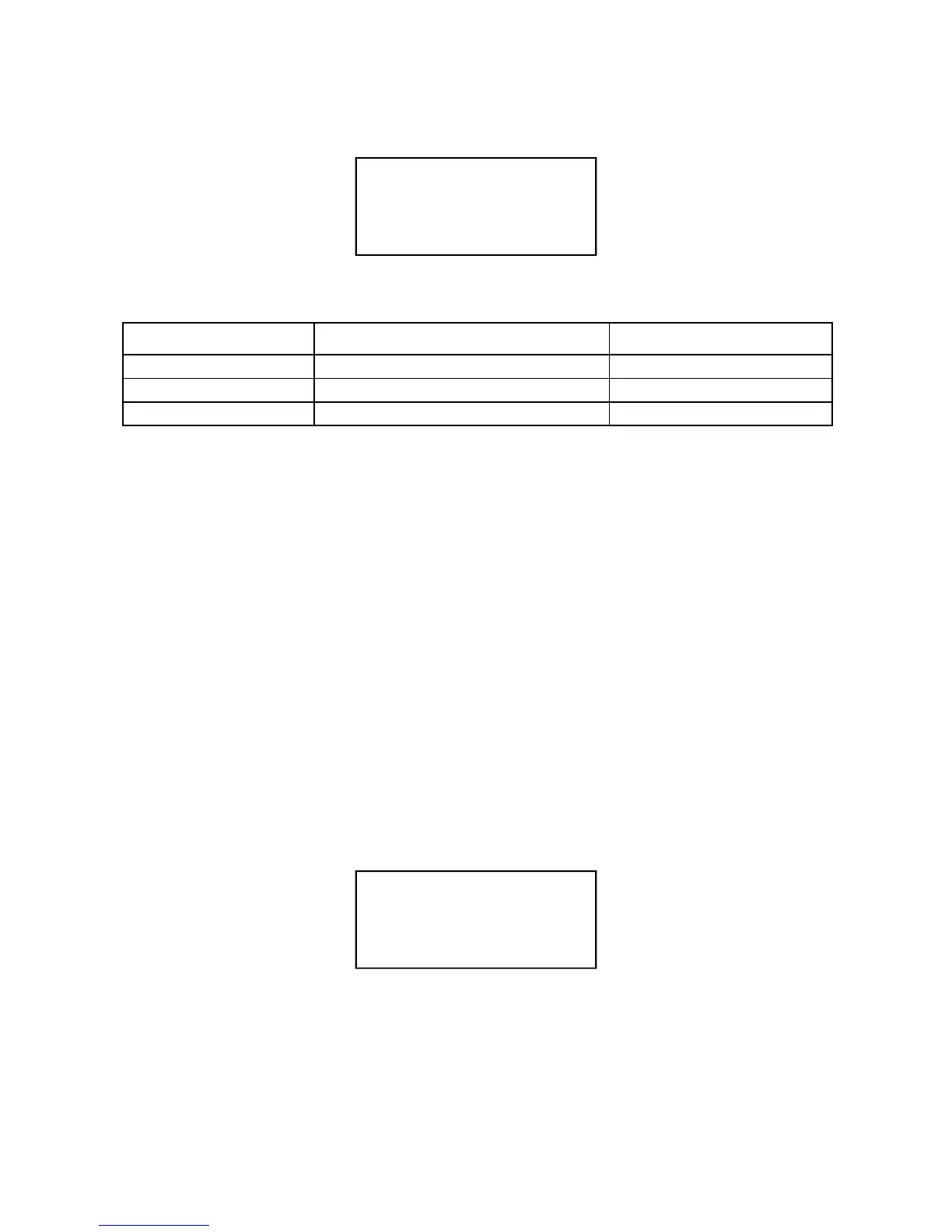
-- PROGRAMS COPY --
> SOURCE PROGRAM 03
FROM PROGRAM 06
TO PROGRAM 10
COPY PROGRAM <03>
FROM <06> TO <10> ?
PRESS KEY[+]=OK
❙
❙
❙
❙
❙
❙
❙
❙
❙
❙
❙


 To Next Page