30 / 52
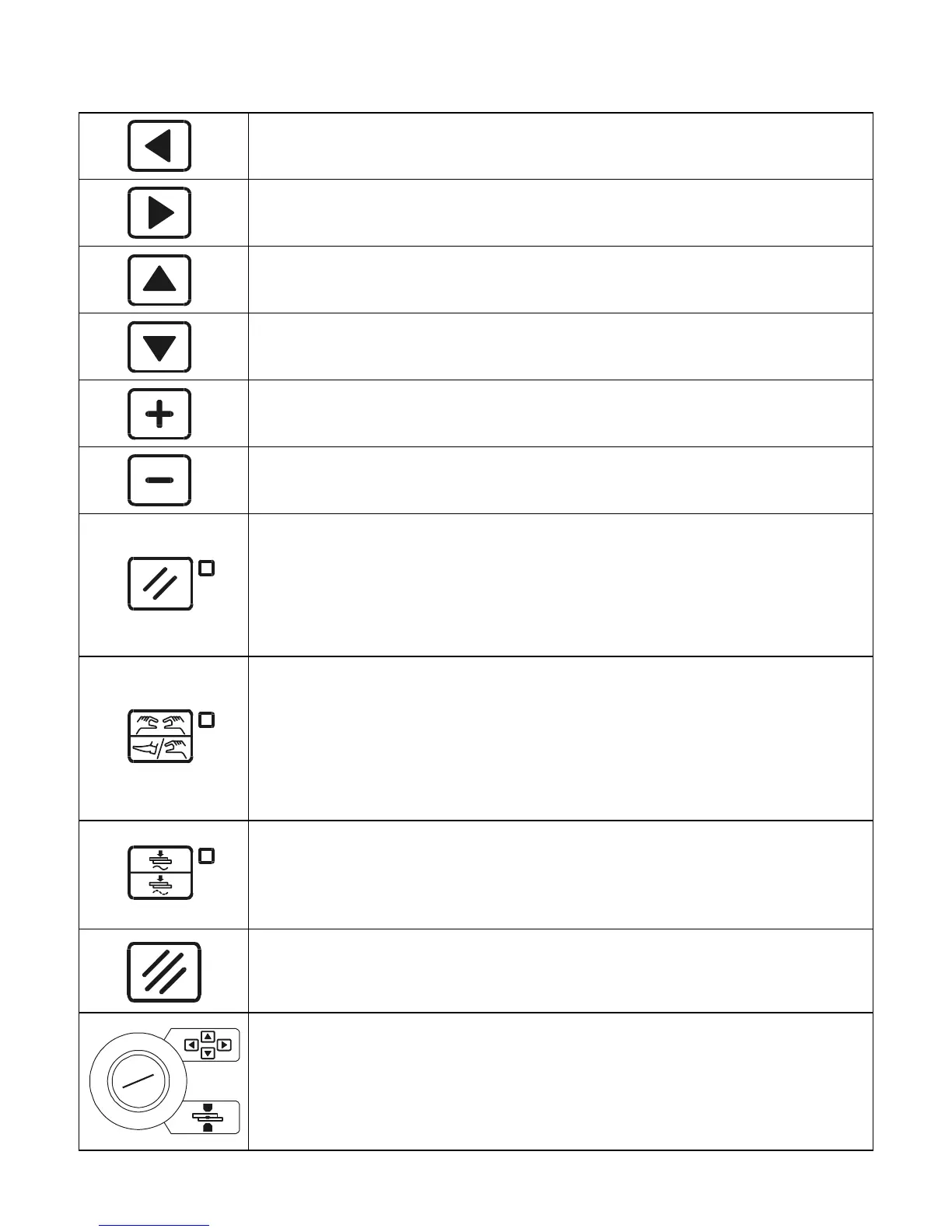
Left direction key used for exiting from the programming menu.
Right direction key used for accessing the programming menu.
Up direction key used for moving the cursor into the upper parameter.
Down direction key used for moving the cursor into the lower
parameter.
This key is used for increasing the value of a numeric parameter, or for
changing the status of a parameter.
This key is used for decreasing the value of a numeric parameter, or for
changing the status of a parameter.
RESTART key. It enables the commands and the control unit's outputs.
It must be pressed every time the control unit is powered. When this key
is pressed, all the devices connected to VAUX are powered such as for
example any double stroke valves. Before pressing the key it is
important to check that it will not cause injury/damage to people or
equipment.
Key for selecting the start cycle device: PEDAL or TWO-HAND
CONTROL. When the nearby LED is switched off, the start cycle
command is carried out by the PEDAL whereas if the LED is switched
on, the command is carried out by two-hand push buttons (TWO-HANDS
CONTROL). In order to work properly, the two push buttons must be
pressed at the same time or in sequence within a maximum time of 0.5
seconds conforming to the accident prevention regulations.
WELD-NO WELD Key. In WELD position (LED switched on) the control
unit runs the programmed welding cycle. In NO-WELD position (LED
switched off), the control unit runs the programmed cycle without welding
current circulation yet keeping all the time parameters unchanged.
CLEAR Key. It is used to clear the error conditions and for zeroing the
welds counter and during programming activities for zeroing the
parameters.
PROG-RUN Key selector. In PROG position (key turned to the 4-button
position) it enables the keyboard and allows the running of all the
foreseen programming operations. In RUN position it enables the spot
welder commands and allows the running of the work program only.
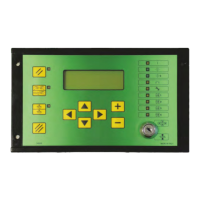
COMMANDS ON THE PANEL


 To Next Page