EasyManua.ls Logo

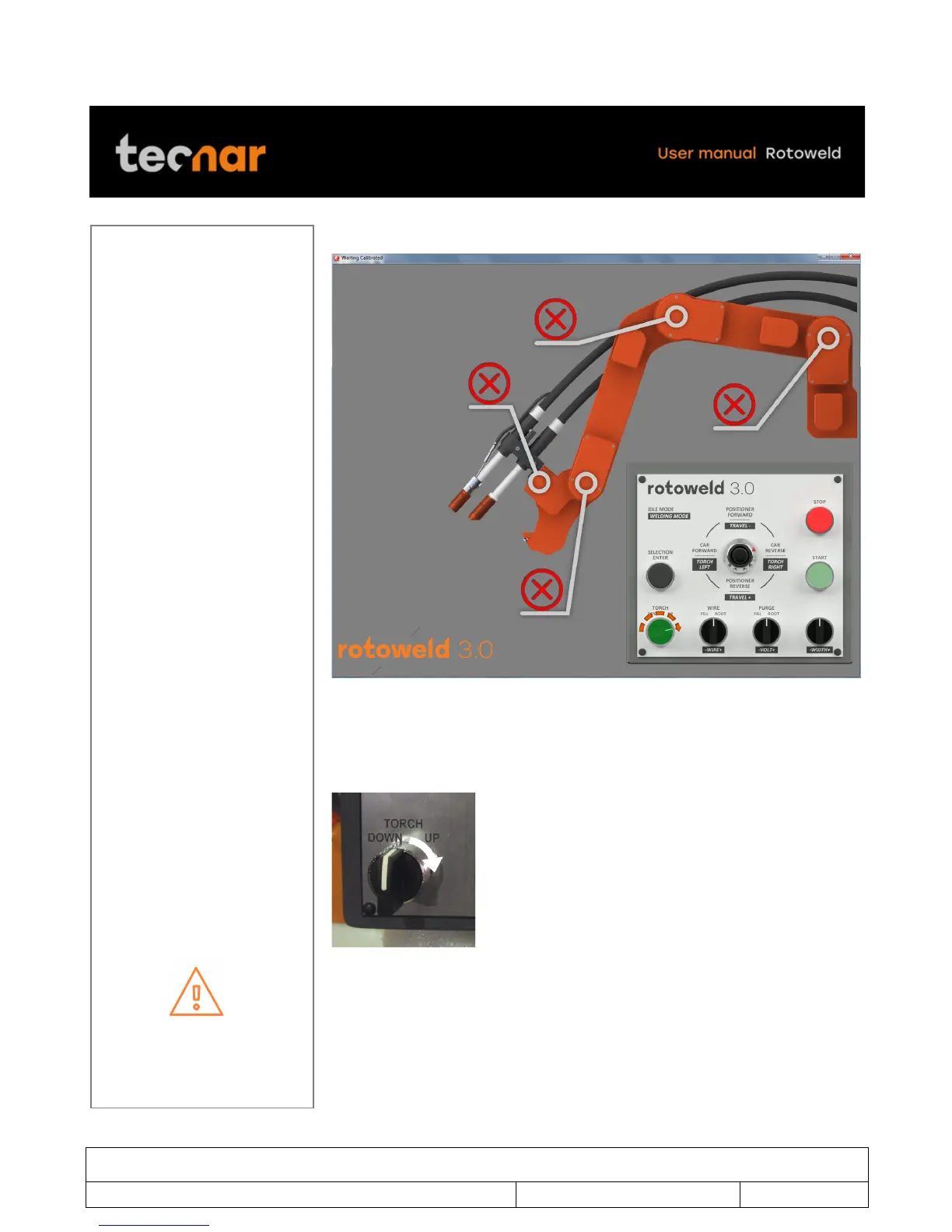
Tecnar Rotoweld 3.0 - Figure 10 Calibration Screen will Display; Figure 11 Torch up

Default Icon
48 pages
Print Icon
To Next Page IconTo Next Page
To Previous Page IconTo Previous Page
Loading...
This document contains information considered proprietary and confidential to Tecnar Automation Ltd
40101-00020-00Rev 1.2
Revision date: 2017-07-31
Page 19 of 48
!
Calibration screen will display (Figure 10).
FIGURE 10 CALIBRATION SCREEN WILL DISPLAY
Proceed to calibration for all axes by holding down the TORCH UP knob on
the pendant. Wait until the “Calibration complete” message appears on the
screen to release the knob (Figure 11).
FIGURE 11 TORCH UP
If one or more axis fails to calibrate, refer to arm error calibration on page 19

Table of Contents

Other manuals for Tecnar Rotoweld 3.0