6.19 PRE FLOW AND POST FLOW
6.19.1 DURATION:
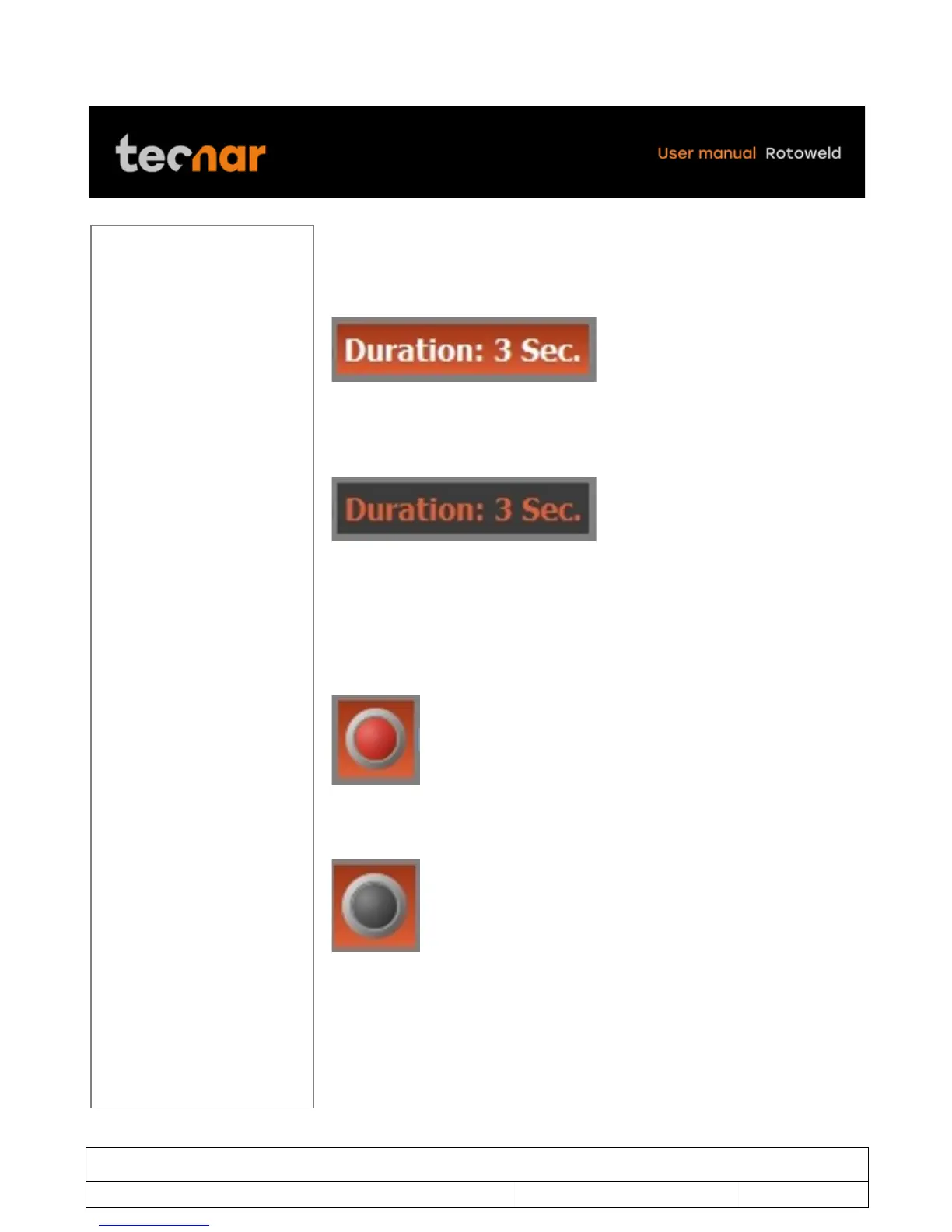
Move the joystick on the DURATION parameters (figure 68).
FIGURE 63 PRE FLOW AND POST FLOW- DURATION
By pressing the SELECTION/ENTER knob you will be able to change the
desired value by moving the joystick up or down. (figure 69).
FIGURE 64 PRE FLOW AND POST FLOW-DURATION
Once finished, you can exit the DURATION parameters by pressing the
SELECTION/ENTER knob.
You can also disable or enable the PRE FLOW by selected the LED image.
Enable (figure 46)
FIGURE 65 ENABLE
Disable (figure 47)
FIGURE 66 DISABLE



 To Next Page