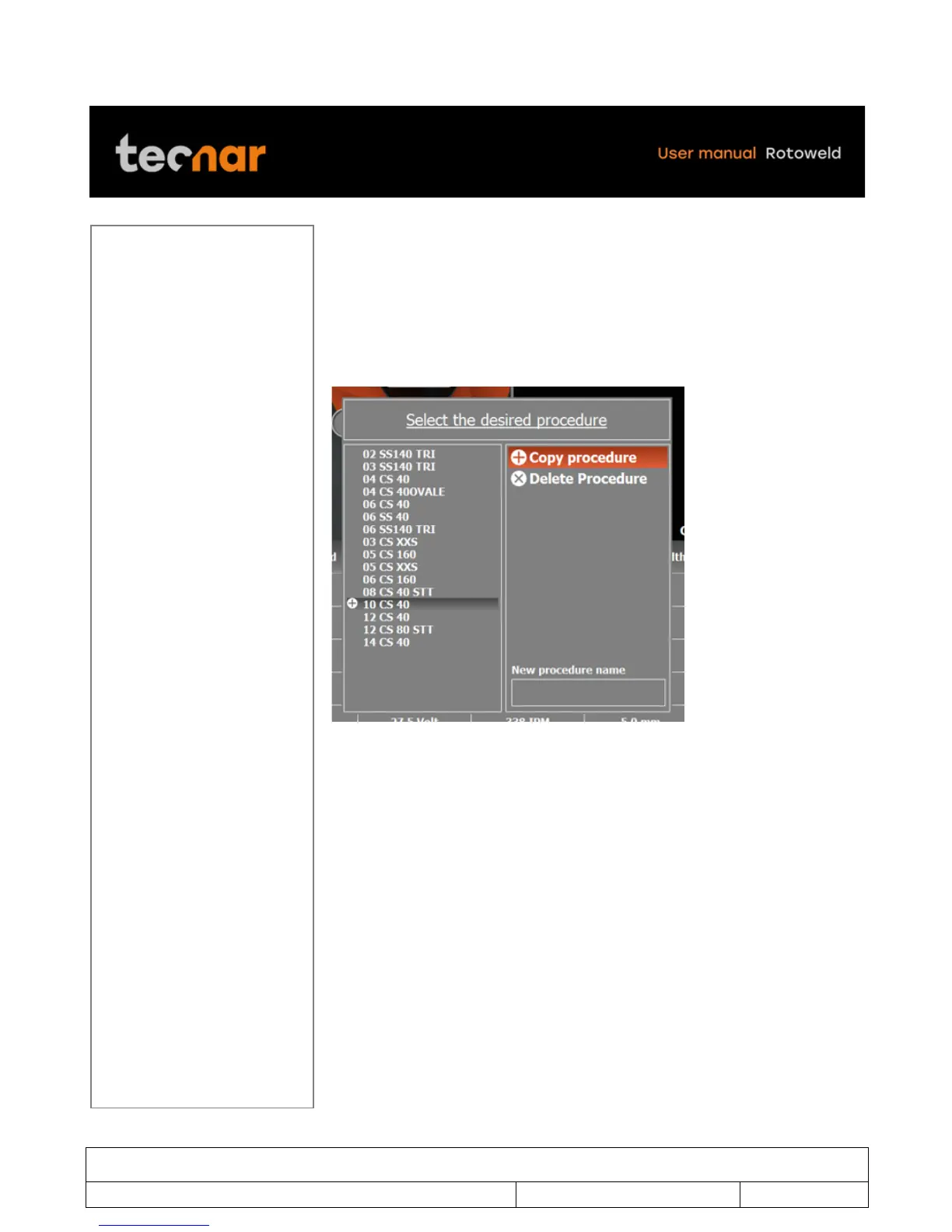
In this popup menu, you can move the cursor with the joystick to the desired
PROCEDURE. Once the desired PROCEDURE name is selected, press
SELECTION/ENTER button to confirm your choice. If you decided to return
to the welding screen without choosing a new PROCEDURE, only press the
STOP button to escape and return to the welding screen.
To create a new PROCEDURE, first select an existing one to start from and
move the cursor to COPY PROCEDURE (figure 28).
!
FIGURE 28 COPY PROCEDURE



 To Next Page