EasyManua.ls Logo

Tecnar Rotoweld 3.0 - Figure 26 Procedure Section; Figure 27 Popup Window Displayed; Procedures Section Editing

Default Icon
48 pages
Print Icon
To Next Page IconTo Next Page
To Previous Page IconTo Previous Page
Loading...
This document contains information considered proprietary and confidential to Tecnar Automation Ltd
40101-00020-00Rev 1.2
Revision date: 2017-07-31
Page 32 of 48
!
6.9 PROCEDURES SECTION EDITING
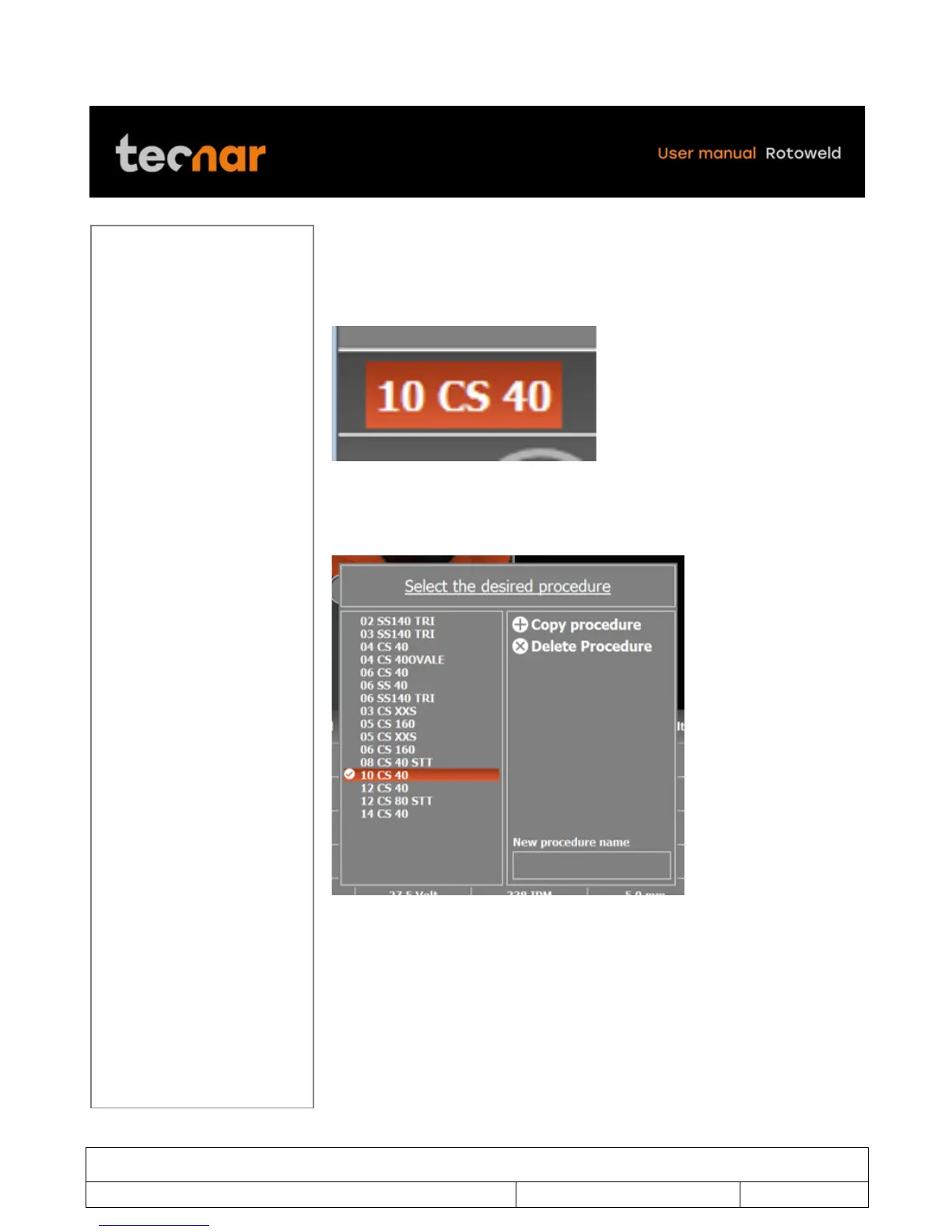
In the Rotoweld context, the set of welding parameters proper to each
individual pipe size are saved in a file called a “procedure” (figure 26). With
the joystick move the cursor to the PROCEDURE section (figure 26).
!
FIGURE 26 PROCEDURE SECTION
When you are in the PROCEDURE section, press SELECTION/ENTER
button. A popup window will be displayed (figure 27).
!
FIGURE 27 POPUP WINDOW DISPLAYED

Table of Contents

Other manuals for Tecnar Rotoweld 3.0