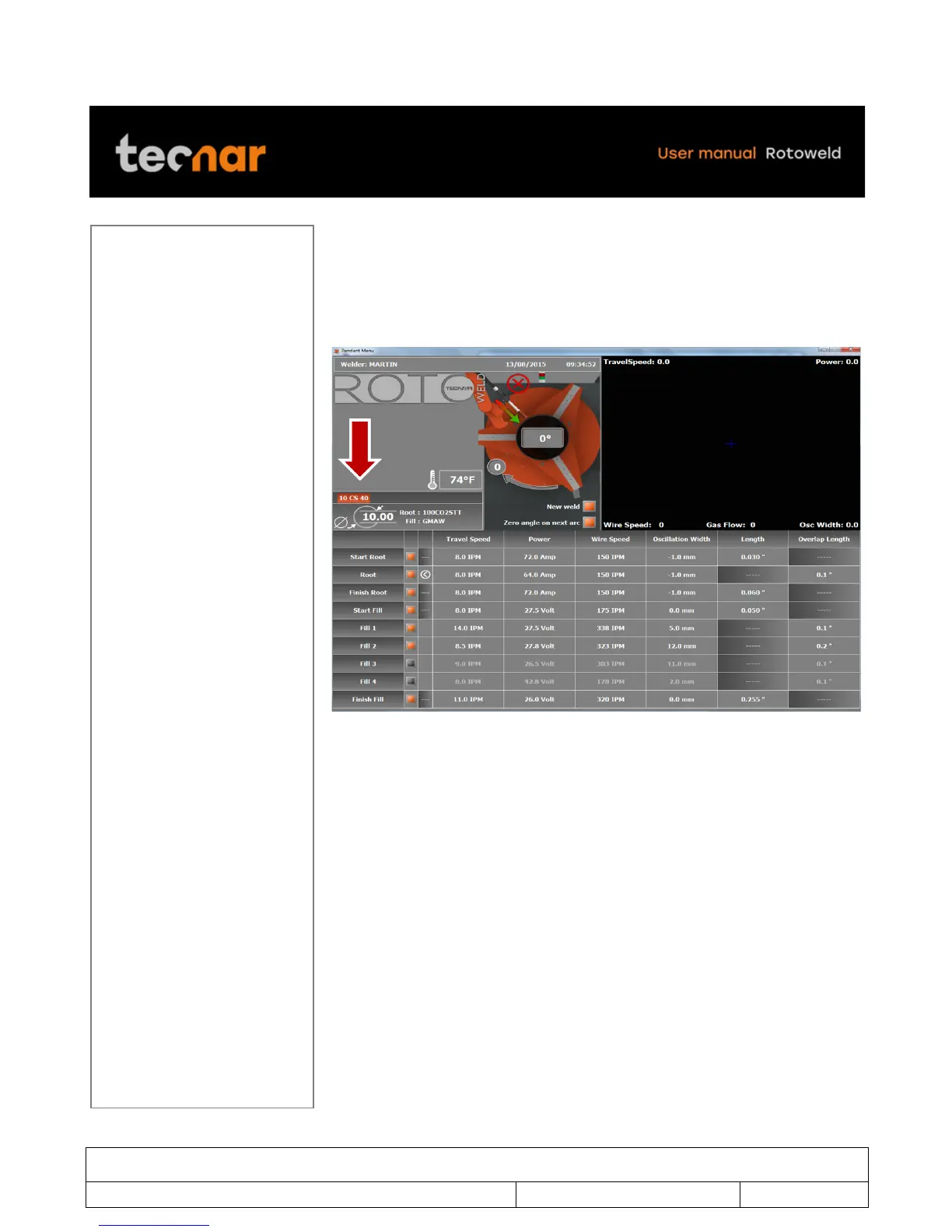
6.7 ACCESS TO EDITING MODE
In idle mode, you can access the welding screen selections by pressing
ENTER. The editable selection will be highlighted with orange color. By using
the joystick, you can move across the welding screen to the desired selection
(figure 20).
!
FIGURE 20 WELDING SCREEN
The bottom portion of the welding screen is dedicated to the welding
parameters related to the selected procedure. This section is also used to
edit the parameters when the key is set to its UNLOCK position (figure 4
page 11).



 To Next Page