The following parameters can be edited in the ROOT PROCESS edition
screen.
6.12 ROOT PARAMETERS
TORCH ANGLE:
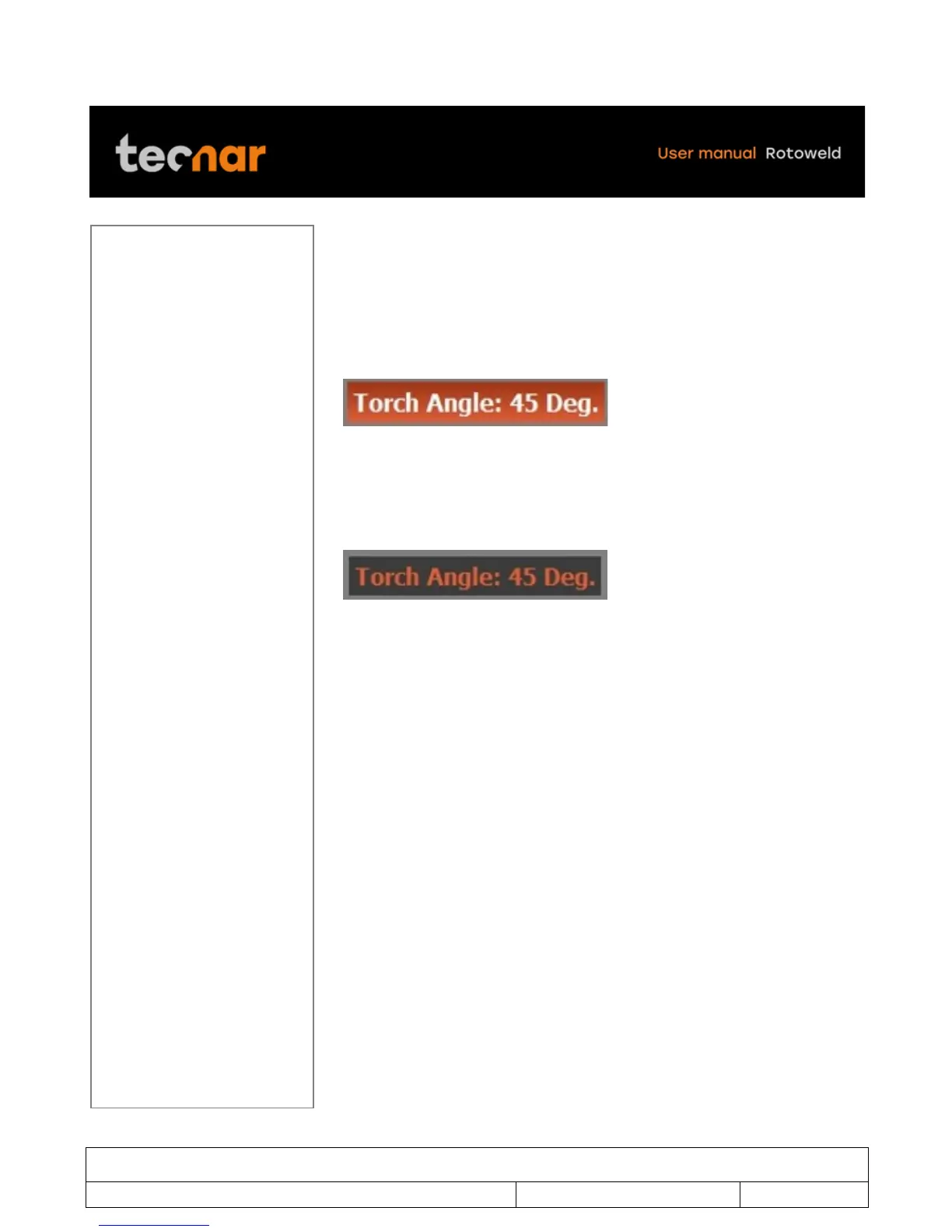
Move the joystick on the TORCH ANGLE parameters (figure 34).
FIGURE 34 TORCH ANGLE PARAMETERS
By pressing the SELECTION/ENTER knob you will be able to change the
desired value by moving the joystick up or down (figure 35).
FIGURE 35 TORCH ANGLE
When you are finished editing the value, you can exit the TORCH ANGLE
parameters by pressing the SELECTION/ENTER knob.
!



 To Next Page