6.14 PRE FLOW AND POST FLOW
6.14.1 DURATION:
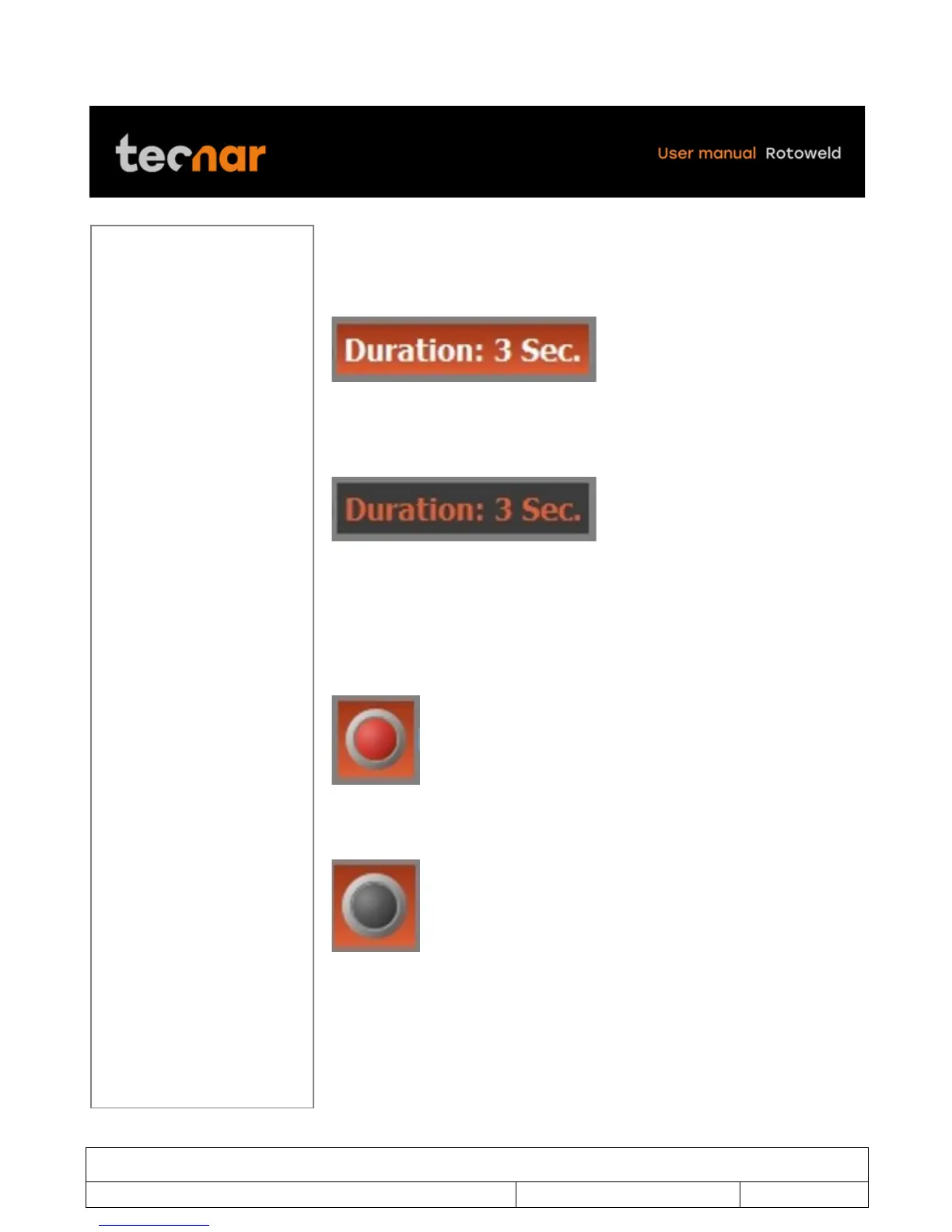
Move the joystick on the DURATION parameters (figure 44).
!
FIGURE 44 DURATION PARAMETERS
By pressing the SELECTION/ENTER knob you will be able to change the
desired value by moving the joystick up or down. (figure 45).
!
FIGURE 45 DURATION
Once finished, you can exit the DURATION parameters by pressing the
SELECTION/ENTER knob.
You can also disable or enable the PRE-FLOW by selected the LED image.
Enable (figure 46)
!
FIGURE 46 ENABLE
Disable (figure 47)
!
FIGURE 47 DISABLE
!
!
!



 To Next Page