6.10 PIPE SIZE EDITING
In situations where you are welding different diameters of the same material,
the only welding parameter that will change is the pipe-spool size.
In such cases, without changing the procedure, one can simply use the PIPE
SIZE option to adjust to the new diameter.
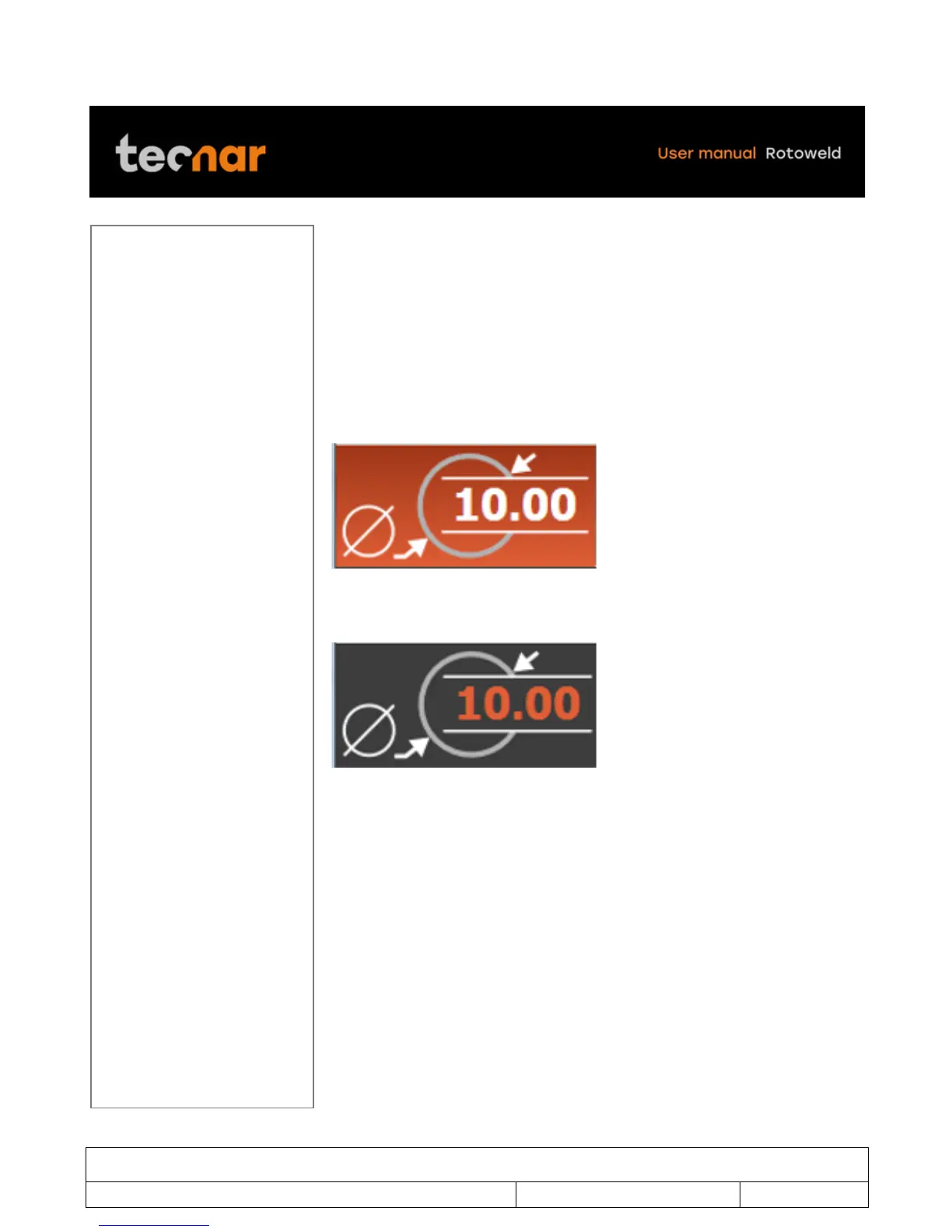
To do so, with the joystick, move the cursor to the PIPE SIZE section (figure
30).
!
FIGURE 30 PIPE SIZE SECTION
Once there, press the SELECTION/ENTER button.
!
Move up or down with the joystick to adjust to the desired diameter.



 To Next Page