- 33-
10.6 Replacement of integrating sphere
(1) Turn off the power and pull out the power cord
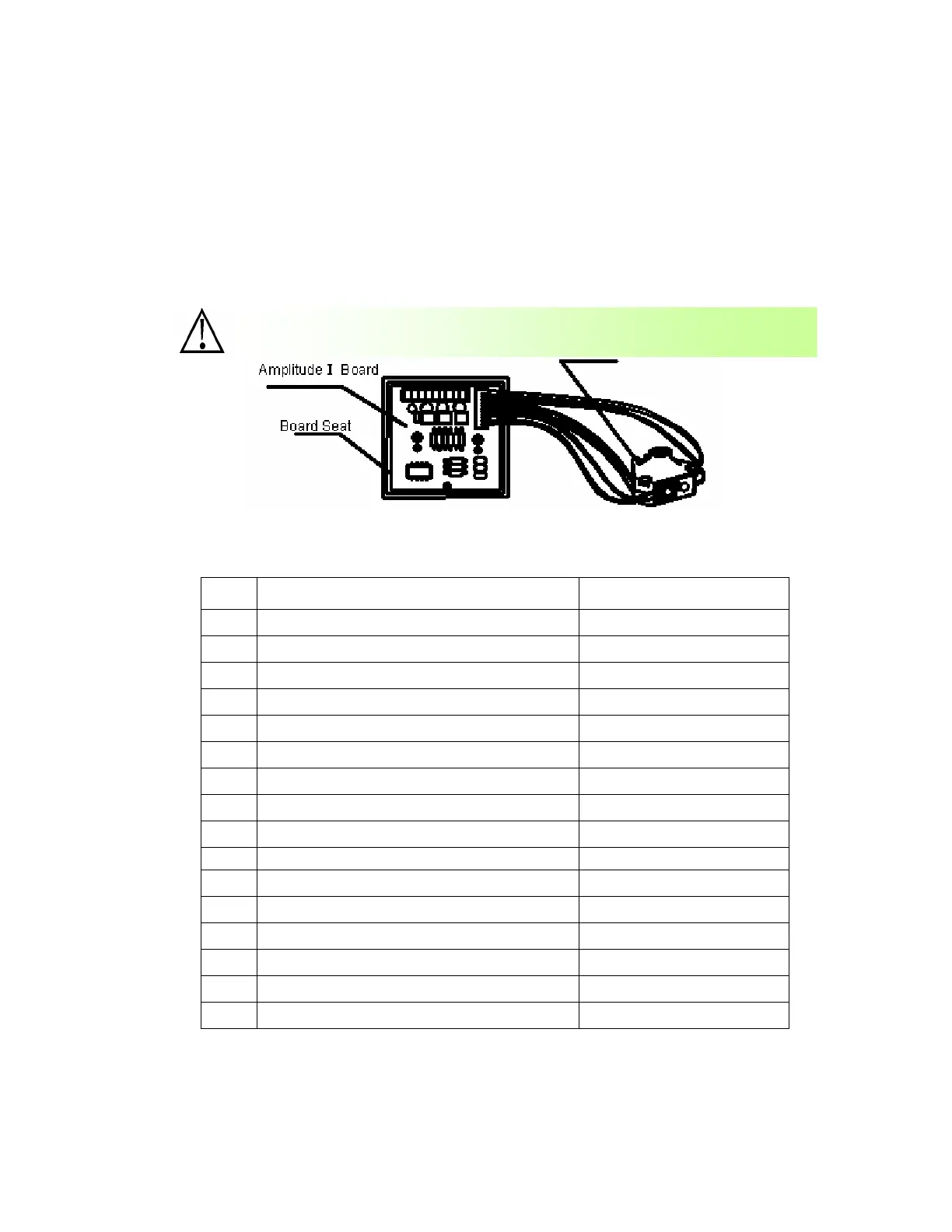
(2) Remove the bolts fixing the amplified I board and light holder
(3) Remove the lead connecting the amplified I board and the main board. And the integrating
sphere can be removed.
(4) Remove the lead of the integrating sphere and replace the new integrating sphere and connect
the leads in original procedures and install it in reverse procedures of the above.
10.7 Parts list
NO. Name of parts Remarks
1 Upper cover of apparatus
2 Lower cover of apparatus
3 Integrating sphere box
4 Printer
5 Printer board
6 LCD screen
7 Switch Power
8 Translation shift board
9 Pin board
10 Motor drive board
11 CPU board
12 Keystroke board
13 Amplified I board
14 Limit board
15 Test board
16 Face board
The plugs shall be connected according to their labels; otherwise the
a
aratus will not be able to work.


 To Next Page