- 16-
SPECIAL DIRECTIONS
Do not move the instrument while a test is running. It will cause the instrument to malfunction.
The apparatus will begin to test the first test strip at the 60 seconds and will test one test strip every 5
seconds thereafter.
The Instrument will automatically keep the data of all test results, and synchronously display and print the
test results
This instrument can continuously load strips due to the conveyer belt style strip carrier. Once the
instrument is in test mode and is testing simply place a dipped strip in the next position to run a test.
If you are done testing or you need stop testing in process of the test, you can exit from test status and go
back to the main operation menu by
a. Press and hold
for 2 seconds.
4.2 Paper
In the main operational menu choose “Paper” and the printing paper will automatically advance 2-3cm
every time you press pressing
.
4.3 Data Management
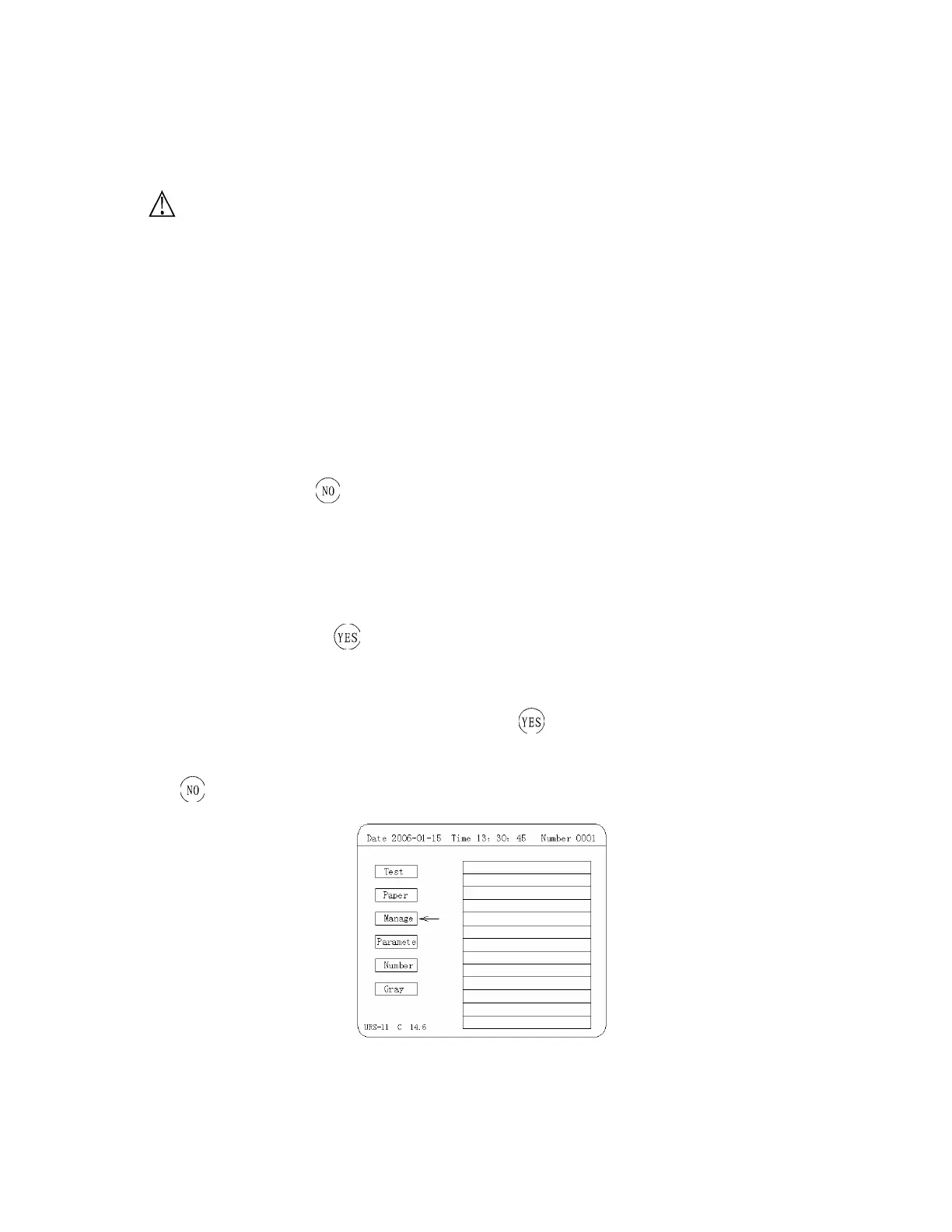
In the main operational menu choose “Manage” and press to enter into its menu (Figure 8), Then you
can do “Search, Print, Send, Comment” to the testing data. During the operation, every time you
press
, the apparatus will go back to the previous menu,


 To Next Page