6-33
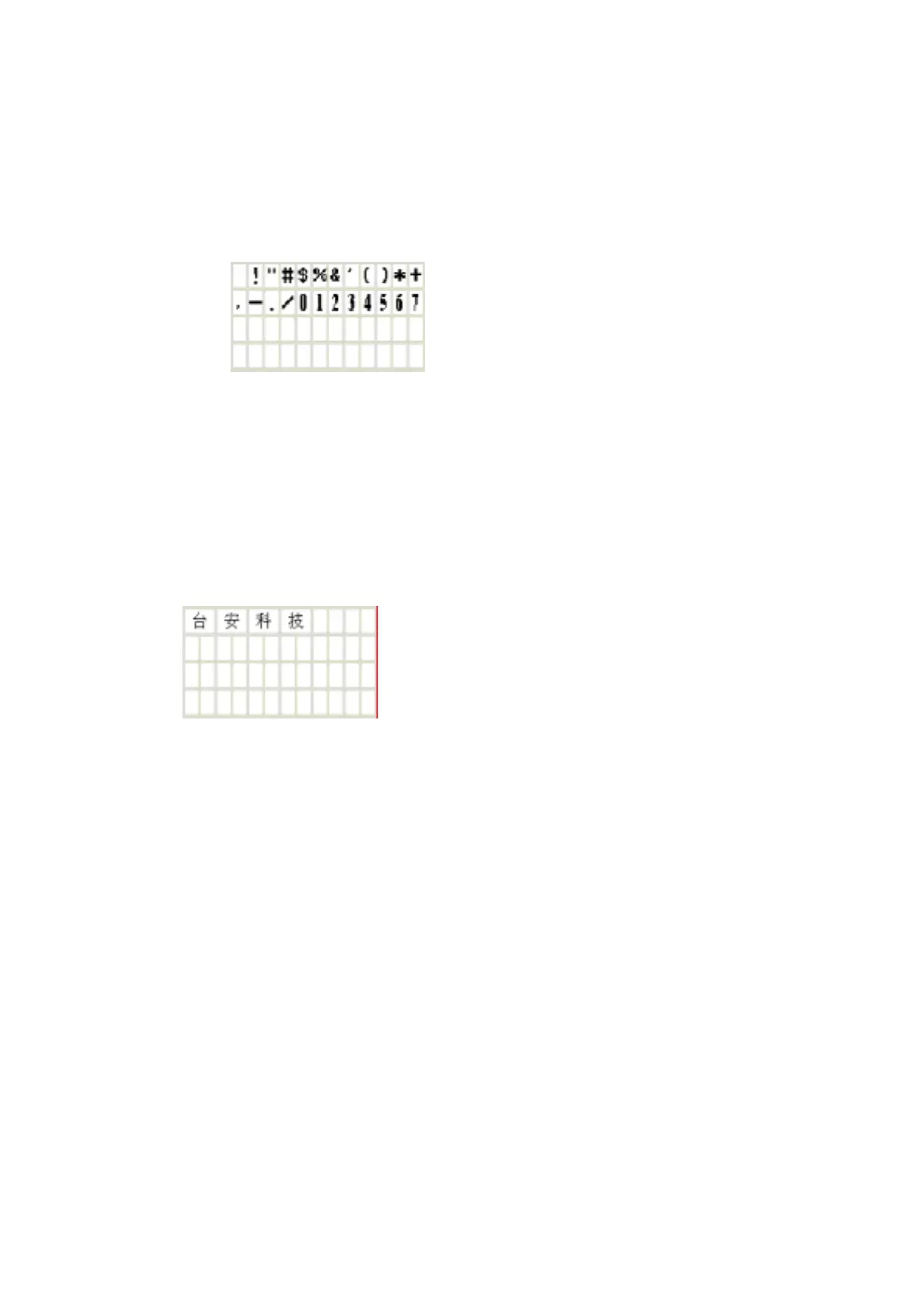
(6) To enable 'Multi Language' to display Multi languages to choose in the character input
column.
Sample:
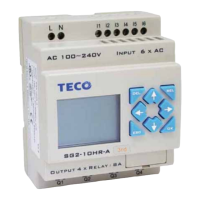
(7) The option of Chinese (fixed) is available in Chinese Operating System. To select
'Chinese (fixed)', Text Input zone displays 40 fixed Chinese characters which can be set to
Text Display Zone.
Sample:
(8) List all the character to input.
(9) The option of Chinese (edit) is available in Chinese Operating System. To select Chinese
(edit), The user can add or modify the character required with most characters are 40.


 To Next Page