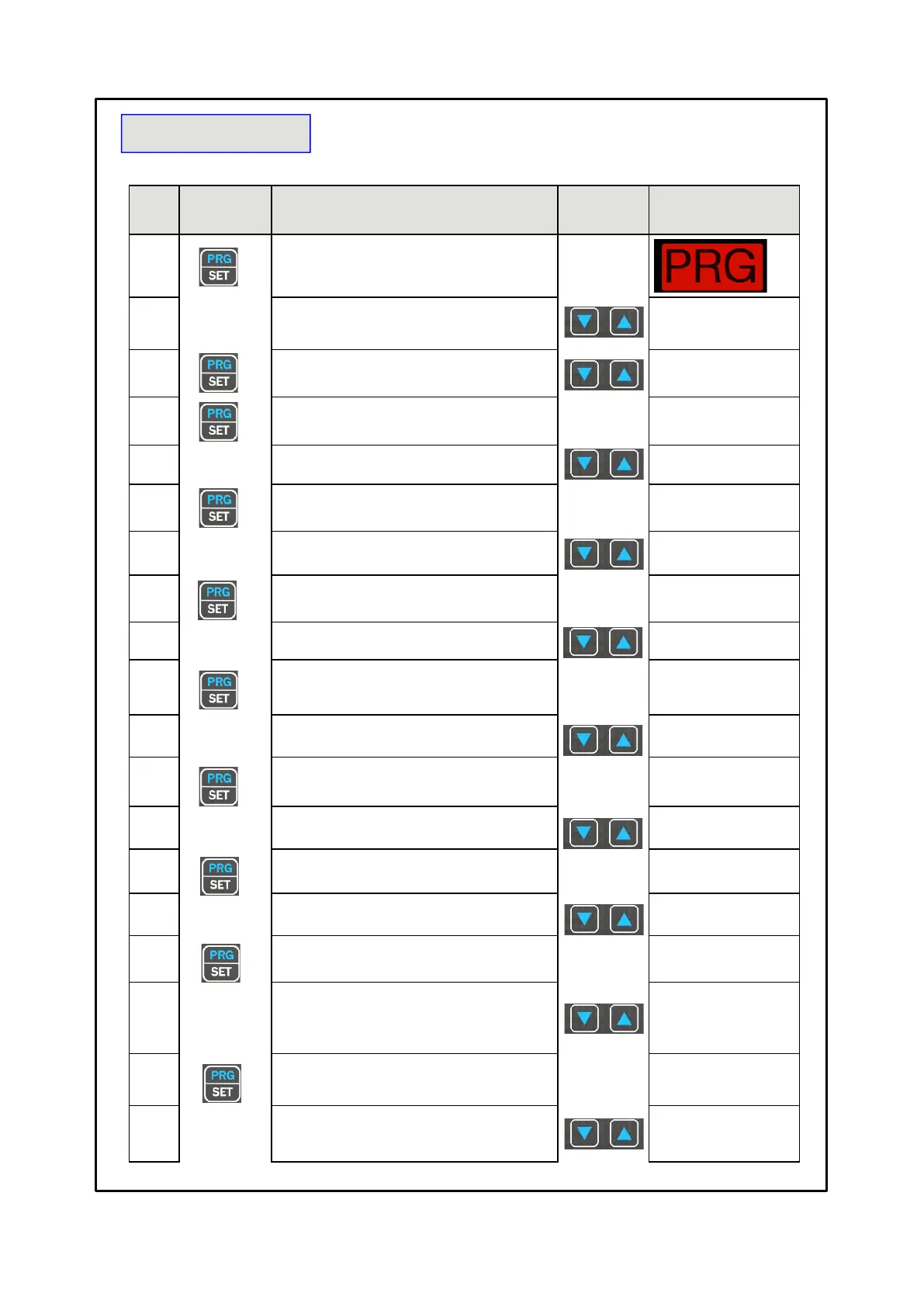
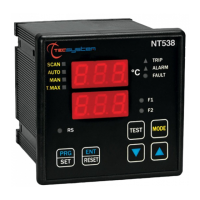
Press and hold the PRG button until the
display shows SET PRG
Select PRG SET to proceed with programming or PRG 1
to load the default values
The ALARM threshold for (CH 1-2-3) is displayed.
Set the desired threshold, the Alarm LED flashes
The TRIP threshold for (CH 1-2-3) appears and the Trip
LED flashes.
Set the desired threshold
The display shows FAN 1 (CH 1-2-3)
LED Fan1 flashes.
If INT is selected
read function notes page 17 .
The display shows (CH4)
Enabling CH4
with YES the CH4 is enabled
with NO the CH4 is disabled
The ALARM threshold for (CH4) appears and the Alarm
LED flashes.
If CH4=NO jump to step 16,
Default NO
Set the desired threshold
The TRIP threshold for (CH4) is displayed.
The TRIP LED flashes
Set the desired threshold
The display shows FAN 2 for CH4
The display shows ON (CH 1-2-3),
the FAN1 LED flashes
Set the desired threshold FAN1 ON
Selecting FAN 1 NO skip to
step 21 selecting INT the
LEDs of FAN1 and FAN2
flash
The display shows OFF (CH 1-2-3),
the FAN1 LED flashes
Set the desired threshold FAN1 OFF



 To Next Page