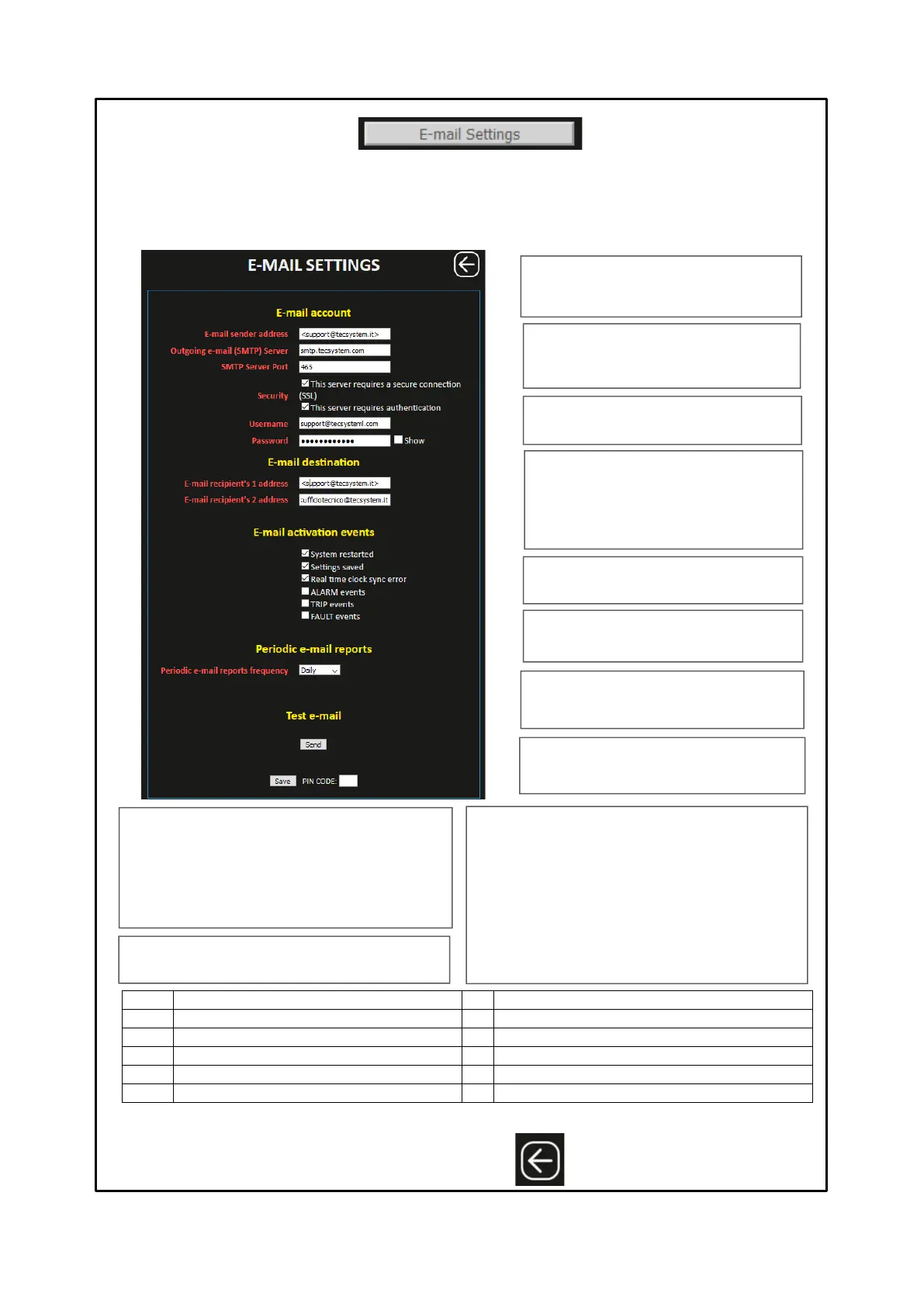
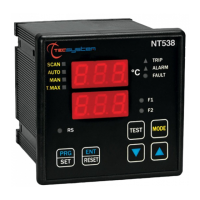
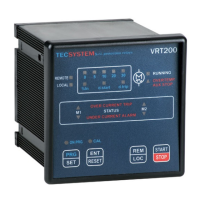
Pressing the E-MAIL SETTING button accesses the E-MAIL screen. On this page it is possible to set the email account from
which to send alarm notifications and reports. Furthermore, again on the same page, it is possible to select the predefined
events for sending emails and the periodic deadline for sending reports.
NOTE: with the aim of managing reports via e-mail we suggest the creation of a dedicated e-mail account. To ensure
a high level of compatibility we suggest the GOOGLE e-mail account, activation of the security section, access to
external APPs.
E-mail sender address: e-mail address from
which alarm notifications and reports are to be
sent
SMTP server port: set the communication
port with the SMTP server
Security flags:
√ enabling SSL secure connection check, if
provided by the mail account.
√ authentication control enabling
Username: username of the e-mail sender
email account.
Password: default password of the email
sender email account
E-mails recipient's 1 address: email address
of recipient 1 for alarm notifications and reports
E-mails recipient's 2 address: e-mail
address of recipient 2 for alarm notifications and
reports.
Outgoing e-mail (SMTP) server: address
of the mail server from which to send alarm
notifications and reports
After entering the PIN CODE, default 00000, press SAVE to save the set values. A POP UP window will confirm correct
saving of the data.
Note: PIN CODE settings and operation on page 29.
Outgoing e-mail (SMTP) server
E-mails recipient's 1 address
E-mails recipient's 2 address
E-mails activation events
E-mails activation event: they represent the predefined
events for which to send an e-mail notification.
Selection via flag √:
System restarted (control unit restart)
Setting saved (control unit programming)
Real time clock sync error (wi-fi network disconnection)
ALARM events (ALARM threshold exceeded)
TRIP events (TRIP threshold exceeded)
FAULT events (FAULT signalling)
Periodic e-mail report: represents the selection for the
periodic deadline for sending reports.
Selection:
Disabled
Daily
Weekly
Monthly
Test Mail: by pressing the SEND key it is possible to
send a test mail to the set addresses.
Press BACK to return
to the previous screen



 To Next Page