User Manual
11
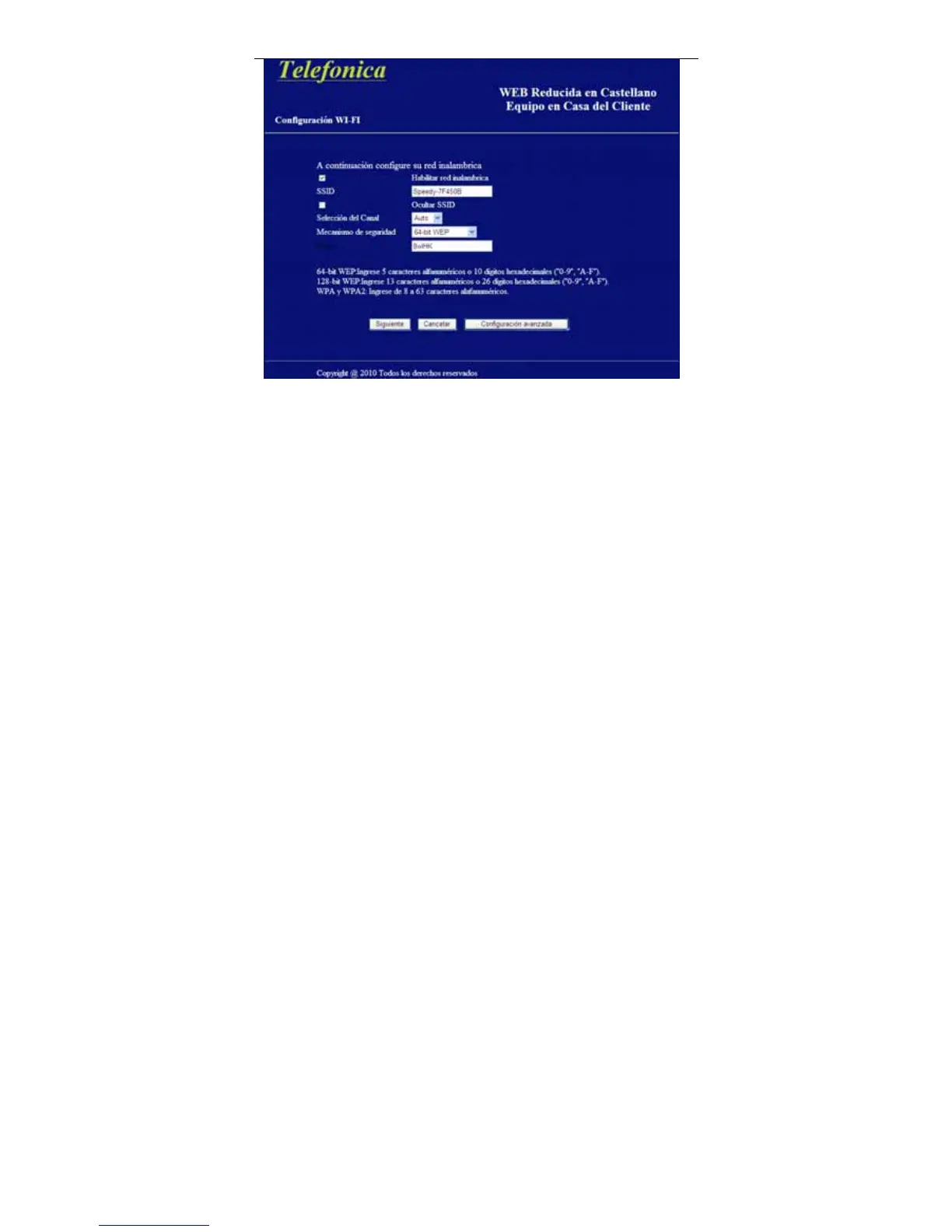
Next, you are going to config you wireless network. You can enable wireless
network, hide the SSID, select a channel and security mode, and input a key as
instructed by the screen.
Step 6 Select Next to save changes and go to the following figure, or select
Cancel to return to the Additional Services page without saving the
changes, or select Advanced Configuration to login into the
equipment.



 To Next Page